


What Domain Names Are Eligible for Free Domain Privacy?
NiceNIC provides free domain privacy for eligible extensions, but eligibility depends on registry rules and the privacy mechanism available for the particular domain. Do not assume that every TLD accepts a privacy/proxy service or displays identical data in public RDAP results.
Check whether your domain is eligible
- Find your exact extension in the NiceNIC WHOIS Privacy information, the current TLD listing and the checkout information.
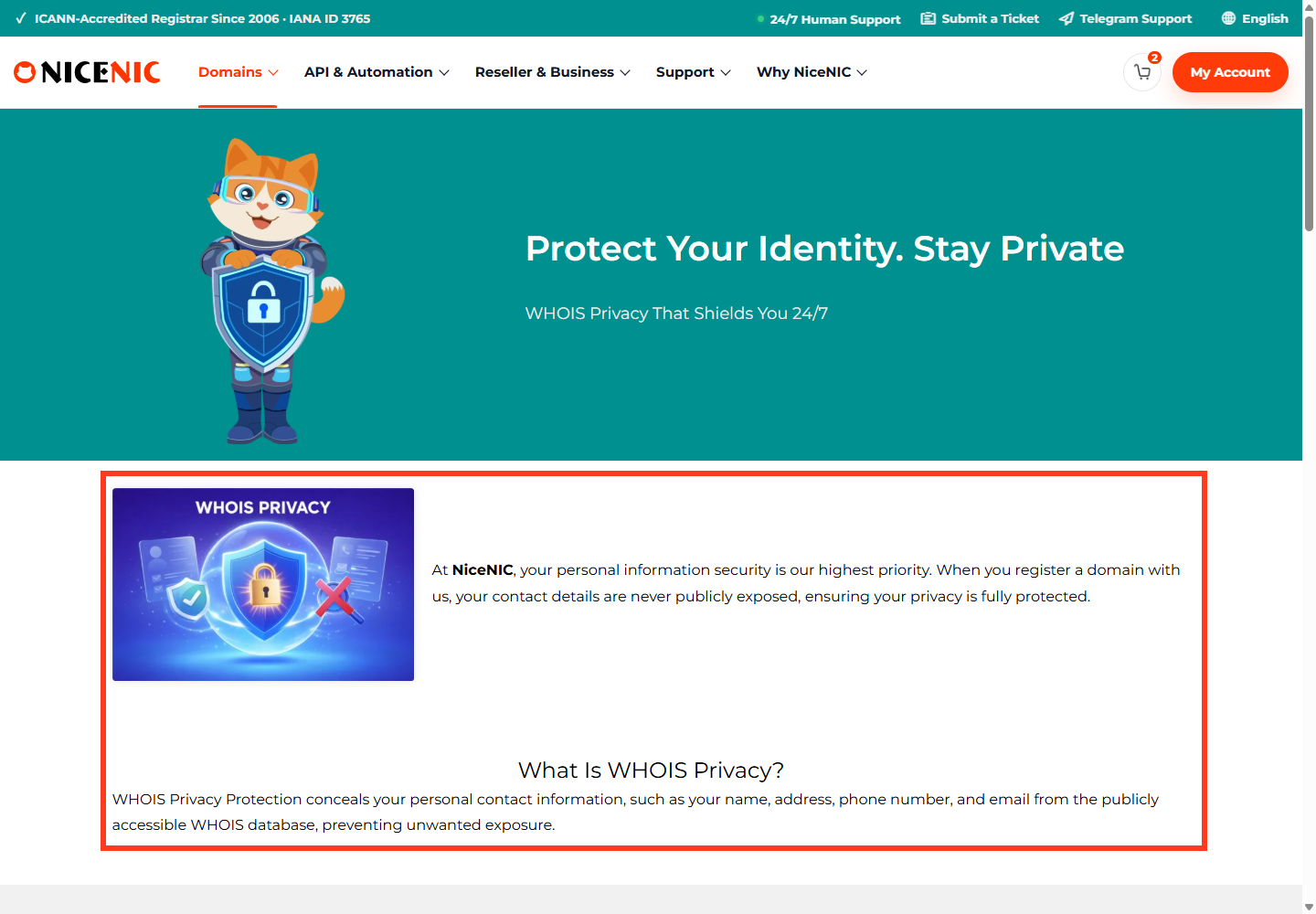
- If a privacy option is shown, check whether it is already included, enabled by default or requires an additional action for your order.
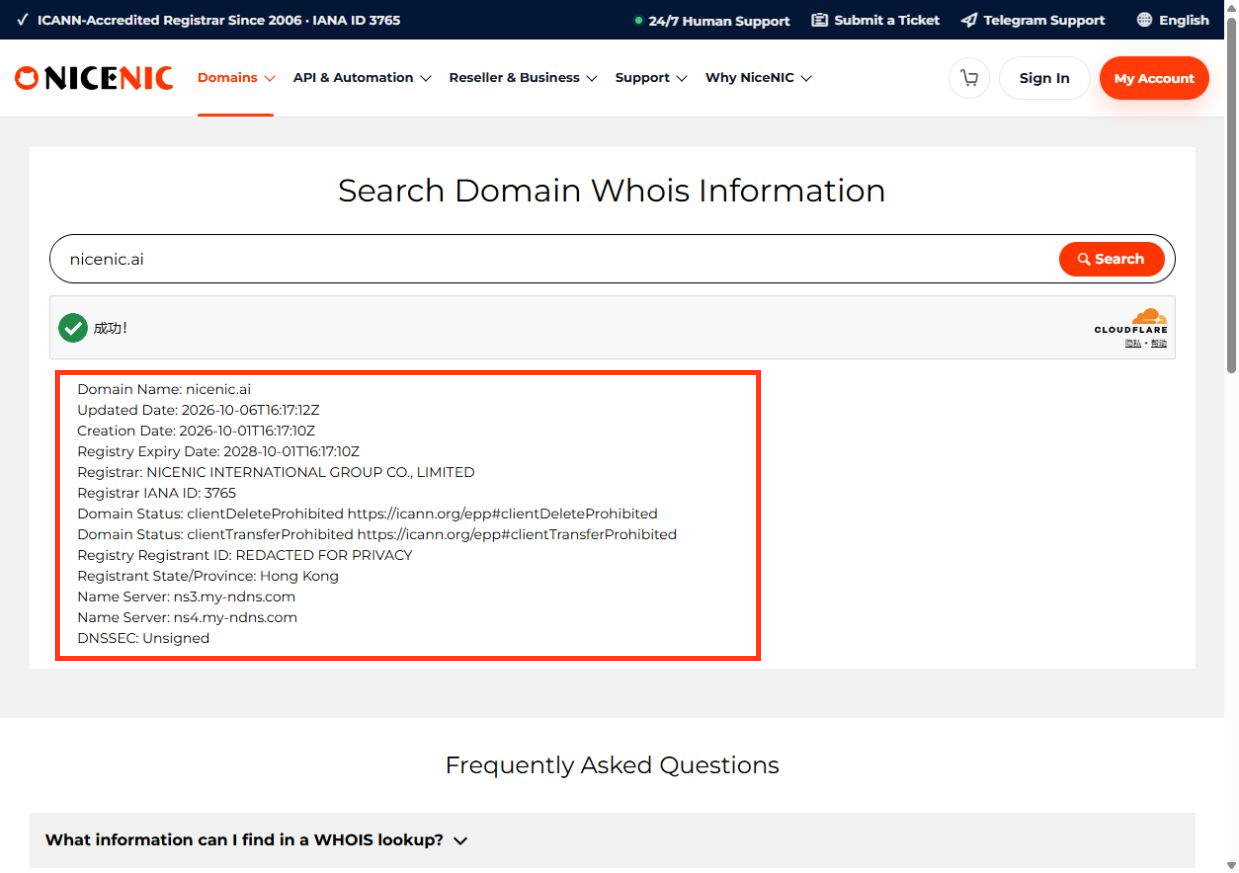
- Compare the public registration-data output from an official RDAP/registry lookup with the information stored privately in your registrar account.
- Keep your actual registrant contact data accurate. Privacy does not exempt you from identity verification, registry qualification checks or lawful disclosure rules.
Why some extensions work differently
Some TLDs apply statutory privacy rules or registry-side redaction; others allow a registrar-run privacy/proxy contact; still others prohibit substitution of registrant data or require local identity information. These are different outcomes and should not all be described as a single privacy product.
Even when public contact fields are hidden, parties may still see the domain name, registrar, relevant dates, nameservers and other technical information.
What if the service is missing?
Check the exact TLD and order, then contact NiceNIC Support to confirm if free privacy is supported for that registration and whether it is included in your account. If the extension does not permit a privacy service, ask which registration-data fields the registry currently publishes and what redaction protections apply.
For an introduction, see What Is Domain Privacy?.
Illustrative eligibility checks by extension
.COM, .NET and .ORG
.CA
.DE held by a natural person
.EU
.US, .UK and .COM.AU
This table does not mean every row is eligible for NiceNIC's free proxy product. Some obtain limited public-data display from registry policy instead. A customer should not switch the registrant type to "individual" merely to gain privacy if the actual owner is an organization.
Example: A buyer registers two domains—example.com and example.ca—for a company. The .COM may display a free privacy service option. The .CA company registration cannot simply claim CIRA's individual-holder default privacy. Each domain needs its own eligibility check.


