


Shared vs cloud vs dedicated
Shared hosting, cloud hosting and dedicated servers solve different needs. The best option depends on control, isolation, predictable performance, administrative responsibility and the cost of operating the system—not just CPU or advertised storage.
Compare the models
"Cloud" is not a universal guarantee of uptime, automatic backups or no neighboring customers. A cloud provider may still have regional outages and shared infrastructure. Likewise, a dedicated server does not automatically include security administration or backups.
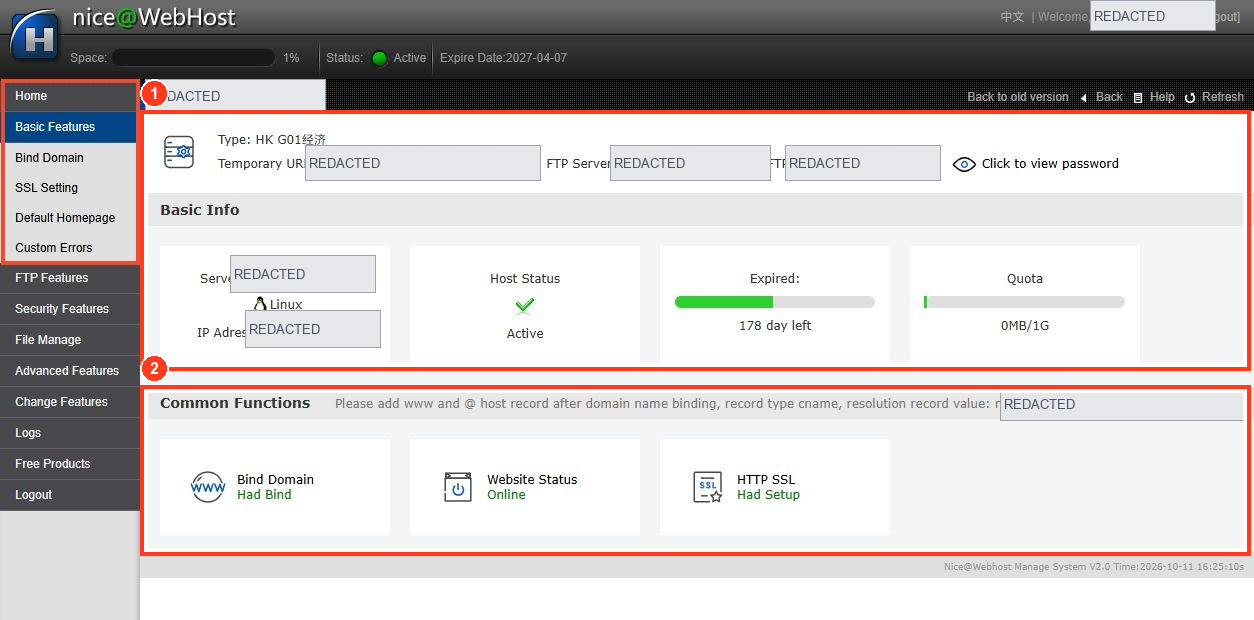
Choose based on your actual workload
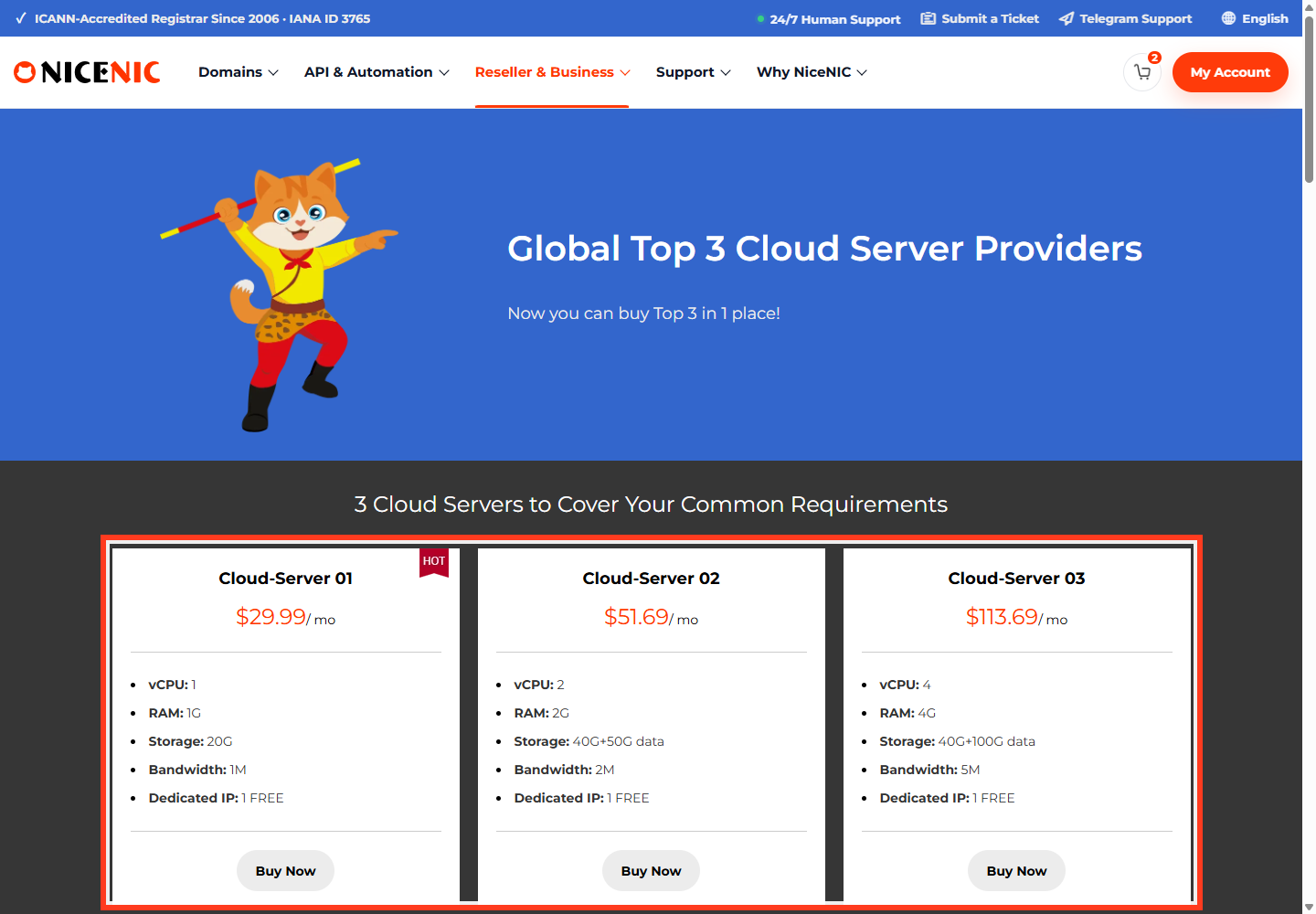
For a basic brochure site or low-traffic blog, a reputable managed shared-hosting plan may be sufficient. For applications needing root access, custom runtime settings or easier capacity changes, consider a VPS/cloud plan. For workloads requiring dedicated hardware, predictable isolation or custom server control, evaluate a dedicated server and the staffing needed to run it.
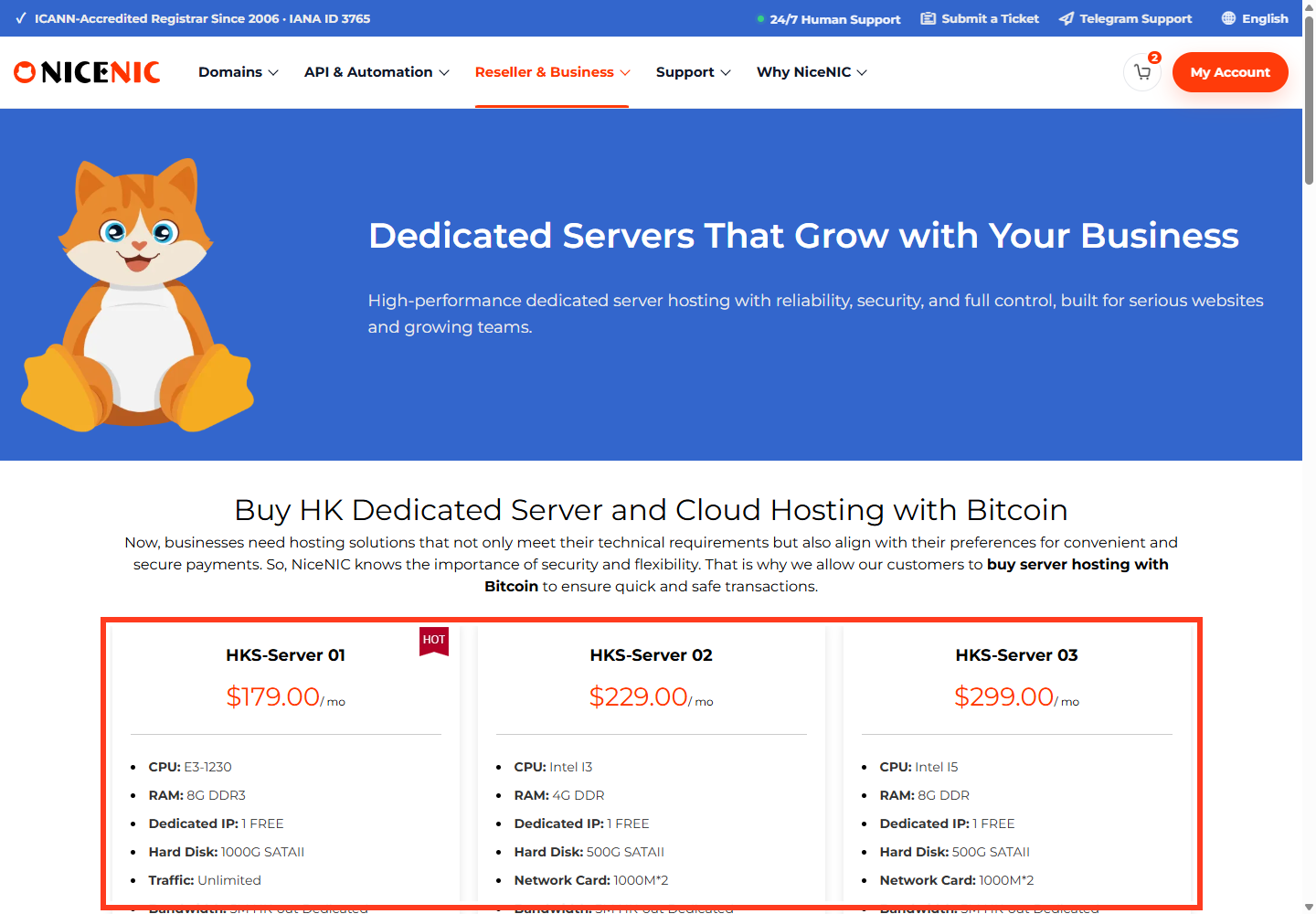
Before migrating, measure storage, CPU/RAM, peak traffic, database requirements, operating system support, outbound mail restrictions, network ports and data-location obligations. Price the whole solution, including control panels, backups, SSL, maintenance and support.
Moving without downtime
Back up files and databases, test the destination with a temporary hostname, then adjust DNS only when it is ready. Reduce DNS TTL before a planned switch if supported, preserve MX records, and test HTTPS after traffic moves. Keep the previous environment until verification is complete.
Compare NiceNIC's current server offerings and scope of included management at checkout; product capabilities can differ by plan.
Workload-by-workload examples
These are examples, not proof that any NiceNIC plan guarantees a specific traffic capacity.
Don't confuse "cloud" with automatic failover
One virtual machine in a cloud datacenter can still have a single point of failure. High availability often requires additional components: replicated storage, multiple application instances, load balancing, monitored backups and tested restoration. Conversely, a dedicated server can deliver predictable physical resources but typically requires planning for hardware repair and replacement.
Total-cost example: A cheaper unmanaged VPS can be more expensive than shared hosting once you add backups, patching, monitoring, control panel licensing, security response and an administrator's time. Ask which activities are included in the specific NiceNIC server package before using "managed" in a customer quote.
Migration checklist
Export files and databases, record all DNS and mail settings, stage the replacement host, test using a temporary hostname, switch authoritative DNS only when ready, verify both IPv4 and IPv6, and preserve the old host for an agreed rollback window. A migration plan should name who owns SSL deployment, domain renewal and backup recovery—not just a server IP address.


