


Common DNS Record Types: A, AAAA, CNAME, MX and TXT
A domain uses several types of DNS records for different jobs. A and AAAA direct traffic to server IP addresses, CNAME aliases one hostname to another, MX routes incoming email, and TXT publishes text-based verification or policy information.
The five records, with examples
Record
What it does
Example host
Example value
A
Points a hostname to an IPv4 address
@
192.0.2.10
AAAA
Points a hostname to an IPv6 address
@
2001:db8::10
CNAME
Makes a hostname an alias of another hostname
www
example.com
MX
Specifies where incoming mail should be delivered
@
Priority
10, server mail.example.com
TXT
Holds provider verification strings and policies
@
v=spf1 -all (illustrative; not a production mail policy)
The IP addresses above are documentation-only addresses. Your hosting or mail provider must give you the real destination values.
Add or edit records at NiceNIC
- Find the authoritative nameservers for the domain. If DNS is managed by Cloudflare or another DNS provider, edit the zone there—not in an inactive NiceNIC zone.
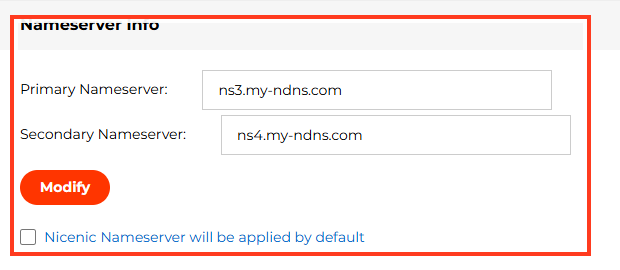
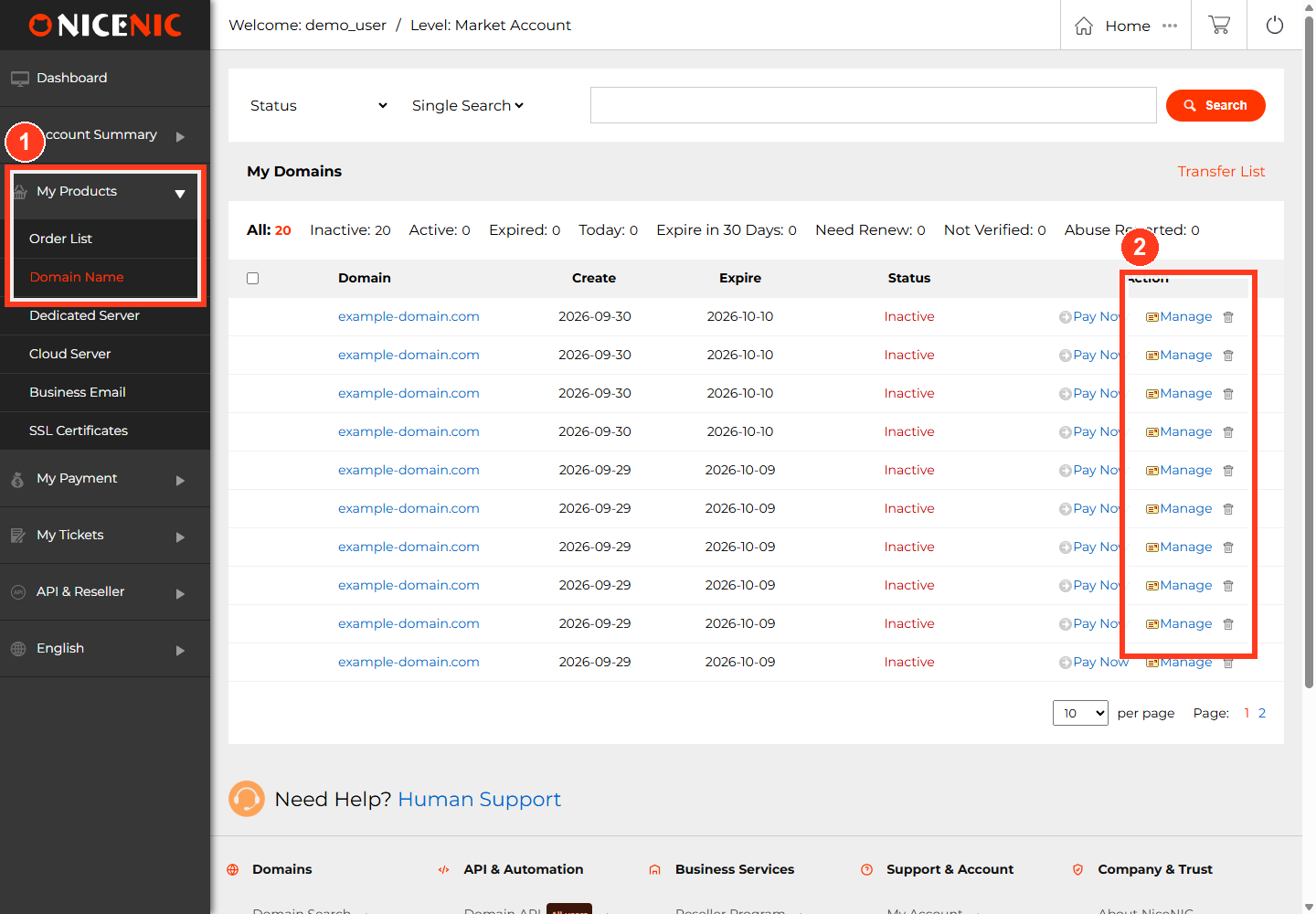
- If NiceNIC hosts your DNS, sign in and open My Products > Domain > DNS Records for the correct domain.
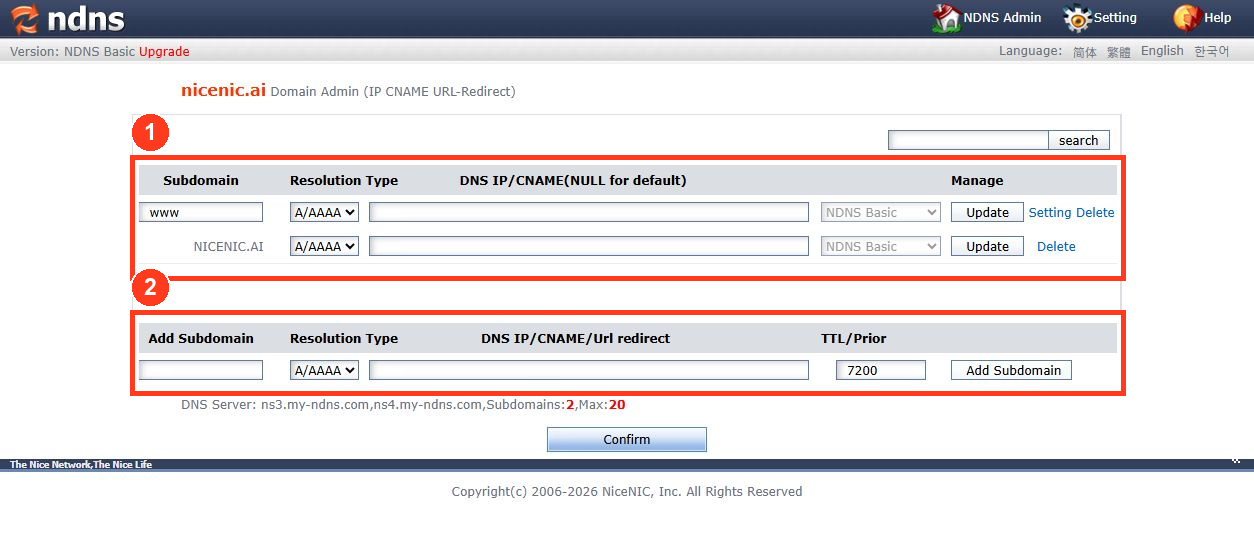
- Choose the record type. Enter the host/name, destination/value, and any extra fields such as MX priority or TTL.
-
Save, then look up the public DNS response. Examples:
dig example.com A,dig example.com AAAA,dig www.example.com CNAME,dig example.com MX, anddig example.com TXT. - Test the actual website or mailbox after the new records become visible.
Avoid the common conflicts
-
A CNAME must not coexist with other record data at the same DNS owner name. Many DNS panels therefore do not support a normal CNAME at the zone apex (
@). - An MX record points to a hostname, not directly to an IP address. That mail-server hostname must resolve correctly.
- Setting an MX record does not create a mailbox. You must configure mail service separately.
- TXT can be used for SPF, DKIM, DMARC and provider verification, but those are distinct tasks with their own formatting requirements.
- DNS changes can be cached until previous TTL values expire. A saved record is not proof that public resolvers see it yet.
For specific email-authentication policies, see What is SPF and How to Set Up SPF?.


