


What is a domain transfer
A domain transfer changes the registrar that manages an existing domain registration. It normally does not move your website files, email mailboxes or DNS hosting automatically.
When transferring can be useful
You might transfer to consolidate a portfolio, use a different management interface, access another registrar's features or pricing, or simplify reseller operations. Compare renewal and transfer costs, policies and support—not just the first-year promotional price.
Typical gTLD transfer process
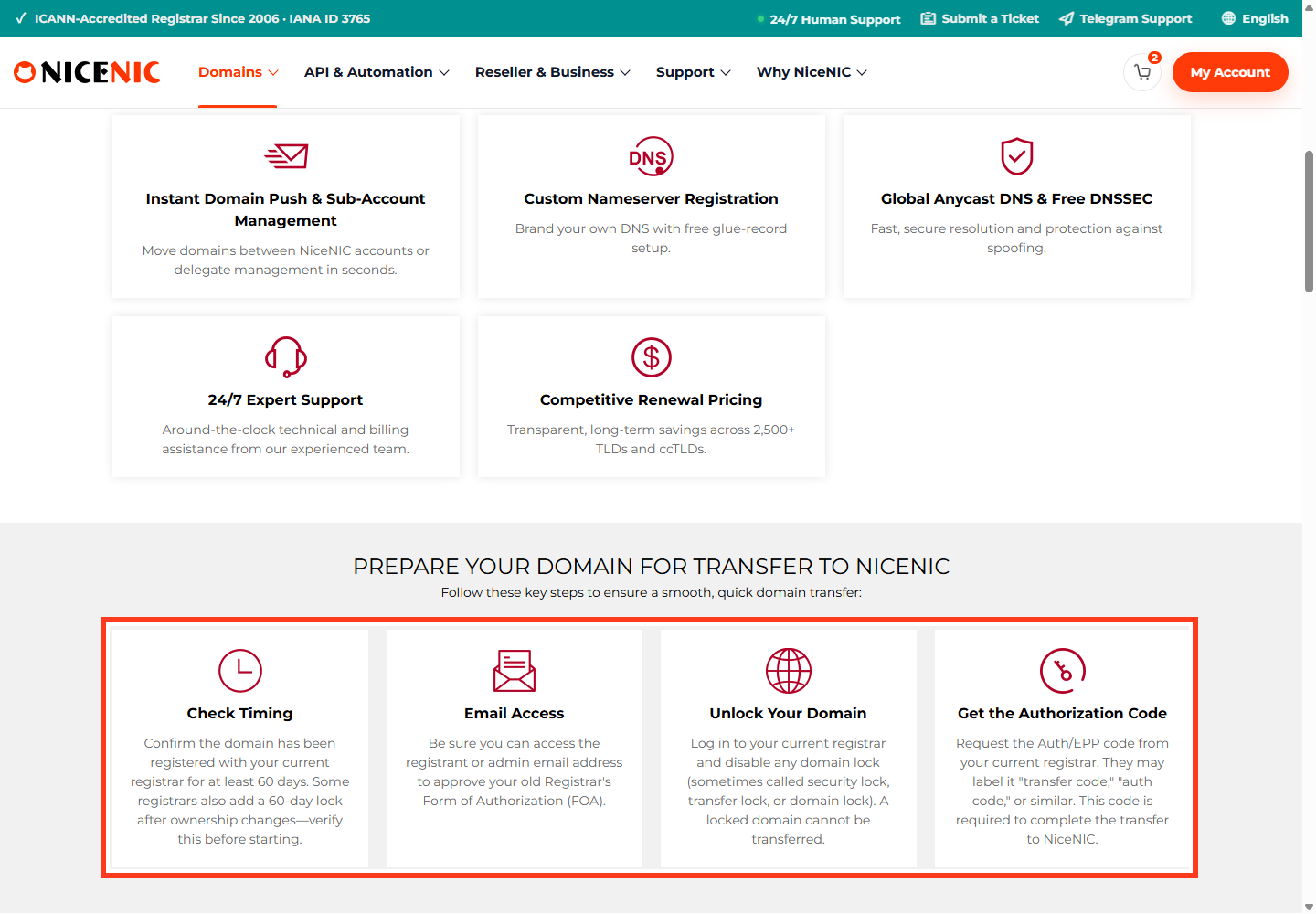
- Confirm the domain is eligible and that the account holder authorizes the move.
- Check its status, expiry date and nameservers. Resolve applicable locks or holds.
- Obtain an EPP/AuthInfo authorization code when the TLD's process requires one.
- Submit the transfer through the gaining registrar and complete required verification or confirmation.
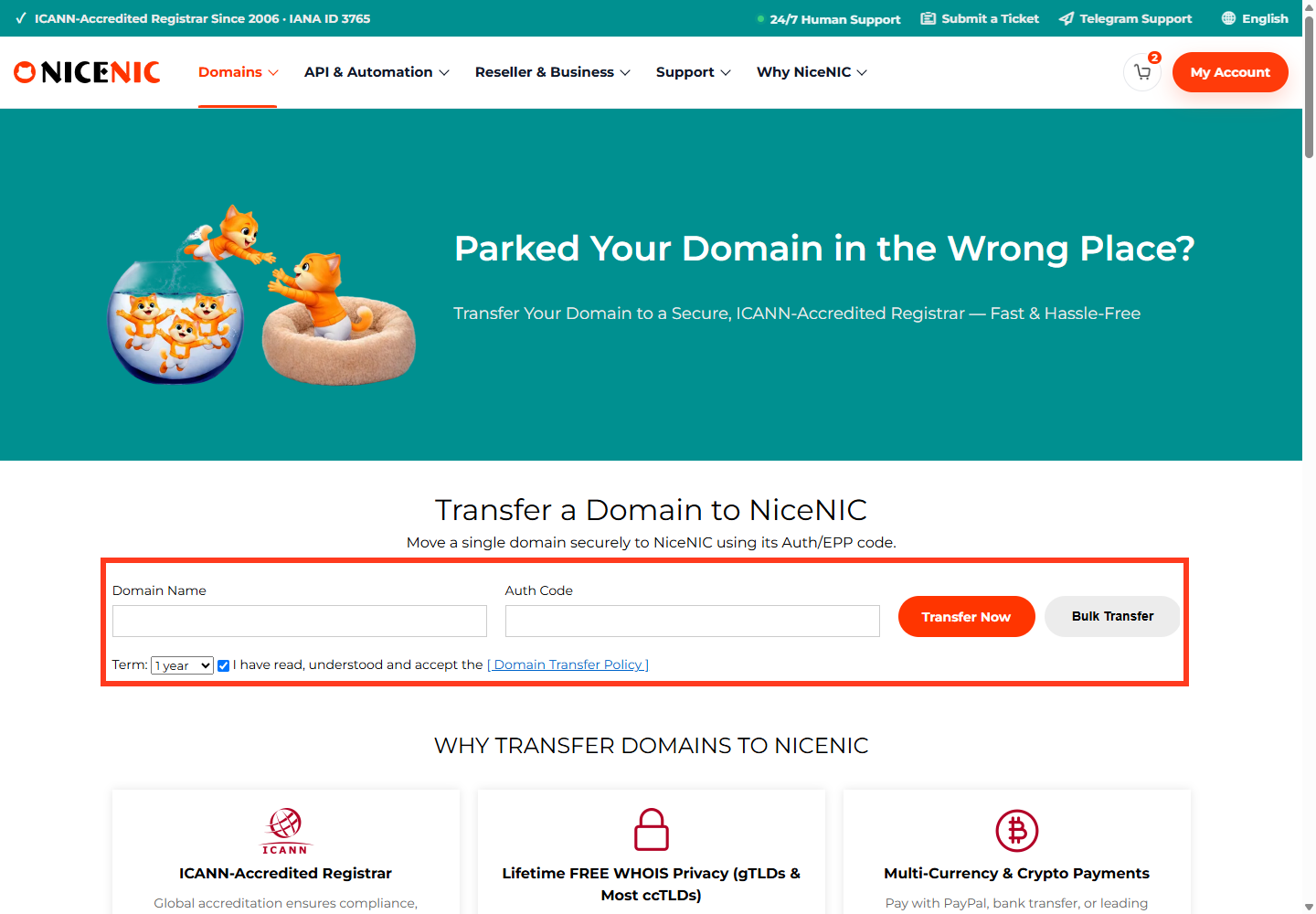
- Monitor the pending result and verify the final registrar of record. Test website and email functionality.
About the 60-day restriction: ICANN policies can impose restrictions after new registrations, prior transfers or certain registrant changes for many gTLDs. Do not treat "every domain must be 60 days old" as a universal rule. Some ccTLDs use different conditions or mechanisms—for example, current .uk procedures have used IPS Tags.
What a transfer does not guarantee
- Your current hosting plan is not automatically cancelled or migrated.
- A domain cannot always be transferred while expired, held, locked or in redemption.
- A transfer fee is not always identical to a renewal fee; the term extension depends on the TLD.
- A transfer should not require changing DNS unless your DNS service is tied to the releasing registrar.
For specific steps, consult NiceNIC Support and the domain's TLD requirements before submitting payment.
Transfer example: moving a .COM without moving your website
A business owns example.com at Registrar A but wants NiceNIC to manage its renewals.
- Verify the domain and its expiry date at Registrar A; check any applicable initial-registration or recent registrant-change transfer restrictions.
- Keep an inventory of the live nameservers, DNS records and email services.
- Unlock the domain at the losing registrar and request the current EPP/Auth code (where this extension uses one).
- Submit the authorized transfer request to NiceNIC and follow the confirmation messages.
-
Monitor
pendingTransferuntil the registry confirms the new sponsoring registrar. - Verify the domain's expiry, registrant data, transfer lock and nameserver delegation afterward.
Transfer versus DNS move: Changing the sponsoring registrar does not inherently change the domain's web hosting, DNS host or mailbox provider. However, a registrar-provided DNS service might not remain active after transfer; verify whether the existing nameservers will continue to be hosted before submitting the request.
What about the domain's remaining years?
For common gTLDs, a successful inter-registrar transfer frequently adds a registration year within the registry's maximum-term rules. This is not universal: some ccTLDs use different processes, fees and term effects. Always check the exact extension and whether a 60-day restriction applies; never promise instant completion.


