


How to Check Domain Status Before Transfer or Renewal
A quick status check can prevent a failed domain transfer, a missed renewal or unnecessary DNS troubleshooting. Check the actual registry state, not just the date or label in a shopping cart.
The five-minute preflight check
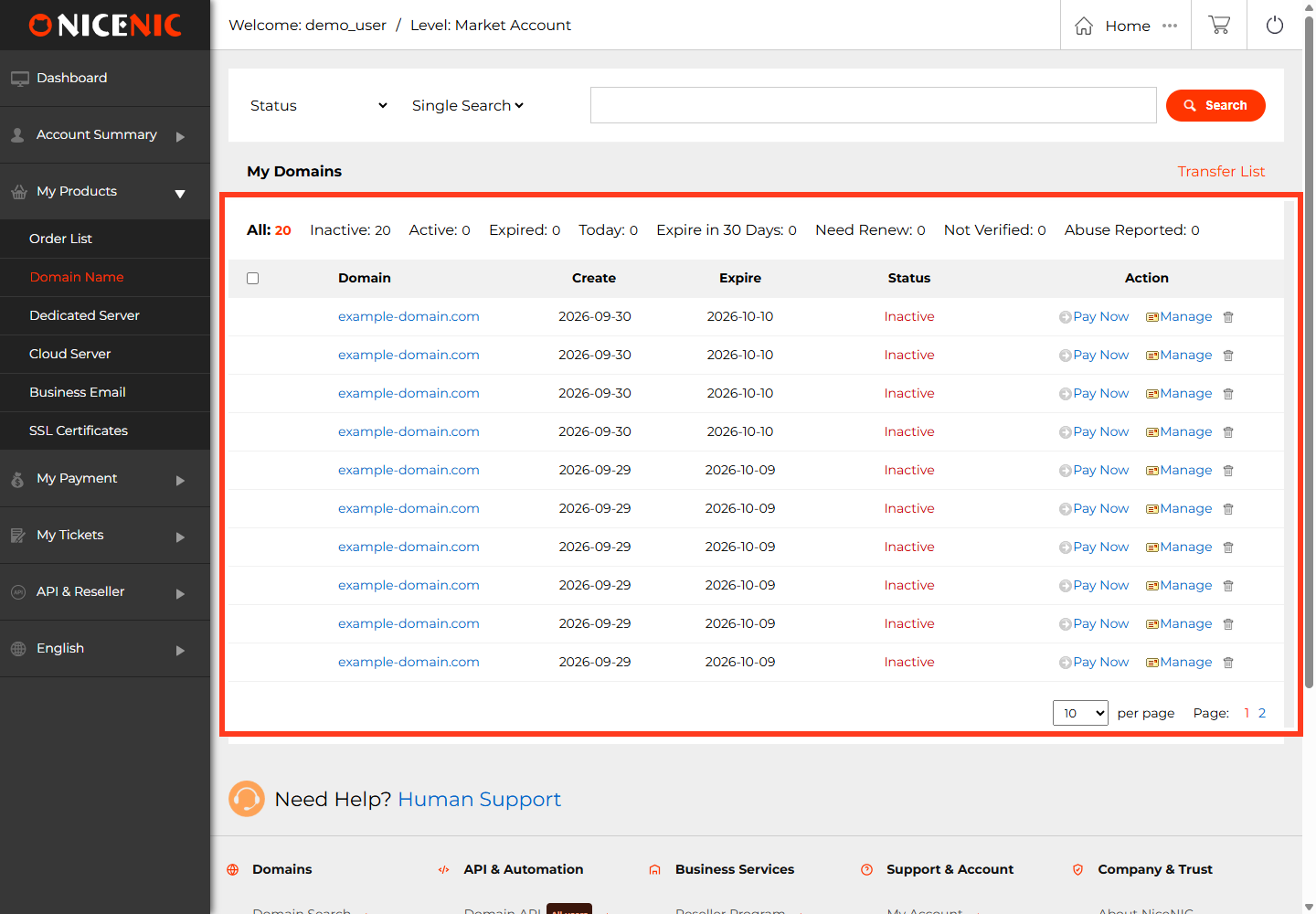
- Confirm the domain and registrar. Sign in to the correct account and check who currently manages the name.
- Read the expiration date. Check the registrar account, renewal order and registry/RDAP result; a pending payment is not a completed renewal.
-
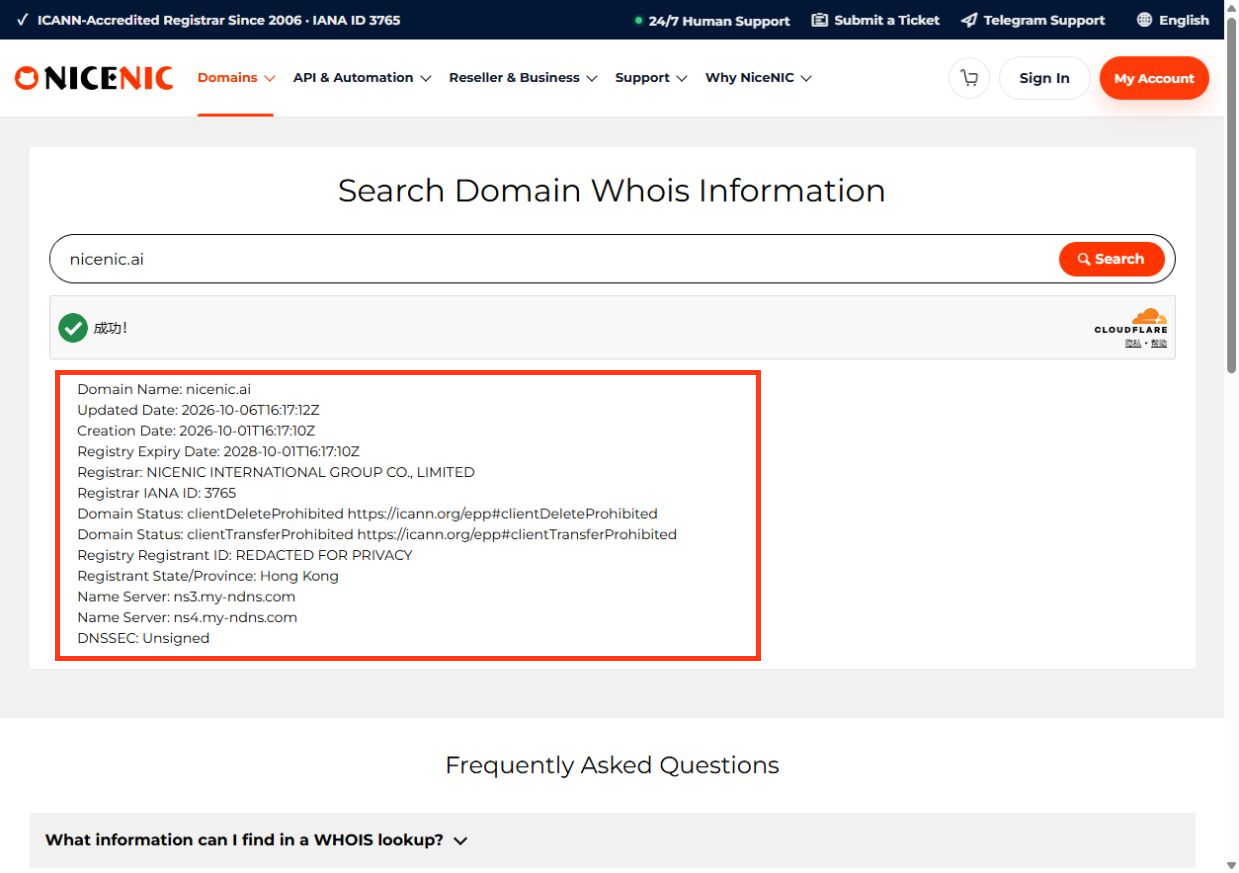
Inspect EPP status codes. Note transfer locks (
clientTransferProhibited), DNS holds (clientHold/serverHold), and lifecycle stages (redemptionPeriod,pendingDelete).
- Review transfer eligibility. Check any applicable recent registration or transfer restriction and whether the TLD uses EPP authorization codes, IPS Tags or another workflow.
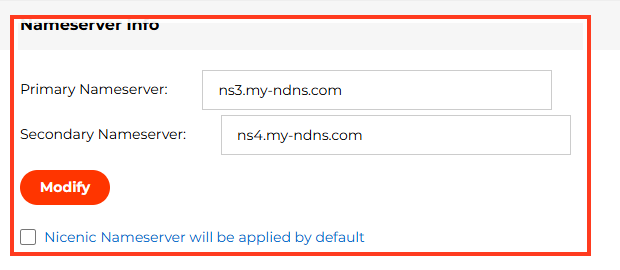
- Confirm nameservers and DNS. A registrar transfer normally does not require a DNS provider change, but transferring domains with bundled DNS or hosting requires planning.
clientTransferProhibited
serverTransferProhibited
clientHold / serverHold
redemptionPeriod
pendingDelete
pendingTransfer
Transfer versus renewal
Renewal extends the registration through the current provider or approved channel. Transfer moves registrar management and may require separate eligibility and authorization. Do not assume transferring an expired domain will automatically restore it.
If the displayed statuses conflict, capture the exact UTC time and registry record, then contact NiceNIC Support before retrying a paid operation. Related: What clientTransferProhibited Means and What clientHold and serverHold Mean.
Sample preflight decision table
clientTransferProhibited
pendingTransfer
clientHold or serverHold
redemptionPeriod
pendingDelete (final phase)
Example: A customer wants to transfer a .COM two days before expiration. A transfer may not complete before the domain becomes unavailable, and merely ordering it does not guarantee DNS continuity. Review transfer eligibility, renew first where appropriate, and confirm whether the extension adds a year on transfer and what happens to any existing term. Don't assume every ccTLD adds a free year or uses an EPP code.
Keep the registry expiry timestamp, current registrar, lock codes and order identifier together. They help distinguish a policy block from an authentication problem or an order still being processed.


