


Domain vs. Website Differences
A domain name is an address people type, such as example.com. A website is the collection of pages, files and services people see when that address connects to the right server. Buying the address does not automatically create or host a website.
How the pieces fit together
- Domain registration: reserves your right to use a name for a registration period under the registry's rules.
- DNS and nameservers: tell browsers and mail systems where to connect when someone uses the name.
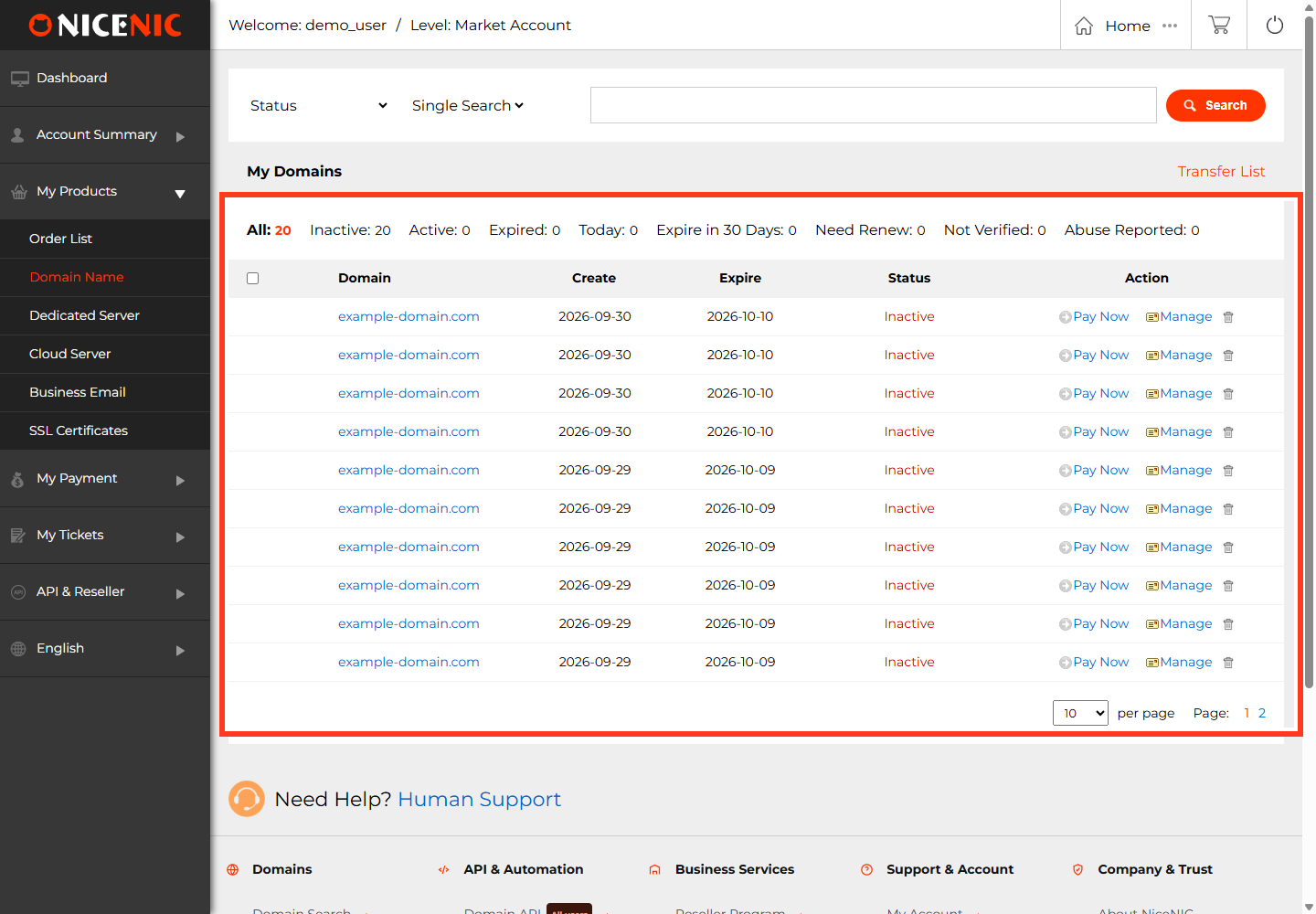
- Web hosting: runs the software and stores the pages/assets that form the website.
- SSL/TLS: enables trusted HTTPS between visitors and your web server.
For example, you can register example.com with NiceNIC, point its nameservers to a separate hosting provider, and install a TLS certificate at the host. The registrar, DNS provider and web host can be different companies.
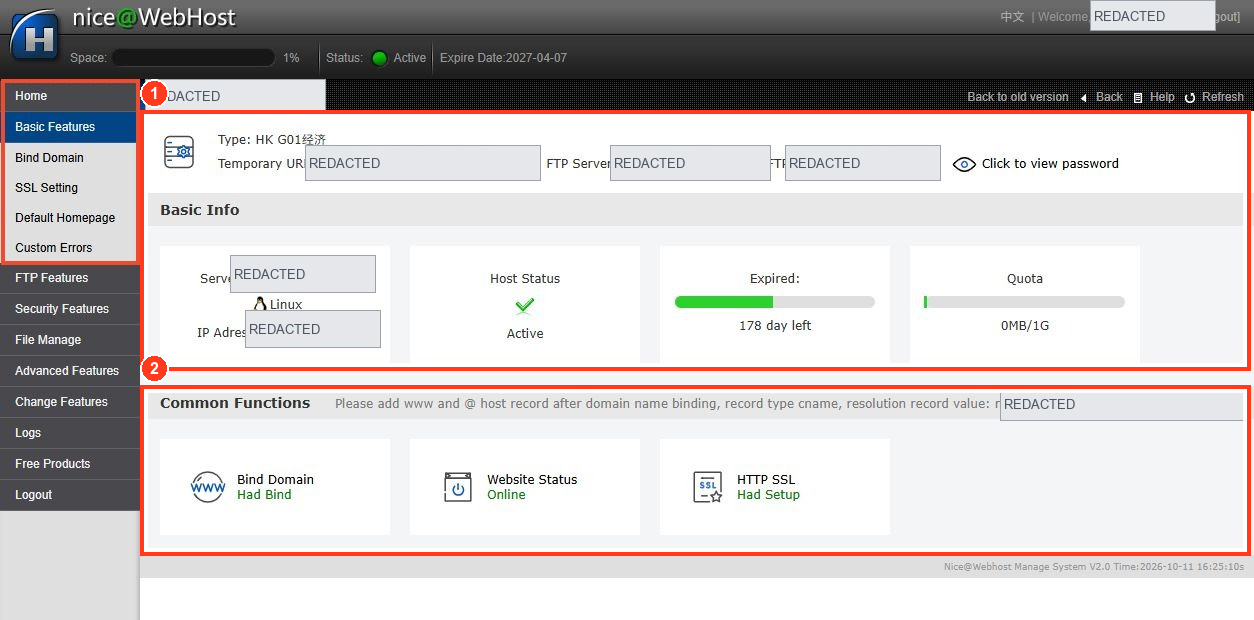
If you have bought a domain but see no website
- Confirm the domain is registered and not expired or on hold.
- Choose a hosting platform and deploy your site there.
- Use the hosting provider's instructions to set the needed A/AAAA/CNAME records or authoritative nameservers.
- Wait for DNS changes to become visible and test the site's HTTP/HTTPS response.
- If using HTTPS, verify the certificate covers your hostname and is installed on the actual host or CDN.
If you have email on the domain, preserve its MX and mail-authentication records when changing nameservers. A website problem should not require changing email settings unless the DNS zone is also moving.
Related: Why Is My Domain Name Not Working?.
A domain can support several services at once
The same domain may serve a website at www.example.com, mailboxes such as [email protected], and an application at app.example.com. These do not have to use the same service provider.
Example: You transfer example.com to NiceNIC while leaving nameservers at a third-party DNS provider. The site and email can keep working if that provider continues hosting the DNS zone. Changing the registrar does not automatically copy the zone or migrate the website.
If you build a new website at a different host, check both example.com and www.example.com DNS and redirect behavior, then test outbound and inbound email. Many "my domain is broken" incidents are actually missing service configuration after purchase, not a problem with the registration itself.


