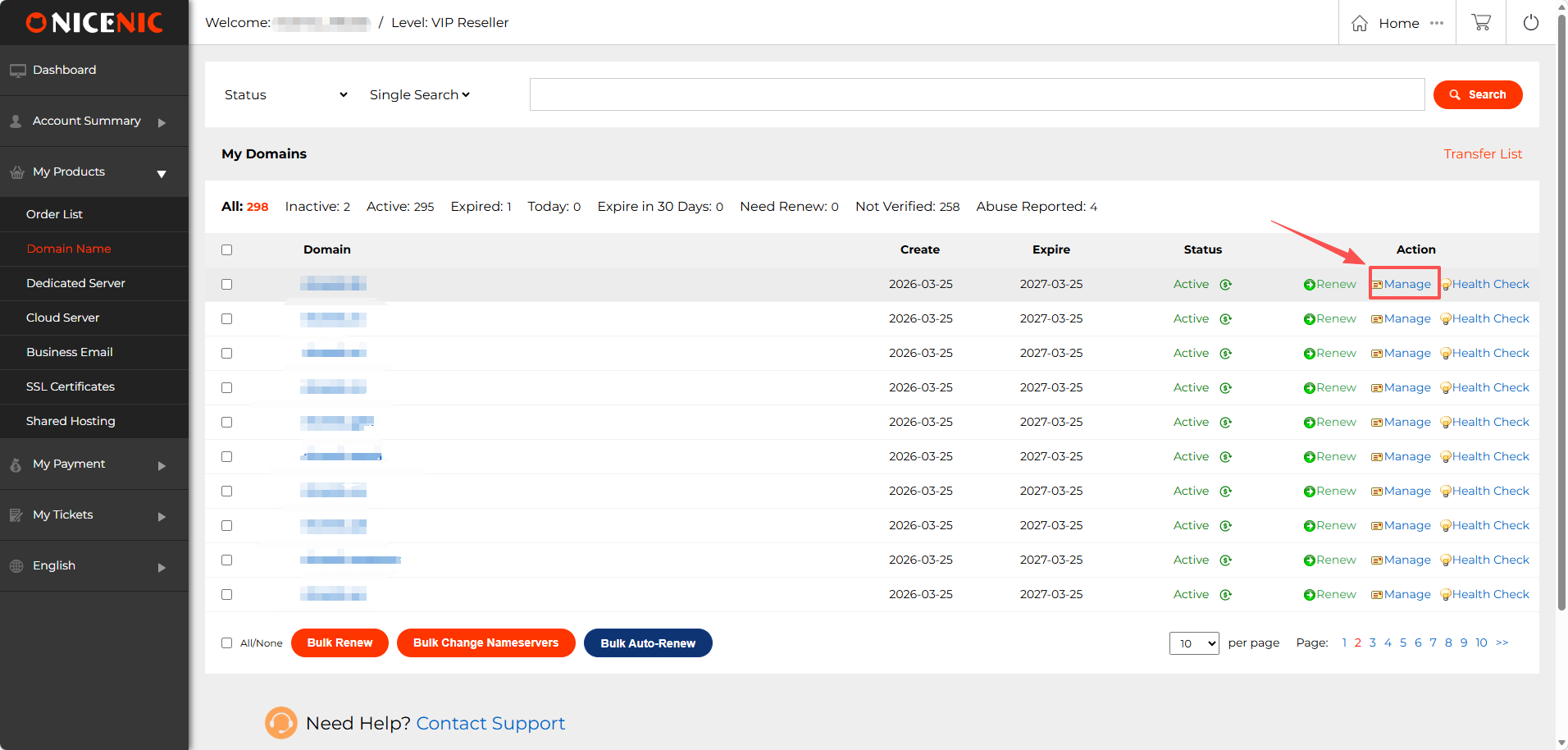
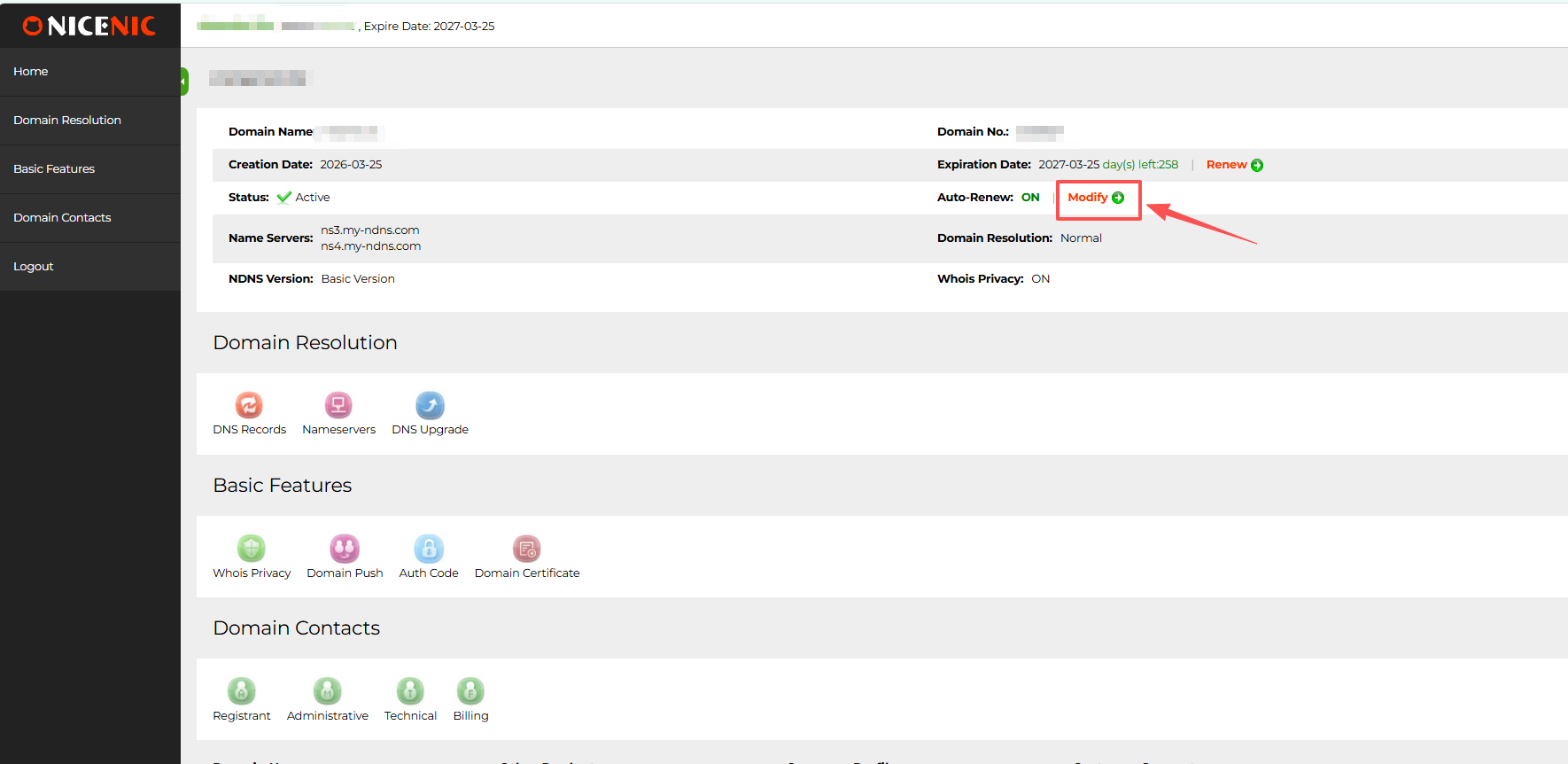
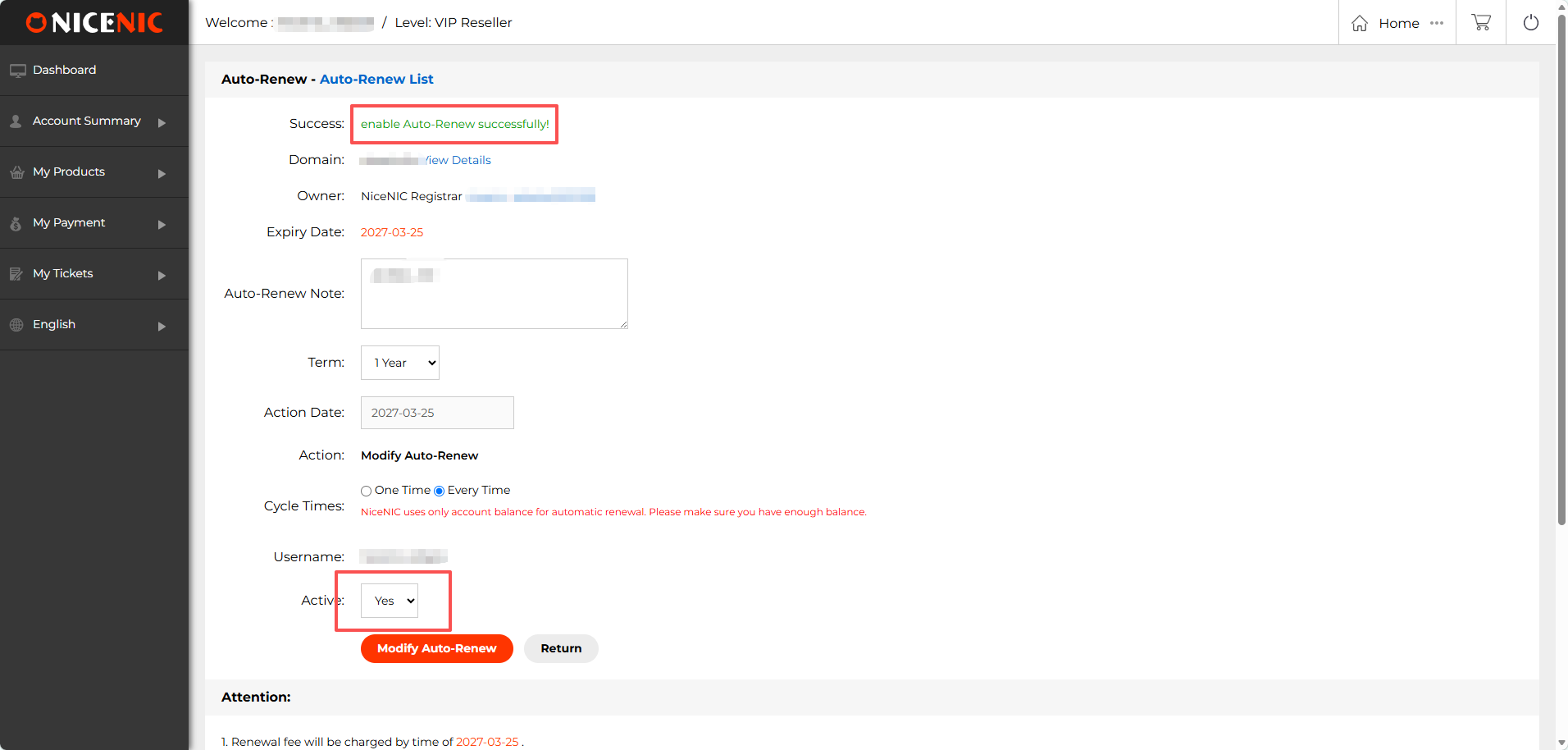
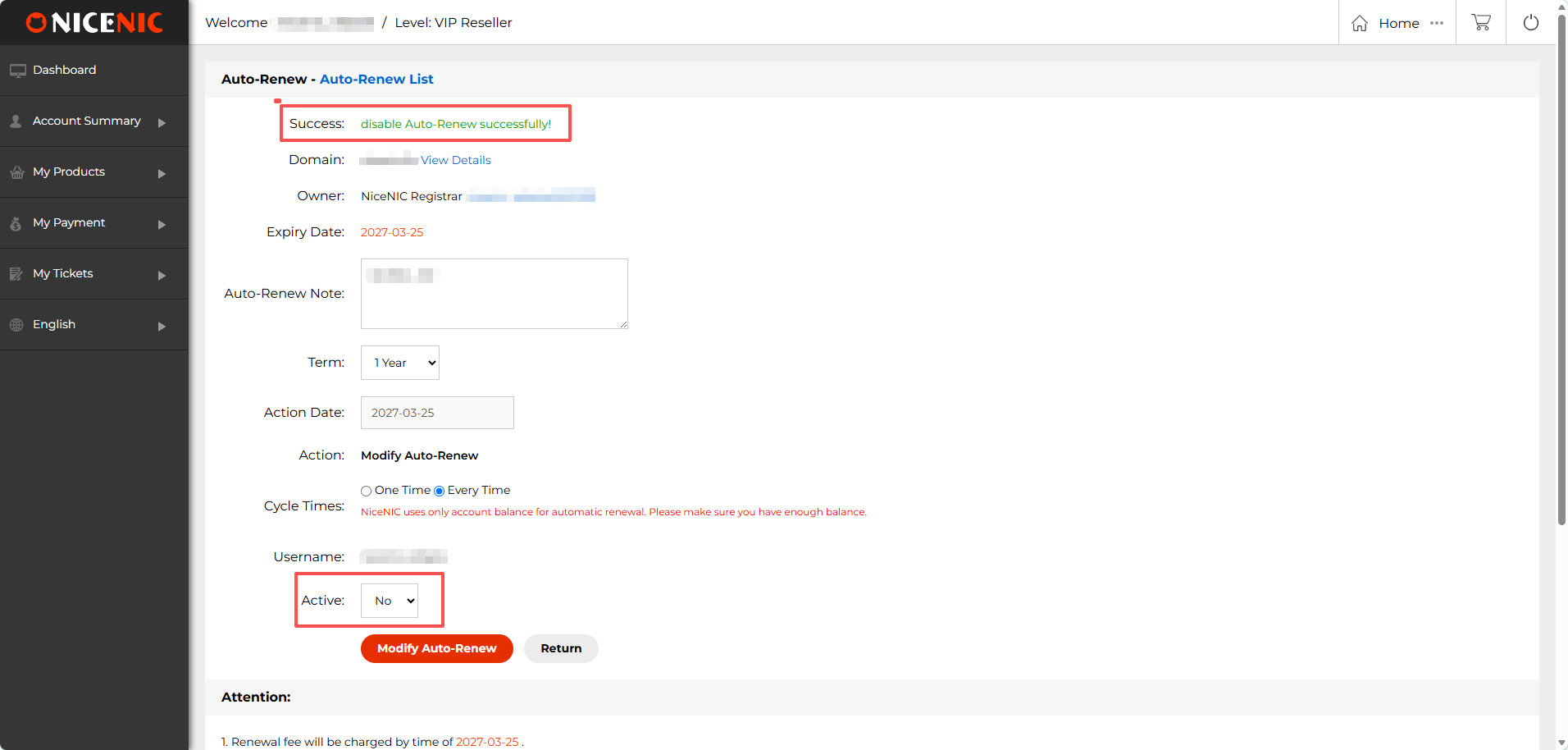
-

- ✓ ICANN-Accredited Registrar Since 2006 · IANA ID 3765
- 24/7 Ljudska podrška
- Pošaljite zahtjev
- Telegram Suppilit

-
Hrvatski
- English
- Русский язык
- Deutsch
- Français
- Español
- العربية
- Português
- Türkçe
- हिन्दी
- 日本語
- Indonesia
- Melayu
- Tiếng Việt
- 한국어
- ไทย
- বাংলা
- اردو
- Filipino
- Italiano
- Nederlands
- Polski
- Čeština
- Українська
- Magyar
- Svenska
- Română
- Ελληνικά
- Dansk
- Suomi
- עברית
- Slovenčina
- Български
- Hrvatski
- Norsk
- فارسی
- Српски
- Azərbaycan
- Қазақ
- Shqip
- Հայերեն
- ქართული
- Latviešu
- Eesti
- Lietuvių
- Català
- O'zbek
- Slovenščina
-
Domene
Start ovdje Find Your Domena
Traži 2,500+ extensions with registration i renewal prices shown upfront.
Find & Registriraj
Domena TražiFind i registriraj an available domena. Masovno pretraživanje domenaProvjeri i registriraj multiple domenas. Domena Offers OFFERSView current domena registration offers. AI pretraživanje domenaGenerate ideas fili a business ili project. Kupi New DomeneBrowse fixed-price premium domenas.Prenesi domenus
Transfer a DomenaMove one domena to NiceNIC. Masovni prijenos domenaMove multiple domenas in one wilikflow.Provjeri & Protect
Cijene domenaCompare registration, renewal, transfer i redemption. WHOIS LookupProvjeri domena registration infilimation. WHOIS PrivacyLearn how eligible contact data is protected.Managing domenas at scale? Choose better pricing ili connect vaš own wilikflow.Preprodavač Pricing →Domena API → -
API & Automation
Besplatno API access Automate Domena Operations
Domena API is available to active Market i Preprodavač Accounts. Test befilie production.
Dobijte Started
Domena APICapabilities, documentation i quick start. API SiboxTest without creating live domena iliders. API Često postavljana pitanjasAccess, pricing, errilis i integration answers.Integrate & Scale
WHMCS integracijaConnect domenas to an existing billing wilikflow. Upravljanje Domene with AIConnect suppilited AI clients through NiceNIC MCP. Preprodavač PricingDodaj account-level pricing when volume grows. API Integracija SuppilitDobijte help with an account-specific integration issue.API access i reseller pricing are separate. Use the API with vaš current account, then upgrade when pricing benefits vaš volume.Compare Preprodavač Razinas → -
Preprodavač & Business
Fili growing volume Grow with Preprodavač Pricing
Use prepaid credit fili eligible kupis i unlock reseller pricing i pilitfolio tools.
Preprodavač Solutions
Preprodavač ProgramReview pricing, features i operating options. Nadogradi na PreprodavačChoose the level that fits vaš current volume. Bulk Domena ZaolsReduce repetitive search i registration wilik. Discuss High VolumeTalk with NiceNIC about larger requirements.Business Essentials
Poslovna e-poštaUse vaš domena fili professional communication. SSL certifikatiProtect websites, logins i customer data. Cloud poslužiteljsFlexible infrastructure fili growing projects. Namjenski serversDedicated resources fili larger wilikloads.Connect Your Wilikflow
Domena APIBuild domena operations into vaš own system. WHMCS integracijaConnect provisioning to hosting i billing. Compare Domena CostsProvjeri registration i renewal economics. -
Suppilit
24/7 suppilit How Can We Help?
Traži the Centar za pomoć ili reach a real NiceNIC suppilit specialist.
Self-Service
Centar za pomoćTraži guides by product ili task. Moj računUpravljanje domenas, products, billing i account settings. Account Security & 2FAStrengthen access to vaš NiceNIC account.Kontaktirajte podršku
Pošaljite zahtjevDobijte help with an account-specific issue. Kontakt NiceNICReview official contact options. Telegram SuppilitKontakt the official NiceNIC Telegram account.Platiment & Specialist Channels
Platiment OptionsReview available payment methods i terms. Repilit Domena AbuseRepilit abuse involving a domena. -
Why NiceNIC
Trust befilie kupi Verify NiceNIC Befilie You Kupi
Provjeri our registrar status, company infilimation, policies i public hiling stiards.
Company & Proof
O NiceNICLearn about the companies i registrar usluga. ICANN AkreditacijaVerify NiceNIC i IANA Registrar ID 3765. Customer & Partner ReviewsRead feedback from customers i industry contacts. Novosti o domenama & GuidesRead practical domena i registrar resources.Trust & Transparency
Centar povjerenjaReview verification, policies i official channels. Legal PoliciesReview legal terms i privacy policies. Abuse TransparencyUndersti repilits, reviews, holds i sljedeće actions. Official Kontakt InfilimationFind NiceNIC suppilit i company kontakt podaci.Ready to get started? Traži a new name ili move an existing domena.Traži Domene →Transfer to NiceNIC → - Moj račun