


What is SPF and How to Set Up SPF?
SPF (Sender Policy Framework) is a DNS-published email authentication policy that identifies which mail servers may send mail using a domain in the SMTP envelope sender. SPF is one part of email authentication; it does not replace DKIM or DMARC and does not, by itself, guarantee delivery.
Before you publish SPF
List every legitimate outgoing email service used by your domain: a business mailbox, website form, helpdesk, bulk-email provider or other sender. Obtain the exact SPF instructions from each provider. The DNS zone must be edited wherever the domain's authoritative nameservers are hosted.
Valid SPF syntax
These are syntax examples, not ready-made NiceNIC mail settings:
example.com. IN TXT "v=spf1 ip4:192.0.2.10 -all"
The ip4: mechanism must be followed by a numeric IPv4 address or CIDR range, never by a hostname. The address 192.0.2.10 is reserved for documentation.
example.com. IN TXT "v=spf1 a mx include:_spf.mail-provider.example ~all"
Here, a authorizes hosts resolved by the sender domain's A/AAAA records, mx authorizes the IPs of the domain's MX hosts, and include: delegates a check to another SPF record. Use only mechanisms your actual email provider requires. Replace the fictional provider domain before publishing.
-
-allmeans unauthorized senders should fail SPF. -
~allindicates softfail; some providers recommend it during rollout. -
?allmeans neutral; it is not a substitute for confirming your senders. -
Avoid the deprecated
ptrmechanism and do not combine multiple completev=spf1policies.
Set up SPF
-
Check existing TXT records for
v=spf1at the hostname you send from. - Combine all approved mail services into one SPF policy for that hostname; do not add a second competing SPF TXT record.
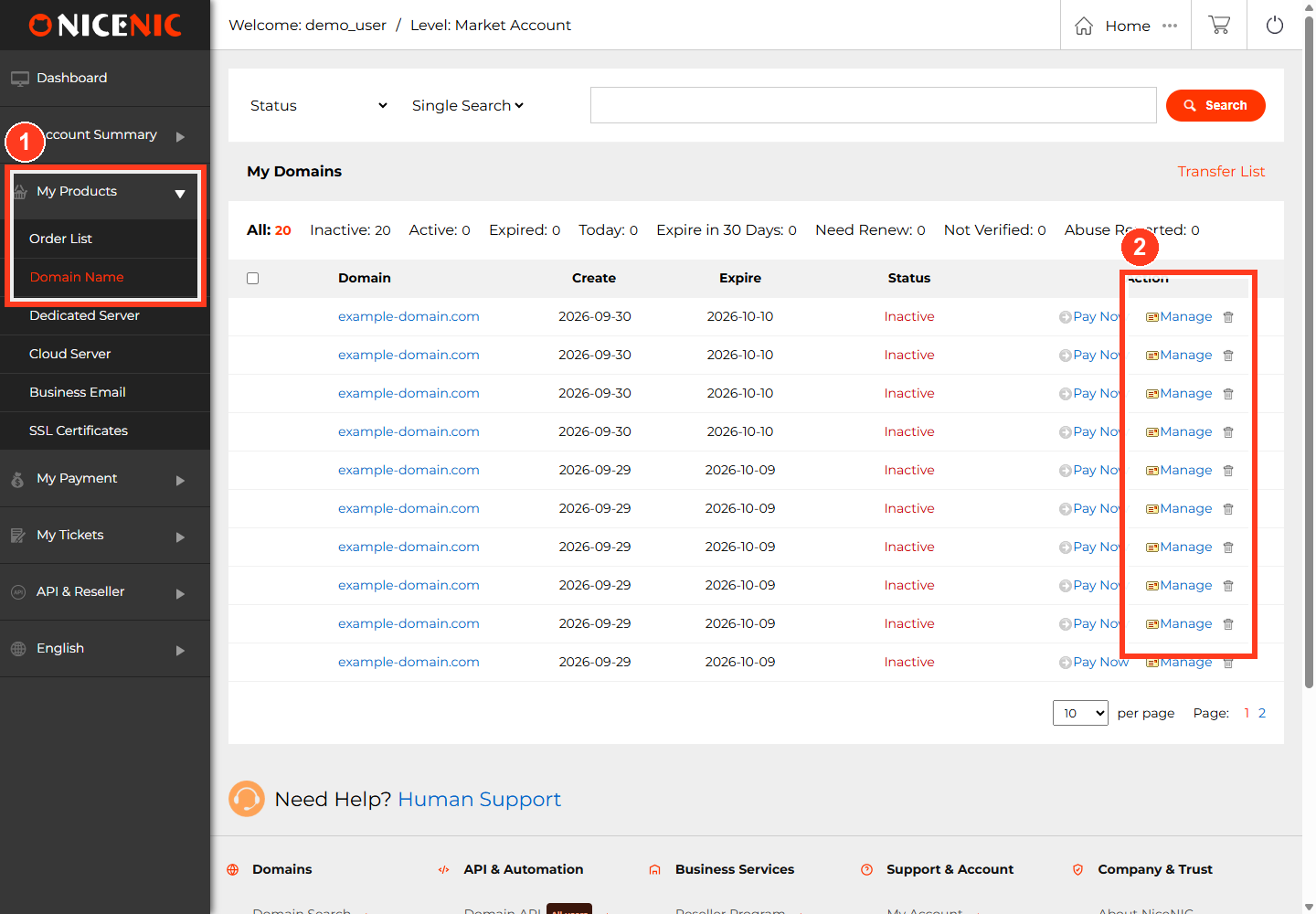
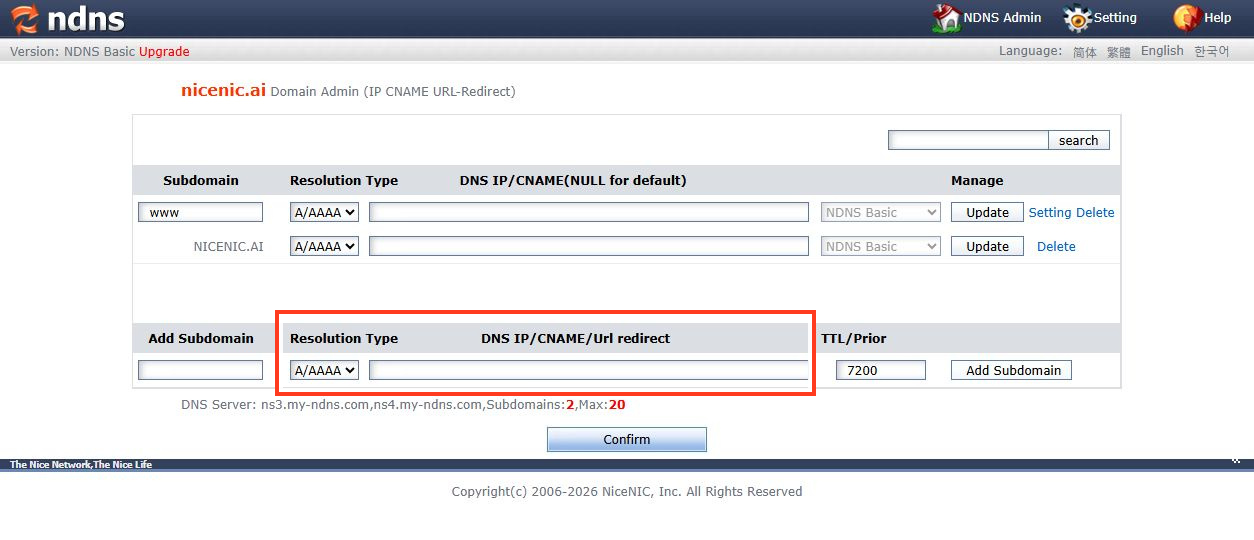
- If NiceNIC is your DNS host, open My Products > Domain > DNS Records, edit/create a TXT record at the specified host, and paste the validated policy.
-
Save. Check the published value using
dig TXT example.comornslookup -type=TXT example.com.
- Send a test message to an external mailbox and inspect its authentication results. A DNS lookup alone does not confirm SPF passes for every sender.
When SPF fails
Check the sending server's actual public IP, whether the recipient evaluates the intended envelope sender domain, and whether the SPF record exceeds the DNS-lookup limit in RFC 7208. Do not use unverified third-party IPs or include: domains. If you use NiceNIC Business Email, request the current provider-approved SPF value from the email settings or support team before publishing it.


