


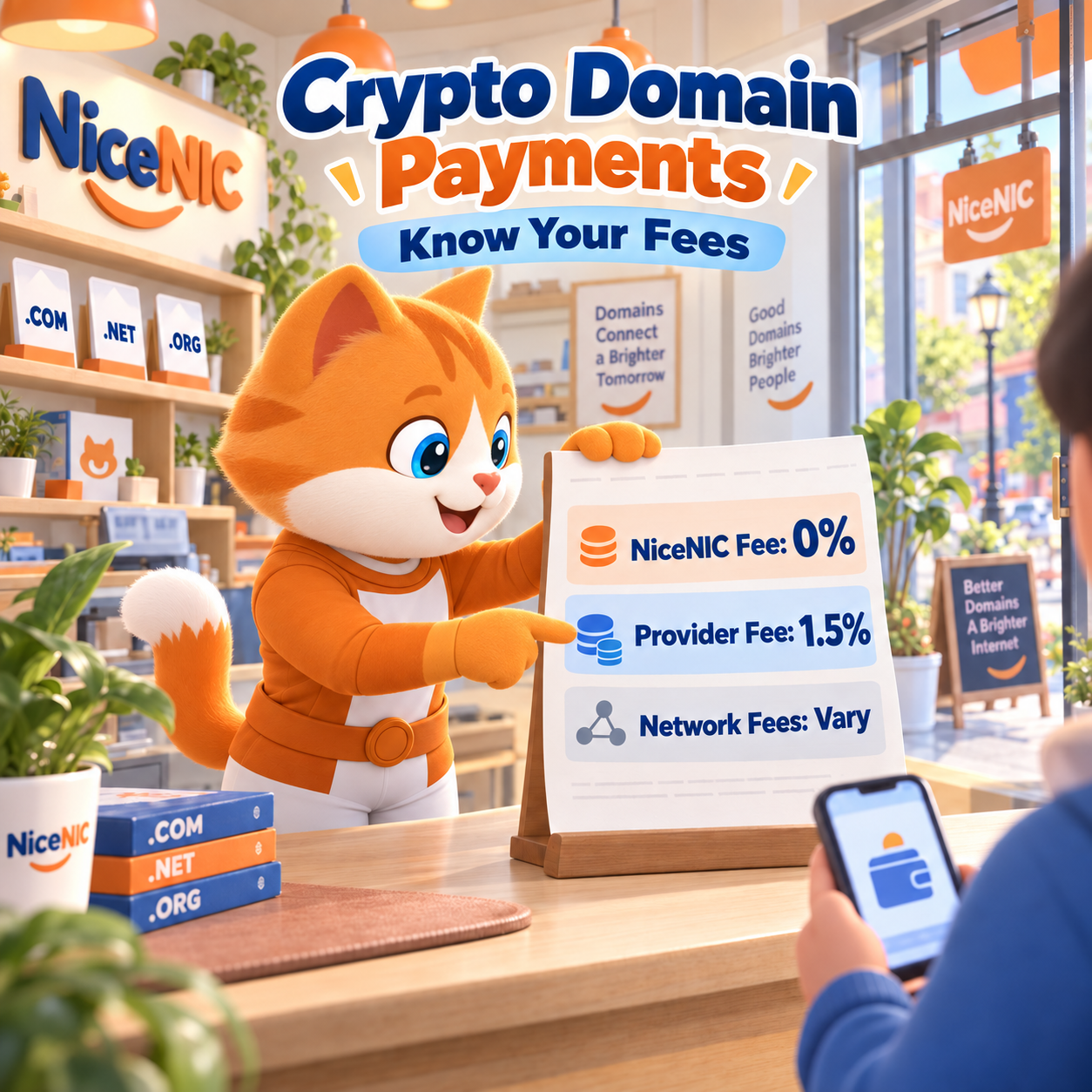
At NiceNIC, 0% crypto processing fee means NiceNIC does not add its own processing charge when you fund your account with cryptocurrency. Your payment may still involve a payment provider service fee and costs charged by your wallet, exchange, or blockchain network.
NiceNIC's online crypto checkout is processed by Triple-A. The provider currently charges a 1.5% service fee, as explained on NiceNIC Payment Options.
Before funding your account, check current domain registration and renewal prices. Then review the account credit, payment total, and cryptocurrency amount shown in your payment instructions.
Why Are There Extra Fees If NiceNIC Charges 0%?
There are three separate costs to understand.
1. NiceNIC processing fee
NiceNIC’s published crypto processing fee is 0%. This refers specifically to the charge for using that payment method.
2. Payment provider service fee
The online gateway currently charges 1.5%. Review the final fee and total before confirming payment. If you arrange a manual crypto payment with NiceNIC, follow the terms provided for that route.
3. Wallet, exchange, or network costs
Sending cryptocurrency may incur a blockchain network fee. If you withdraw from an exchange, the exchange may apply its own withdrawal fee or minimum. For example, Kraken's withdrawal fee guidance directs customers to check the final fee at confirmation.
Network costs are not universally fixed. They depend on the network and transaction details. On TRON, available Bandwidth and Energy can also affect whether TRX is required to cover resource costs, as explained in TRON's official resource documentation.
Check the sending platform’s estimate instead of assuming every transfer will cost the same amount.
How Much Would I Pay to Add $100 to My Account?
The answer depends on how the payment page calculates the fee and quotes the cryptocurrency amount.
Illustrative example: Assume the payment page specifies $100 in account credit and adds a 1.5% service fee on top of that amount.
The calculation would be:
- Account credit: $100.00
- NiceNIC processing fee: $0.00
- Payment provider service fee: $1.50
- Invoice total before applicable sending costs: $101.50
This example explains the arithmetic under those assumptions. Use the actual payment screen to confirm your transaction’s fee, total, and expected account credit.
Send the exact cryptocurrency quantity shown on the invoice. A $101.50 invoice does not automatically mean you should send 101.50 USDT or USDC. Follow the quoted amount, including its decimal places.
Also check whether your exchange deducts a withdrawal fee from the amount being sent. The amount delivered to the payment address should match the invoice. Your wallet may require additional funds or network resources to complete the transfer.
After payment confirmation and account processing, check your available NiceNIC balance before placing an order.
Can One Larger Deposit Reduce Crypto Payment Fees?
A larger deposit may reduce the number of transfers you need to make. It does not automatically reduce a percentage fee.
Assuming the same 1.5% fee is added to each deposit amount, with no other fee adjustments:
- Ten deposits of $100 each: $1.50 × 10 = $15 in service fees
- One deposit of $1,000: $1,000 × 1.5% = $15 in service fees
Fewer transfers may reduce sending costs, depending on your wallet, exchange, and network. A funded balance also lets you pay for multiple eligible orders without initiating a new crypto payment for each purchase.
For businesses managing many domains, the NiceNIC Reseller Program offers pricing levels supported by qualifying prepaid credit. That credit remains usable for eligible purchases; it is not a separate membership fee.
Automation is available through the NiceNIC Domain API. Active Market and Reseller Accounts can access the API, while paid operations require sufficient available balance.
What Should I Check Before Sending a Crypto Payment?
Check these details against the current payment instructions:
- Cryptocurrency and network: Both must match. If the invoice requests USDT on TRON, send USDT on that network. Selecting another TRC20 token does not satisfy a USDT invoice.
- Exact amount: Use the invoice's cryptocurrency quantity. Check the amount the recipient will receive after any exchange withdrawal deduction.
- Current payment address: Copy the address from the active invoice. Do not assume an address from an earlier payment can be reused.
- Invoice validity: Check the expiration time before starting the transfer, especially when an exchange must process your withdrawal.
- Sending costs: Make sure your wallet or exchange can cover the payment and any applicable transfer costs.
These checks help avoid payments that require additional review or cannot be credited as expected.
What Happens After I Pay?
Funding your account and completing a domain order are separate steps:
- Send the payment using the active invoice's instructions.
- Wait for payment confirmation under the provider's requirements.
- Check your available account balance.
- Submit your domain registration, renewal, or transfer order.
- Verify the order's result in your account.
A confirmed crypto transaction alone does not establish that a domain has been registered or renewed. Some domain operations can remain pending while the registry processes them. NiceNIC's Domain API documentation also distinguishes accepted or pending requests from completed operations.
What Should I Do If My Crypto Invoice Expires?
Your next step depends on whether you have already initiated payment.
If you have not initiated a transfer: Return to checkout and generate a valid invoice. Recheck its amount, cryptocurrency, network, address, and expiration time before paying.
If you have already initiated a transfer: Check the transaction and invoice status before taking further action. This includes exchange withdrawals that are still processing and have not yet appeared on a blockchain explorer.
Do not send a second payment while the first payment’s status is unresolved. Contact support if you need help reconciling a payment with an expired invoice.
What If My Payment Is Confirmed but My Balance Has Not Updated?
First, compare the status shown by your wallet or exchange with the payment provider’s status. A transaction visible on a blockchain explorer may still be awaiting the provider’s required confirmations or processing.
If the balance remains unchanged after the payment is confirmed, submit a NiceNIC support ticket with:
- Your payment or invoice ID
- The cryptocurrency, network, and amount sent
- The transaction hash, or TxID, where applicable
- The payment time and a screenshot of the payment status
If the payment was short, late, or sent using different details from those requested, obtain instructions before sending additional funds.
Frequently Asked Questions
Does paying with crypto remove registration or verification requirements?
No. You still need to meet the requirements for the domain extension and provide accurate registration details. Payment verification may also be required. Cryptocurrency payment does not guarantee anonymous registration, as explained in NiceNIC's payment FAQ.
Is WHOIS privacy included when I pay with crypto?
Payment method does not determine privacy eligibility. NiceNIC offers free basic WHOIS privacy for eligible extensions where registry policy permits it. Check the applicable terms on the domain price list.
Will an ICANN fee be added because I pay with cryptocurrency?
NiceNIC's standard listed domain prices include the applicable ICANN fee. It is separate from the payment provider's service fee and should not be counted again when already included. See NiceNIC's domain pricing information.
Can I use a crypto-funded balance for renewals and transfers?
Yes. Once the funds are available, you can use your balance for eligible renewals and transfers. The domain’s status and applicable registry requirements still determine whether the operation can proceed.
Ready to purchase? Search for your domain, check its price, and add funds to your NiceNIC account using the payment instructions shown for your transaction.


