


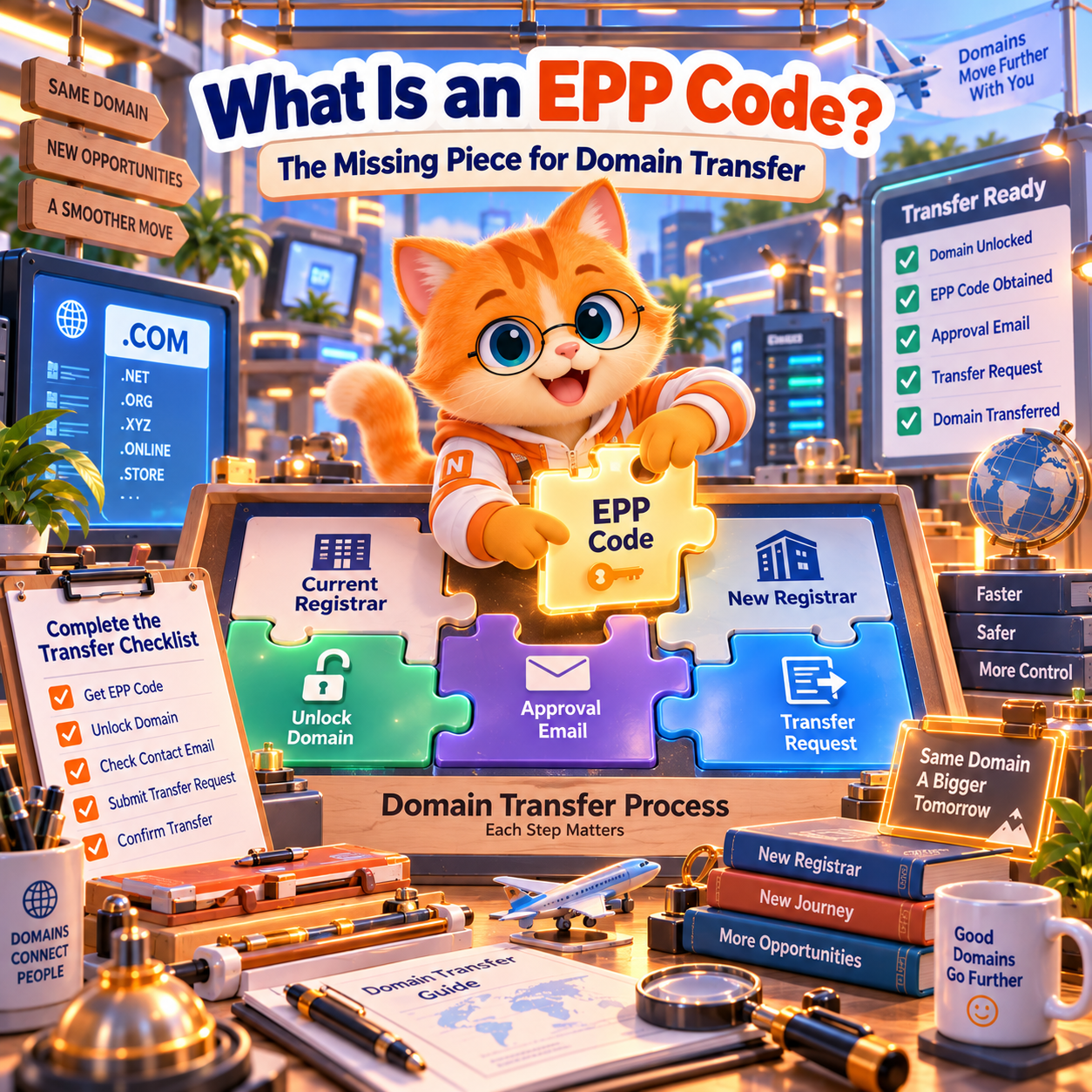
An EPP Code (also called an Auth Code, AuthInfo Code, authorization code, or domain transfer code) is a security credential used when transferring a domain name from one registrar to another.
For common domains such as .COM, .NET, and .ORG, you obtain this code from your current registrar, usually through its domain management or transfer-out settings.
The basic process is simple:
- Sign in to the registrar currently managing your domain.
- Select the domain you want to transfer.
- Find the transfer-out or authorization-code option.
- Request or generate the code.
- Give it to your new registrar through its secure transfer process.
Having the code does not automatically mean the domain can be transferred. The domain must also meet the applicable transfer requirements, including any transfer-lock restrictions.
And not every extension uses the same method. Some country-code domains, such as .UK, have different transfer procedures.
This guide explains where to find your code, how to obtain it at NiceNIC, which domains use different systems, and what to do when the code does not work.
What Is an EPP Code, and Is It the Same as an Auth Code?
In everyday domain management, EPP Code and Auth Code generally refer to the same type of transfer authorization credential.
You may encounter several names:
EPP itself stands for Extensible Provisioning Protocol, a protocol used for communication between domain registrars and registries.
Strictly speaking, EPP is the protocol, while the AuthInfo code is the credential. But “EPP Code” has become a widely used customer-facing term.
The purpose of the code is to help identify the legitimate domain holder and prevent unauthorized transfers.
It is not your account password, and it does not replace other security checks.
Under ICANN’s Transfer Policy, the AuthInfo code is used to identify the registered name holder. Applicable transfer authorization requirements remain separate.
You can read the official explanation in ICANN's About Auth-Code guide.
Where Do I Find My Domain's EPP Code?
The correct place to request your EPP Code is the registrar currently managing your domain.
If you are transferring a domain to NiceNIC from another registrar, request the code from that other registrar. NiceNIC cannot normally generate a standard gTLD transfer code for a domain still managed by another registrar.
Most registrar dashboards place the option under one of these labels:
The exact menu names depend on your registrar.
Some registrars display the code immediately. Others generate it after account verification or send it to the registrant’s email address.
If you cannot locate the option, contact your current registrar and request the authorization code for your specific domain.
How Long Must a Registrar Take to Provide an Auth Code?
For gTLDs covered by ICANN’s Transfer Policy, a registrar must allow the registered name holder to generate and manage the unique AuthInfo code or, if that self-service mechanism is unavailable, provide the code within five calendar days of the holder’s request.
ICANN also has requirements governing the removal of clientTransferProhibited when a self-service unlock facility is not provided.
If you cannot obtain the code and believe your registrar is not meeting its obligations, first document your request and then consider using ICANN’s transfer complaint process.
These ICANN requirements do not automatically apply to every country-code extension.
Official reference: ICANN Transfer Policy.
How Do I Get My EPP Code from NiceNIC?
If your domain is currently registered with NiceNIC and you want to transfer it to another registrar, NiceNIC provides an authorization-code request procedure.
According to NiceNIC’s published transfer-out instructions, follow this path:
My Products > Domain Name > Manage > Auth Code
Then:
- Sign in to your NiceNIC account.
- Open My Products > Domain Name.
- Select the domain and click Manage.
- Click Auth Code.
- Complete the required two-factor authentication (2FA).
- Check the domain registrant email address for the transfer code.
If 2FA is not enabled on your account, you will need to configure it before requesting the code through this procedure.
The code is sent to the domain registrant email address, which may not be the same as the email address you normally use to sign in.
Check both your inbox and spam folder.
What if the Auth Code option sends you to a support ticket?
NiceNIC explains that some domains are managed through registry cooperation channels rather than the standard self-service interface.
For those extensions, the Auth Code option may redirect you to the support ticket system instead of displaying the code.
This does not necessarily indicate an error. Follow the support instructions for your specific extension.
Once the receiving registrar initiates an eligible transfer, NiceNIC’s published guide also describes a transfer approval option under:
My Products > Domain Name > Transfer List > Approve / Deny
Follow the instructions applicable to your transfer; not every TLD uses identical approval steps.
For screenshots and detailed instructions, see How to Transfer a Domain Out from NiceNIC.
Which Domains Need an EPP Code? Common ccTLD Exceptions
This is where many domain owners run into problems.
A transfer form may ask for an EPP Code, but the exact authorization method depends on the domain extension.
An authorization code is required for standard gTLD transfers, but not every ccTLD follows the same process.
The following examples show why checking the registry rules matters.
.DE: Uses an AuthInfo Code
Germany’s .DE registry, DENIC, uses an authorization procedure called AuthInfo.
The domain holder requests AuthInfo from the current provider and supplies it to the new provider.
DENIC then validates the information for the provider change.
The AuthInfo is valid for up to 30 days, subject to DENIC’s requirements.
This means a .DE domain uses an authorization code, but you should not assume that every part of the standard .COM transfer process applies.
Official reference: DENIC Provider Transfer.
.EU: Uses a Transfer Authorisation Code
The .EU registry, EURid, uses a Transfer Authorisation Code (TAC).
EURid states that the TAC is a 16-character code in the format:
XXXX-AAAA-BBBB-CCCC
It remains valid for 40 days from issuance or until it is used, whichever happens first.
The code is normally obtained through the current registrar. EURid also provides a way for eligible domain holders to generate a code through the My .eu platform.
An expired or incorrect TAC will not complete the transfer. Certain domain statuses, including suspension, can also prevent a transfer even if a valid code is available.
Official reference: EURid My .eu.
.UK and .CO.UK: The Transfer Method Is Different
As of October 2026, .UK and .CO.UK domains generally use Nominet’s existing IPS TAG-based registrar change procedure rather than the standard gTLD EPP/Auth Code process.
If you are transferring a .UK or .CO.UK domain to NiceNIC, contact NiceNIC support for the applicable IPS TAG and transfer instructions.
Do not assume that a code generated for another domain extension can authorize a .UK transfer.
Upcoming change: Nominet has scheduled its .UK Standardisation transition for February 9, 2027. This programme introduces a Transfer Authorisation Code system to replace the existing IPS TAG-based registrar transfer method.
Until that transition takes effect, follow the currently applicable .UK transfer procedure.
Official references:
Why This Matters
The label “EPP Code” does not guarantee that all registry transfer systems work identically.
For any ccTLD not listed above, confirm the exact authorization method with the relevant registry or receiving registrar before submitting a transfer.
Do not rely on a general gTLD procedure when the extension has special requirements.
Why Is My EPP Code Not Working?
If a transfer code is rejected, first determine whether the code itself is invalid or whether something else prevents the domain from transferring.
These are different problems.
clientTransferProhibited
serverTransferProhibited
Does Unlocking the Domain Generate a New EPP Code?
Not necessarily.
Unlocking and obtaining an Auth Code are separate actions.
You may already have a valid code while the domain is still locked.
Likewise, unlocking the domain does not automatically mean you have the correct authorization credential.
For example:
Your registrar provides an Auth Code for example.com, but the domain still shows:
clientTransferProhibited
The code alone cannot override that status.
You need to remove the applicable transfer prohibition before an ordinary inter-registrar transfer can proceed.
A serverTransferProhibited status requires a different investigation because the restriction is applied at the registry level.
For more information about EPP status codes, see ICANN's EPP Status Code Guide.
What If the Code Is Correct but My Transfer Still Fails?
Check whether the domain is eligible for transfer.
An applicable 60-day restriction, unresolved authorization issue, expiration-stage problem, or registry-specific requirement may prevent the transfer even when the code itself is valid.
For example, an ordinary renewal does not by itself create a universal ICANN 60-day transfer lock. But a qualifying Change of Registrant may trigger one.
The correct solution depends on the reason for the restriction.
For a complete explanation of the domain transfer process, timing and common failures, read How Domain Transfers Work (And How to Avoid Common Problems).
How Long Is an EPP Code Valid?
There is no single validity period that applies to all domain extensions and registrars.
Some authorization codes have registry-defined expiration periods. Others operate under different generation and replacement rules.
For example:
- .DE AuthInfo: Valid for up to 30 days under DENIC's provider transfer procedure.
- .EU TAC: Valid for 40 days or until used under EURid's procedure.
- Common gTLD AuthInfo codes: Check the current registrar's generation and validity rules rather than assuming the same period as a ccTLD.
If a code was issued some time ago and is rejected, contact the current registrar to verify whether it is still valid.
However, do not repeatedly regenerate authorization codes during an active transfer without checking the applicable process. A replacement code may invalidate an earlier code or interfere with an outstanding request.
Is It Safe to Share an EPP Code?
An Auth Code is a sensitive domain security credential.
Anyone who obtains a valid code may be able to use it as part of an attempt to initiate an unauthorized registrar transfer.
Other protections, including transfer locks, account authentication and transfer authorization procedures, can reduce that risk. But you should never treat the code as public information.
To protect your domain:
- Enter the code only through the legitimate receiving registrar's secure transfer process or another authorized channel.
- Do not publish it in forums, public screenshots, documents or social media.
- Avoid storing codes in spreadsheets accessible to people who do not need them.
- Use strong account security and 2FA where available.
- Check the destination website before entering the code.
What If Someone Else Gets My Auth Code?
If you accidentally expose your transfer code, contact your current registrar promptly.
Ask whether the code should be invalidated or replaced, whether an unauthorized transfer is pending, and whether additional transfer protections should be enabled.
If you did not authorize a transfer, report the situation immediately rather than waiting for the domain to disappear from your account.
For valuable domains or large portfolios, authorization-code access should be restricted to the people responsible for domain management.
What Do I Do After Getting My EPP Code?
Once you have the correct code, the next step depends on where you want the domain to go.
If You Are Transferring Your Domain to NiceNIC
For a supported extension using a standard EPP/Auth Code transfer:
- Confirm that the domain is eligible and unlocked.
- Obtain the current authorization code from your existing registrar.
- Open the NiceNIC Domain Transfer page.
- Enter the domain name and Auth Code.
- Review the transfer price and applicable terms.
- Submit the request and complete any required authorization.
- Monitor the transfer status in your NiceNIC account.
For extensions that use a different procedure, contact NiceNIC before submitting the transfer.
NiceNIC’s transfer form includes an Auth Code field, but that does not mean every supported ccTLD can be transferred using the standard gTLD authorization workflow.
If You Are Still Comparing Registrars
Getting your Auth Code does not require you to choose NiceNIC or any particular receiving registrar.
Before moving, consider your total registration and renewal costs, DNS continuity, account security, support requirements and future domain-management needs.
For NiceNIC's specific transfer options and account-management features, read Transfer Your Domain to NiceNIC: A Practical Guide for Better Domain Control.
EPP Code Frequently Asked Questions
Can I get an EPP Code without unlocking my domain?
In many cases, yes. Obtaining the code and removing the transfer lock are separate operations. However, the transfer cannot normally proceed while an applicable transfer-prohibiting status remains active.
Can I use the same EPP Code for multiple domains?
For ICANN-governed gTLDs, registrar-generated AuthInfo codes must be unique for each domain. Do not assume that one code can be reused across a portfolio.
Can I get an EPP Code for an expired domain?
It depends on the domain’s lifecycle stage and the applicable registrar and registry policies. Even if a code is available, the domain may not be eligible for an ordinary transfer. Confirm the current status and recovery options first.
Is an EPP Code the same as my domain account password?
No. Your account password is used to access your registrar account. Your Auth Code is a separate credential used for the applicable domain transfer process.
Can I transfer a domain without an EPP Code?
For standard ICANN-governed gTLD transfers, an AuthInfo code is required. Certain ccTLDs use different procedures, such as the IPS TAG-based process currently applicable to .UK domains.
Will requesting an EPP Code affect my website or email?
Requesting the code does not itself change your domain’s DNS records, nameservers or hosting provider. However, before completing a registrar transfer, confirm that your current DNS service will remain available.
Ready to Transfer Your Domain?
An EPP/Auth Code is one important part of transferring a domain, but it is not the entire process.
The essentials are straightforward: obtain the correct code from the current registrar, confirm that the domain is eligible and unlocked, follow the extension’s actual transfer procedure, and keep the code secure.
If you are moving an eligible domain to NiceNIC, you can check the transfer options and applicable pricing before submitting your request.
Start a Domain Transfer to NiceNIC
For registry-specific questions or authorization problems, contact NiceNIC support.


