


Choosing the right certificate starts with two questions: which website addresses need protection, and how much identity verification does your business require?
Explore SSL certificates at NiceNIC to compare options for one website, multiple subdomains, or several different domains.
Why Your Website Needs an SSL Certificate
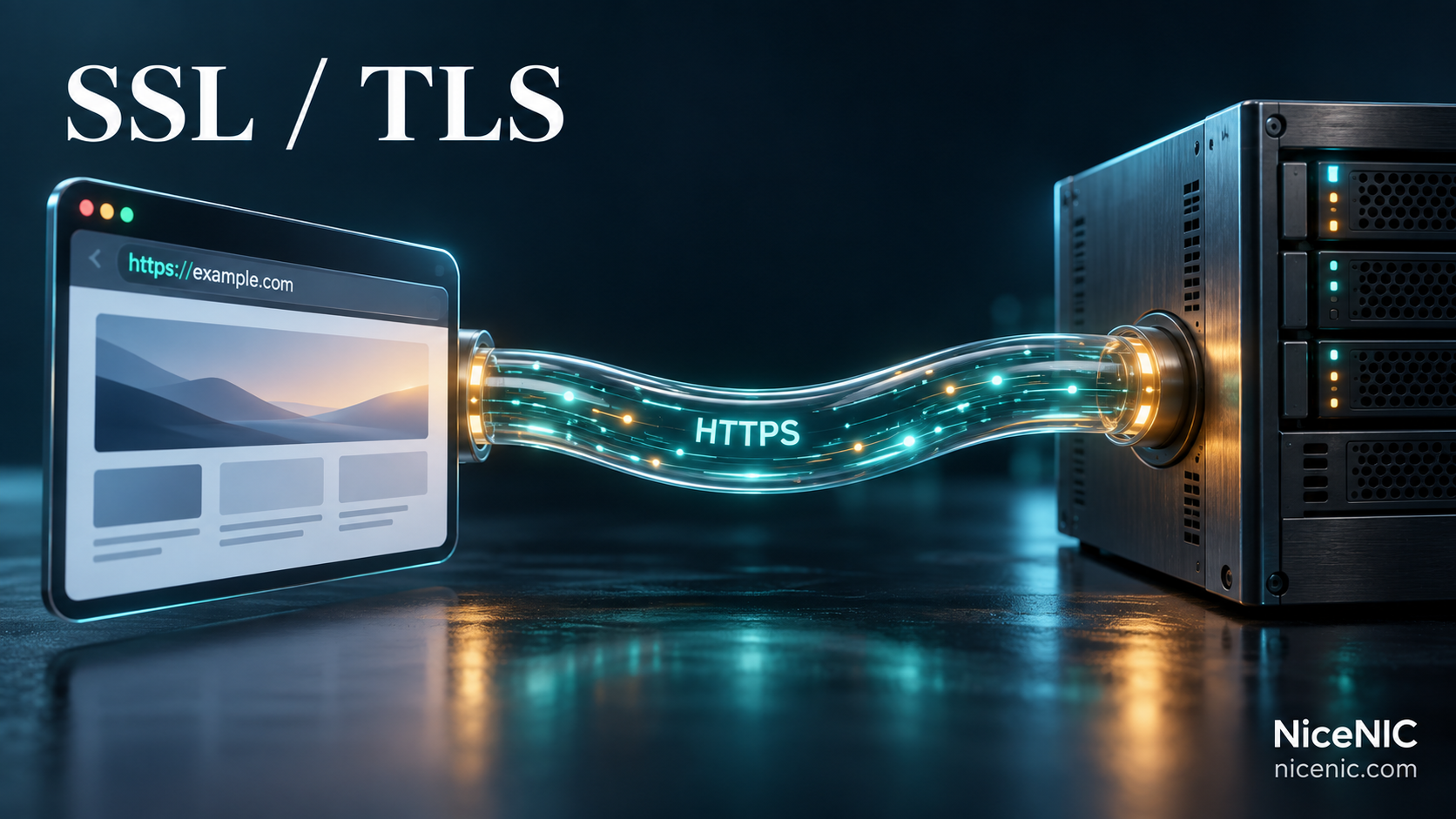
“SSL certificate” remains the familiar product name, although modern HTTPS connections use Transport Layer Security, or TLS.
Properly configured TLS provides encryption, helps detect changes to data in transit, and allows browsers to authenticate the server for the requested website address. Mozilla's TLS documentation explains these protections.
For your visitors, HTTPS supports everyday actions such as signing in, submitting an inquiry, or managing an account. It also matters on informational websites, where browsing activity and page content deserve protection.
An expired, mismatched, or incorrectly installed certificate can produce browser warnings that interrupt those actions. Keeping HTTPS working is therefore part of maintaining a usable website.
However, a certificate does not remove malware, repair vulnerable software, or prove that every claim on a website is trustworthy. Continue maintaining your website, access controls, and backups alongside HTTPS.
Where Can You Get an SSL Certificate?
There are three common routes. The right choice depends on your website platform and who will manage installation and renewal.
Your Hosting Provider or Website Platform
Check whether your existing service already includes HTTPS for your custom domain.
Some providers obtain, install, and renew certificates automatically. Others require you to enable the feature or complete domain verification. If the included service covers your needs and works reliably, you may not need a separate certificate purchase.
Before buying an external certificate, confirm that your platform allows you to install one.
A Certificate Authority
A certificate authority, or CA, issues certificates after completing the required validation.
Some CAs provide certificates directly through automated systems. For example, Let's Encrypt offers free certificates that a hosting provider or an ACME software client can obtain and manage.
This can suit websites with a supported hosting integration or someone available to maintain the automation.
An SSL Certificate Provider Such as NiceNIC
An SSL provider offers a purchasing and support route for certificates issued by CAs.
NiceNIC provides certificate choices for different website configurations, alongside free reissues and 24/7 human support. Its SSL Finder helps you choose coverage and validation separately.
A paid certificate is not automatically stronger at encrypting traffic than a free certificate. Compare the identity checks, support, management process, and coverage you need.
Which SSL Certificate Should You Choose?
Start by listing the exact addresses visitors use. Then choose the appropriate validation level.
Choose the Website Addresses to Cover
Single Domain SSL suits a website with straightforward coverage requirements. Check whether the selected product includes both the root domain and its “www” version.
Wildcard SSL covers matching subdomains at one level. For example, *.example.com can cover shop.example.com and portal.example.com, but not login.portal.example.com. The root address, example.com, must also be included if you need it covered. These distinctions follow the TLS rules for matching domain names.
Multi-Domain SSL covers several specified domain names within one certificate. Check the number of included names, additional-name charges, and whether the product supports any wildcard entries you need.
Avoid choosing by the number of pages on your website. Hundreds of pages under the same hostname do not require hundreds of certificates.
Choose the Identity Verification Level
The main distinction between DV, OV, and EV certificates is the verification performed before issuance:
- Domain Validation (DV): Confirms control of the domain. A practical starting point for many websites.
- Organization Validation (OV): Adds checks of the organization's identity.
- Extended Validation (EV): Applies more extensive organizational verification requirements.
OV and EV can suit businesses with specific identity assurance or procurement requirements. They do not automatically provide stronger traffic encryption, higher search rankings, or a guaranteed increase in sales.
What Should You Check Before Buying?
A few checks can prevent an unsuitable purchase or an avoidable installation delay:
- Platform compatibility: Confirm that your host, server, or website platform accepts externally purchased certificates.
- Exact coverage: Include every hostname visitors need, including relevant "www" and subdomain addresses.
- Validation access: Identify who can make the required DNS or website changes.
- Organization details: Prepare accurate business information if choosing OV or EV.
- Installation responsibility: Decide whether your hosting provider, developer, or internal team will deploy the certificate.
- Ongoing management: Check pricing, reissue terms, renewal arrangements, and available automation.
If you are unsure which product fits, contact NiceNIC support with your hostname list and hosting platform. Those details help narrow the choice.
How to Get Your Certificate Working
Purchasing an SSL certificate is the beginning of the process. HTTPS becomes available after validation, issuance, and deployment are complete.
1. Prepare the Certificate Request
Follow your server or hosting platform’s instructions to generate a Certificate Signing Request, or CSR, where required.
The CSR contains information used to issue the certificate, including the public key. Keep the associated private key protected in your hosting environment. DigiCert's CSR guidance explains the process.
2. Complete Validation
Follow the certificate order’s instructions to demonstrate domain control. For DNS validation, add the specified record at the provider that actually hosts your domain’s DNS.
OV and EV applications also require organizational verification. Issuance time depends on the selected product, successful checks, and any additional review.
3. Install the Issued Certificate
Install the certificate and required intermediate certificates according to your hosting platform’s instructions. If a hosting company or developer manages the website, coordinate deployment with them.
An issued certificate sitting in an account or download folder does not protect live traffic.
4. Test the Website
Check the covered addresses over HTTPS, including login pages, forms, and checkout flows.
After HTTPS works correctly, configure HTTP redirects and update resources that still load over HTTP. These insecure resources create mixed content, which browsers may upgrade or block.
Certificate Validity and Subscription Length Are Different
A yearly SSL subscription does not mean that one certificate remains technically valid for a full year.
Under the CA/Browser Forum's Baseline Requirements, publicly trusted TLS certificates issued from March 15, 2026 through March 14, 2027 have a maximum validity period of 200 days. Individual certificates may expire sooner.
Longer subscriptions therefore require replacement certificates during the subscription period. Each replacement must also be deployed before the certificate currently serving visitors expires.
Track both the subscription renewal date and the live certificate’s expiration date. Use supported automation where available, and confirm that it replaces the certificate successfully.
Does SSL Help With SEO?
Google recommends serving pages securely as part of a good website experience. Its page experience guidance also makes clear that search performance depends on more than one technical feature.
Buy and maintain SSL to protect connections and keep your website usable. A certificate purchase does not guarantee indexing, higher rankings, or recommendations from search engines and AI tools.
Get the Right SSL Certificate With NiceNIC
Choose a certificate that covers your actual website addresses, meets your verification requirements, and fits the way your team manages the site.
NiceNIC brings SSL selection and support together with domain registration, renewals, transfers, and DNS management. You can plan your website’s address and HTTPS requirements through the same provider.
Compare NiceNIC SSL plans and current prices to choose your coverage and start your certificate order.


