


By NiceNIC Content Team | Published payment and network information checked: October 14, 2026
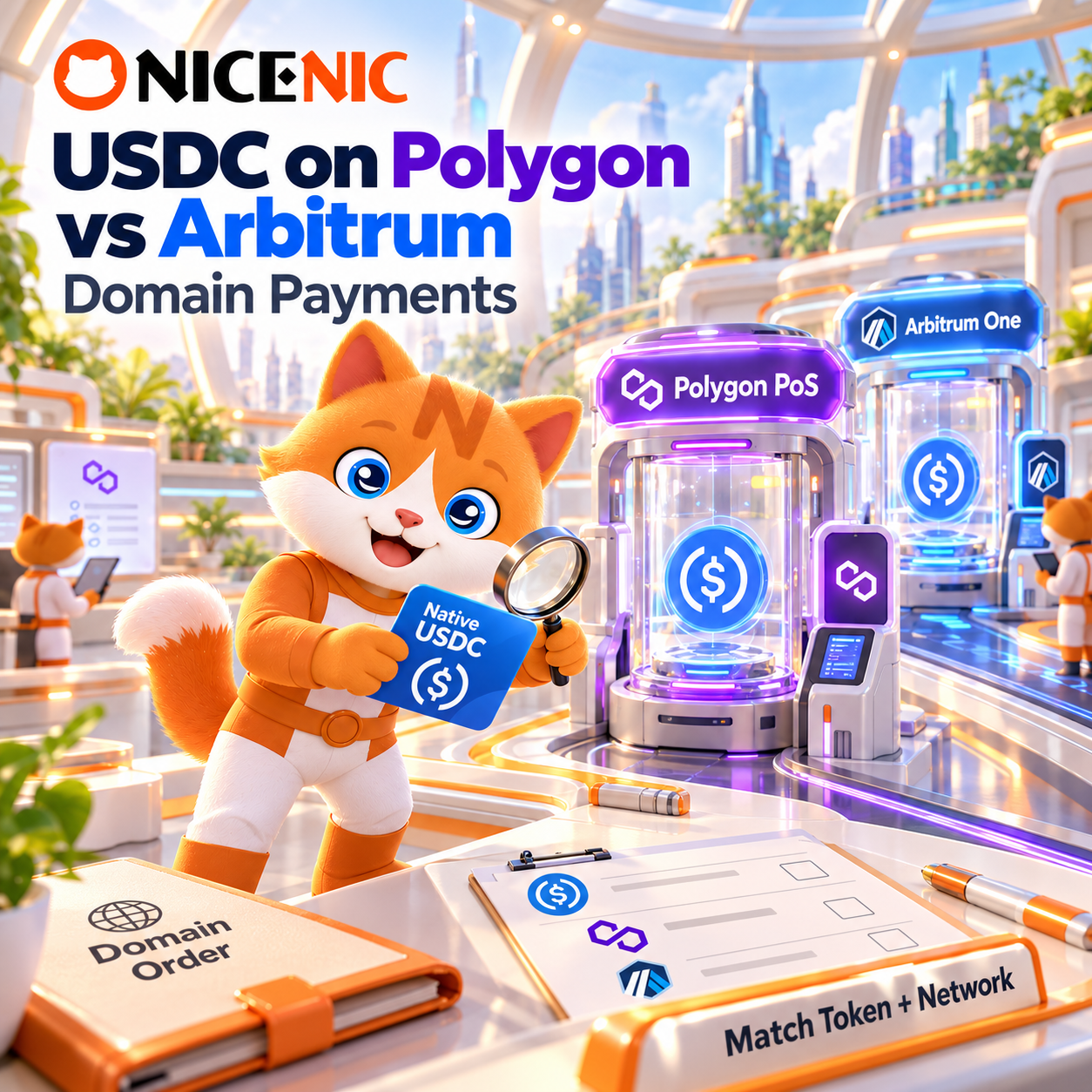
Already hold native USDC on Polygon PoS? Polygon is usually the more practical way to fund your NiceNIC account. Already hold it on Arbitrum One? Arbitrum One is usually the better choice. Both networks are listed for USDC payments by NiceNIC Payment Options and Triple-A's supported-currencies guide, but you must select the exact asset and network offered in your current checkout.
The decision is not simply which blockchain advertises the lowest gas fee. You also need to check whether your USDC is native or bridged, which network your wallet can send on, and what your exchange or payment provider will charge. Do not bridge USDC from one network to another just because a comparison chart suggests slightly cheaper gas. The extra transfer can cost more and introduce another opportunity for error.
If you have not yet chosen a domain, search for an available name and check its registration and renewal prices on NiceNIC Domain Prices before funding your account. A crypto deposit does not reserve a domain.
Choose the Network That Matches Your Funds
Polygon PoS and Arbitrum One both support Ethereum-style 0x... addresses, but they are not the same blockchain. Polygon PoS is a separate proof-of-stake network; Arbitrum One is an Ethereum rollup. Their native gas assets and USDC token contracts also differ.
For a self-custody wallet, POL is the native gas token on Polygon PoS (some older wallet configurations may still label it MATIC). ETH held on Arbitrum One pays gas on Arbitrum One; ETH on Ethereum mainnet is not automatically available there. Wallets with sponsored gas arrangements can work differently. Exchanges usually handle gas in their withdrawal process and show their own charges.
Two 0x Addresses Can Hide Two Different Payments
Never identify the payment network by the first characters of the receiving address. A Polygon address and an Arbitrum address can both look like 0x... followed by 40 hexadecimal characters. Even an identical-looking address string does not mean a payment sent on one chain will be recognized on another.
There is a second trap: native USDC and bridged USDC.e are not interchangeable tokens. Circle publishes these native USDC contract addresses:
-
Polygon PoS native USDC:
0x3c499c542cEF5E3811e1192ce70d8cC03d5c3359 -
Arbitrum One native USDC:
0xaf88d065e77c8cC2239327C5EDb3A432268e5831
These are Circle-issued USDC token contracts, verified against Circle's official USDC contract directory. Legacy bridged USDC.e on these networks uses different contracts. Circle explains the distinction in its Polygon PoS and Arbitrum documentation.
Important: A token contract address is NOT your NiceNIC or Triple-A payment destination. Never send USDC to either contract address above. Those addresses are included only to help identify the token in a wallet or explorer. Send funds solely to the receiving address or payment instructions generated by your current checkout.
Circle’s contract list confirms which assets are native USDC. It does not, by itself, confirm which contracts are enabled for a particular NiceNIC merchant transaction. Triple-A publicly lists USDC on Polygon and Arbitrum, but its general network list is not an account-specific token acceptance test. If the accepted USDC version is unclear in your payment screen, confirm with the provider or NiceNIC Support before sending. Do not assume USDC.e is accepted just because your wallet displays the word “USDC.”
Compare Total Payment Cost, Not Gas Alone
NiceNIC currently adds 0% crypto processing fee. Its online cryptocurrency checkout provider, Triple-A, currently lists a 1.5% service fee. These are different charges, and neither network eliminates possible wallet, exchange, or blockchain costs.
Both networks can offer relatively low on-chain transaction fees compared with Ethereum mainnet, but neither is guaranteed to be cheaper at every moment. Arbitrum fees reflect its rollup transaction-cost structure; Polygon fees depend on its own network conditions. The Polygon POL migration information and Arbitrum's gas documentation explain the different fee assets.
A practical comparison is the amount you will spend to deliver the required payment, not a generic estimate of gas. If an exchange offers both withdrawal routes, compare its actual USDC withdrawal charge and confirm the token it will send. If you already hold the correct native USDC and gas asset in your own wallet, making an extra bridge or swap solely to chase lower gas may add expense and risk.
The 1.5% provider fee does not tell you by itself whether that fee is added to the payment amount or deducted from the credited amount. Review the final charge and any expected NiceNIC account credit displayed in the live checkout. Do not treat an illustrative fee calculation as a guaranteed balance outcome.
A Short Payment Check Before You Transfer
At NiceNIC, funding an account and registering a domain are separate events. The useful sequence is USDC payment -> provider confirmation -> NiceNIC balance credit -> domain order -> registry result.
- Check the domain first. Review availability, applicable registration term, Premium status, and the price you intend to pay. Adding USDC does not hold the domain for you.
- Open account funding. Sign in and follow My Account > My Payment > Add Balance. Choose Online Crypto Payment. The manual-wallet route is separate; do not send Polygon or Arbitrum USDC to an unrelated manual address.
- Match the exact payment route. Choose USDC and then Polygon or Arbitrum One only if it appears in your live checkout. Check the accepted token version, network, amount, provider fees, receiving address, and any invoice expiry shown.
- Send and retain evidence. From your wallet or exchange, use the selected network and correct asset. Ensure the required amount reaches the destination after any exchange deductions. Save the provider payment reference and, where applicable, the transaction hash (TXID).
- Confirm both outcomes. Wait for the provider to process the transfer and for your NiceNIC balance to become available. Then submit the domain order using that balance and verify the final registration status. Blockchain confirmation alone is not a successful domain registration.
For a broader comparison of which stablecoin to hold in the first place, see USDT vs USDC vs PYUSD for Domain Registration. This page is specifically about choosing between the Polygon and Arbitrum routes after you have chosen USDC.
If the Transfer Is Confirmed but the Balance Is Missing
First check whether the transaction was sent on the same network specified by your checkout. Then inspect the token contract, recipient address, amount received, payment reference, and any invoice deadline. A successful Polygonscan or Arbiscan transaction confirms an on-chain event; the provider may still be processing or reconciling the payment.
If you sent USDC.e instead of the requested native USDC, or used the wrong network, do not send another payment until the provider has reviewed the first one. Recovery may be impossible. Similarly, if an exchange deducted a withdrawal fee and sent less than the requested amount, the payment may require investigation rather than automatic credit.
For an unresolved payment, contact NiceNIC Support with your username, payment reference, asset, network, amount, time, and TXID where available. Do not share wallet private keys, recovery phrases, account passwords, or API secrets.
If the USDC has already been credited but the domain order failed or remains pending, that is a different problem. Use Crypto Payment Confirmed but Domain Registration Failed: What Happens to Your Balance? to check the order and applicable balance-adjustment rules. A credited payment does not guarantee that the registry accepted the requested domain.
Before depositing more than you expect to spend, review the NiceNIC Refund Policy. Crypto payments and successfully completed domain orders have restrictions, and a failed payment-provider transaction is not the same as a rejected domain registration.
The best network is the supported route that delivers the correct USDC token with the least avoidable cost and risk. For an existing Polygon wallet, that will often be Polygon; for an existing Arbitrum wallet, Arbitrum One. When paying from an exchange, let the actual withdrawal quote and the live NiceNIC checkout decide. Start with NiceNIC Domain Search and verify the available payment networks before transferring funds.
NiceNIC has provided domain services since 2006. Its registrar services are operated by NICENIC INTERNATIONAL GROUP CO., LIMITED, an ICANN-accredited registrar (IANA Registrar ID 3765). The ICANN directory independently verifies its current accreditation; for company information, published policies, and account-protection guidance, visit the NiceNIC Trust Center.
Primary Sources
- NiceNIC Payment Options - Published online USDC payment routes, NiceNIC processing fee, and current provider fee.
- NiceNIC Payment FAQ - Account funding and payment confirmation guidance.
- Triple-A: Supported Currencies for Invoice Payments - Publicly supported USDC payment networks, including Polygon and Arbitrum.
- Circle: USDC Contract Addresses - Verified native USDC token contracts.
- Circle: USDC on Polygon PoS and Circle: USDC on Arbitrum - Native USDC and bridged-token distinctions.
- Polygon: MATIC to POL Migration - POL as the native gas asset on Polygon PoS.
- Arbitrum: Gas and Transaction Fees - ETH gas payments and fee mechanics on Arbitrum One.
- NiceNIC Refund Policy - Limitations and exceptions relevant to funded accounts and domain orders.


