


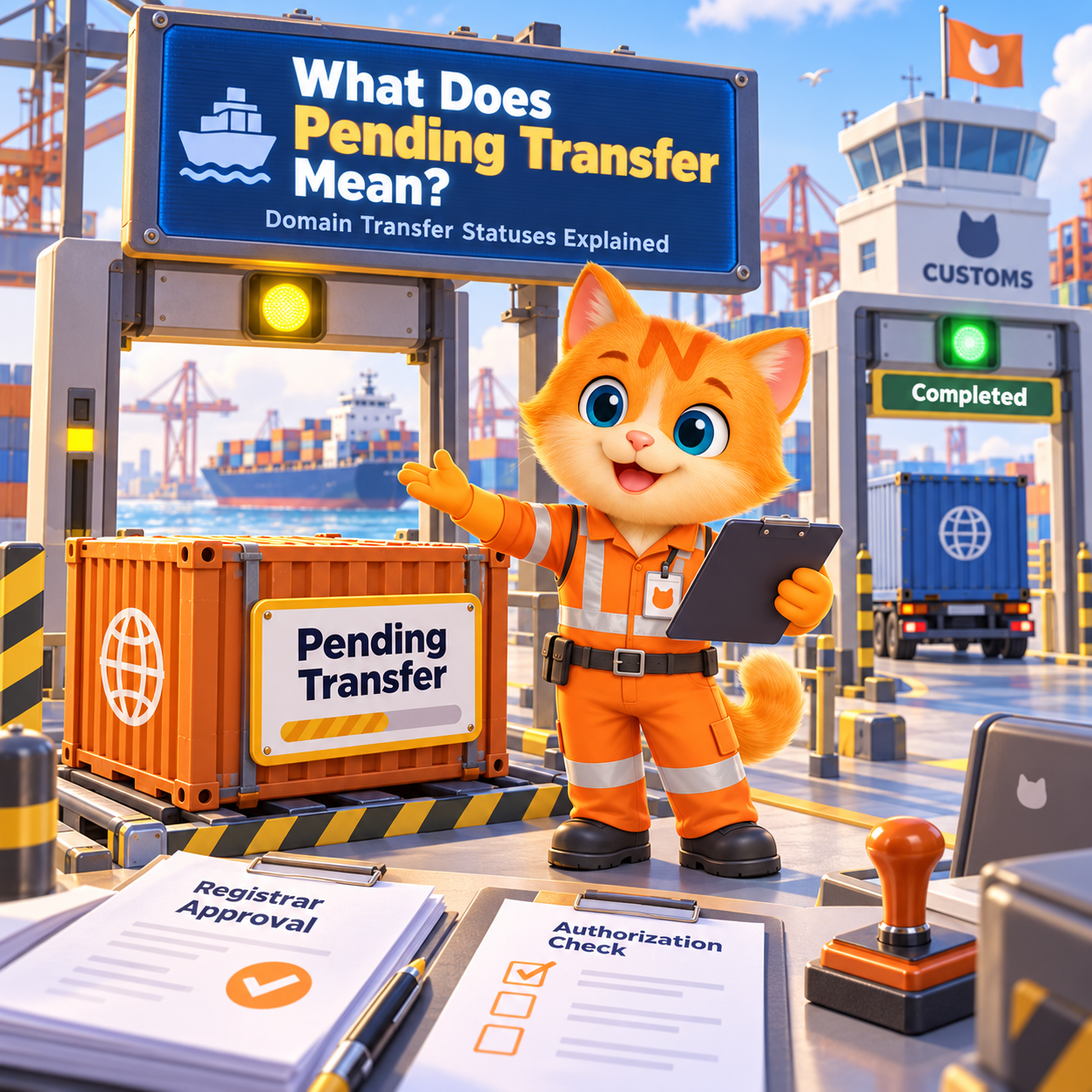
You submitted a domain transfer, entered the Auth Code or EPP Code, and expected the domain to move.
Instead, the status still says:
Pending Transfer
At this point, most domain owners want to know one thing:
Is the transfer progressing normally, or do I need to do something?
The short answer is that Pending does not automatically mean there is a problem. In many cases, the transfer is simply waiting for approval, registrar processing, registry processing, or another required step.
The important thing is knowing when to wait and when to take action.
If you are preparing to move an eligible domain to NiceNIC, you can review the requirements and start a secure domain transfer to NiceNIC.
Quick Answer: Should I Wait or Take Action?
If your domain transfer shows Pending or Processing, there is no error message, and nobody is asking you to complete another step, it may simply be moving through the normal transfer process.
You should take action when:
- You received an approval or verification request.
- The domain is still locked.
- Your Auth Code or EPP Code was rejected.
- The transfer shows an error or Action Required status.
- The current registrar has rejected the transfer.
- The expected transfer window has passed without progress.
The most important rule is simple:
Do not cancel and resubmit a transfer just because it says Pending. First find out what the transfer is waiting for.
What Does Pending Domain Transfer Mean?
A pending domain transfer means the request has started, but the domain has not yet finished moving to the receiving registrar.
Depending on the domain extension and registrar, the transfer may be waiting for:
- Registrar approval
- Registry processing
- Transfer authorization
- Domain unlock
- Auth Code verification
- Additional identity or ownership verification
- A registry-specific transfer step
So Pending is a processing status, not the same as Failed.
If there is no error and no action requested from you, waiting may be the correct next step.
Why Is My Domain Transfer Still Pending?
Several issues can keep a domain transfer in Pending status.
Is the Domain Still Locked?
Before a registrar transfer can complete, the domain normally needs to be transferable.
If you see a status such as:
clientTransferProhibited
the domain has a registrar-level transfer lock.
If you intentionally want to move the domain, log in to your current registrar and look for settings such as:
- Domain Lock
- Transfer Lock
- Registrar Lock
Unlock the domain before continuing.
A locked domain will not become transferable simply because a transfer request has already been submitted.
Is the Auth Code Correct?
The Auth Code, also called an EPP Code, Authorization Code, or transfer code, helps authorize the move between registrars.
A transfer can be delayed or rejected if:
- The code was copied incorrectly.
- Extra spaces were included.
- The code belongs to another domain.
- The code is old.
- A new Auth Code was generated after the transfer was submitted.
If your registrar specifically reports an Auth Code problem, request a fresh code and verify it carefully.
Do not keep generating new codes while a transfer is processing unless you know the existing code is invalid.
Am I Waiting for Transfer Approval?
Depending on the registrar and TLD, you may receive a transfer approval, confirmation, or notification email.
If the message asks you to take action, complete it promptly.
Check:
- Inbox
- Spam folder
- Registrant email
- Account email
Do not assume every TLD follows exactly the same approval process. Country-code domains in particular may use different transfer procedures.
Is the Current Registrar Still Processing the Transfer?
Sometimes everything on your side is correct, but the domain is still waiting for the current registrar or registry to complete its part.
This can look frustrating because the transfer appears to be doing nothing.
But if the domain is unlocked, the Auth Code is correct, and there is no error, the request may simply be moving through the normal registrar transfer process.
Does My TLD Have Different Transfer Rules?
Not every domain extension transfers in exactly the same way.
Some TLDs may have different:
- Authorization methods
- Transfer timelines
- Registry requirements
- Eligibility rules
- Verification procedures
This is especially important for country-code domains.
If one domain moved quickly but another is still pending, the difference may be caused by the TLD rather than an error.
How Long Can a Domain Transfer Stay Pending?
There is no single transfer time that applies to every domain.
The total time can depend on:
- Domain extension
- Current registrar
- Receiving registrar
- Registry
- Approval speed
- Domain status
- Transfer restrictions
Some transfers complete quickly after approval, while others may take several days.
NiceNIC notes that transfer timing can vary depending on the registrar and TLD. You can check current transfer requirements through the NiceNIC domain transfer service.
Instead of asking only:
“How many hours has it been?”
ask:
“Is the transfer still within the normal processing window, and is there any action waiting for me?”
That is a much better way to decide whether you should wait or investigate.
Can I Speed Up a Pending Domain Transfer?
Sometimes.
You cannot bypass registry rules or transfer restrictions, but you may be able to remove unnecessary delays.
First, check whether your current registrar provides an option to approve or release an outgoing transfer manually.
If such an option is available, completing that approval may allow the transfer to finish sooner instead of waiting for the standard processing period.
You can also avoid delays by making sure:
- The domain is unlocked.
- The Auth Code is correct.
- You can access the relevant email account.
- No verification request is waiting.
- The domain is eligible for transfer.
- You are not changing DNS, hosting, and email at the same time.
If no manual approval option is available, do not repeatedly cancel and restart the transfer. Check the current status first.
What Does clientTransferProhibited Mean?
clientTransferProhibited is a domain status that prevents the domain from being transferred to another registrar.
In simple terms:
The domain is locked for transfer.
This may be intentional for security.
If you want to transfer the domain, log in to the current registrar account and look for the domain lock or transfer lock setting.
If you cannot remove the lock yourself, contact the current registrar and ask what is preventing the domain from being unlocked.
A valid Auth Code does not override a transfer lock.
You normally need both:
- A transferable domain status
- A valid Auth Code or the required transfer authorization for that TLD
Should I Cancel and Restart a Pending Domain Transfer?
Usually, not immediately.
Restarting can create more problems if the original transfer is still valid.
For example, you might:
- Generate a new Auth Code and invalidate the previous one.
- Submit duplicate requests.
- Reset part of the transfer process.
- Create confusion about which request is active.
Before cancelling anything, check:
- Is the domain unlocked?
- Is the Auth Code valid?
- Is any approval waiting?
- Is there an error message?
- Is the transfer still within the expected processing period?
- Has the current registrar rejected the request?
If the answers look normal, waiting may be safer than restarting.
Will My Website or Email Work While the Transfer Is Pending?
A pending registrar transfer should not normally interrupt your website or email by itself.
A registrar transfer is not the same as:
- Changing DNS
- Moving hosting
- Migrating email
- Changing nameservers
If your nameservers and DNS service remain active, your website and email should normally continue working.
For active business domains, keep a backup of important records such as:
- A records
- CNAME records
- MX records
- SPF records
- DKIM records
- DMARC records
If your old registrar is also providing DNS hosting, confirm whether that DNS service will continue after the transfer.
If you need professional mail services after the move, NiceNIC also provides business email.
When Should I Contact Support About a Pending Transfer?
You probably do not need to contact support simply because the transfer has been pending for a few hours.
Support becomes more useful when:
- The normal processing window has passed.
- The status has not changed for an unusually long time.
- You completed all requested approvals.
- The domain is unlocked.
- The Auth Code is correct.
- The transfer still does not progress.
- The system shows an unclear error.
- The current registrar says the transfer was approved but the receiving registrar still shows Pending.
When contacting support, provide the domain name and transfer status.
Do not post your Auth Code publicly.
Treat it as a sensitive transfer credential.
How Do I Know When the Domain Transfer Is Complete?
A transfer is complete when the receiving registrar confirms that the domain has successfully moved and the domain appears in your new registrar account.
After completion, take a few minutes to check:
- Domain expiration date
- Nameservers
- DNS resolution
- Website access
- Business email
- WHOIS or contact information
- WHOIS privacy settings where supported
- Domain lock
- Auto-renew preference
If you transferred the domain to NiceNIC, verify that it appears correctly in your NiceNIC account and that the services connected to the domain are working as expected.
For customers managing larger portfolios, NiceNIC also provides bulk domain search and management.
Frequently Asked Questions
Is a pending domain transfer normal?
Yes. Pending usually means the transfer has started but is still waiting for processing, approval, verification, or another required step.
It does not automatically mean the transfer failed.
Why is my domain transfer taking more than five days?
The reason can depend on the TLD, registrar, transfer restriction, approval process, or registry requirements.
Check the domain lock, Auth Code, approval requests, and transfer status. If the normal processing window has passed, contact the receiving registrar.
Can the old registrar reject my domain transfer?
A registrar may reject a transfer in certain permitted situations, such as transfer restrictions, security issues, disputes, or invalid authorization.
If a transfer is rejected, check the reason before resubmitting it.
Can I approve a domain transfer early?
Some registrars provide an option to manually approve or release an outgoing transfer.
If your current registrar provides that option, approving it may help the transfer complete sooner.
Does Pending mean my domain transfer failed?
No.
Pending means the transfer is still being processed.
Failed means the transfer did not complete successfully.
These are different statuses.
Final Answer: Should You Wait or Take Action?
If your domain transfer says Pending, do not assume something is wrong.
First, check whether:
- The domain is unlocked.
- The Auth Code is valid.
- An approval request is waiting.
- The registrar has reported an error.
- The expected processing window has passed.
If everything is normal and no action is requested, waiting may be the correct next step.
If there is a lock, Auth Code error, approval request, rejection, or unusually long delay, investigate that specific issue instead of blindly restarting the transfer.
If you are preparing to move an eligible domain, you can start a secure domain transfer to NiceNIC.
The goal is not simply to submit a transfer request. It is to know what is happening, respond when action is required, and make sure the domain completes the move safely.


