


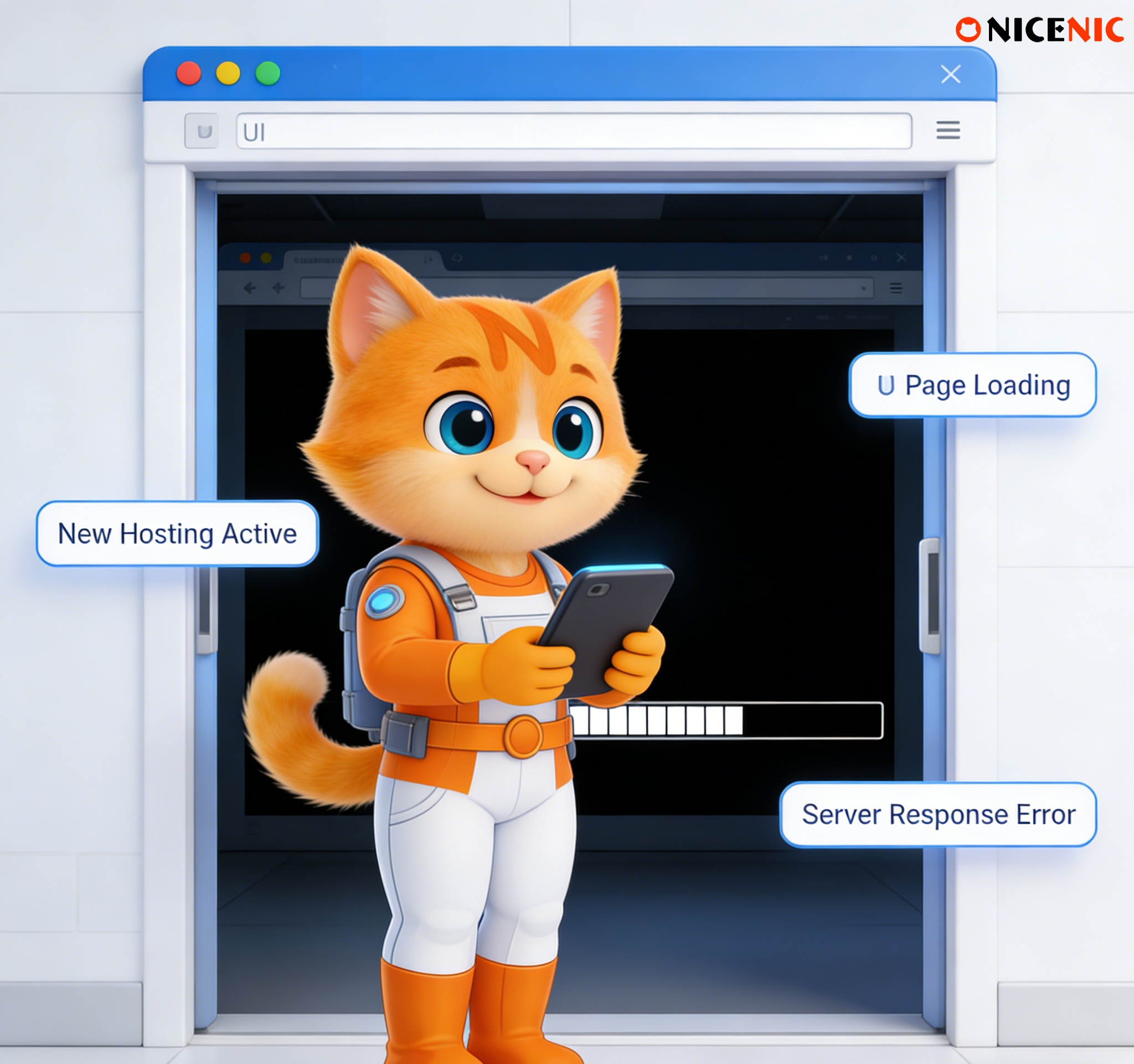
Switching hosting providers is one of the most common moments when websites suddenly become unstable or inaccessible.
Users often report:
-
"The new hosting is ready, but the website is down."
-
"Some people can access the site, others can’t."
-
"Email or HTTPS stopped working after the move."
In most cases, the hosting itself is not broken. The problem is usually how DNS, SSL, and propagation are handled during the migration.
Changing hosting providers moves where your website lives, but it does not automatically update DNS or security settings.
Hosting, DNS, and SSL operate at different layers. If they are not updated in the correct order, temporary or prolonged issues are likely to appear.
The Most Common Causes After a Hosting Switch
1. DNS Is Still Pointing to the Old Server
This is the most frequent issue.
Even if the new hosting is fully set up, DNS records may still point to:
-
The old server IP
-
A decommissioned environment
As a result, visitors may reach:
-
The old website
-
A blank server
-
Or nothing at all
Many users assume DNS updates automatically when hosting changes.
It does not. If the new host provides a different IP address, DNS records must be updated manually. Until then, the internet continues sending traffic to the old location.
SSL certificates are installed on servers, not on domains.
Common post-migration SSL issues include:
-
Certificates still installed on the old server
-
HTTPS not enabled on the new host
-
Automatic renewal failing after the move
This often results in browser security warnings or blocked access.
4. DNS Propagation Is Still in Progress
Even after DNS records are updated correctly:
-
Some networks may still use cached data
-
Others may already see the new server
This explains why:
-
The site works on one network but not another
-
Issues appear "random" during the transition
Propagation delays are normal and depend on TTL values.
Following a structured sequence dramatically reduces problems.
Step 1: Prepare the New Hosting First
-
Upload website files
-
Configure databases and environment
-
Test the site using a temporary URL or server IP
The new hosting should be fully functional before DNS changes.
-
Reduce TTL values on existing DNS records
-
Do this hours or days before migration
Lower TTL shortens cache duration and speeds up the transition.
Step 3: Update DNS Records
-
Change A or AAAA records to the new server IP
-
Avoid changing nameservers unless you are intentionally switching DNS providers
This step redirects traffic to the new host.
Step 4: Configure and Verify SSL on the New Server
-
Install or issue SSL certificates
-
Confirm HTTPS works correctly
-
Check automatic renewal if applicable
SSL should be verified before public traffic fully shifts.
Step 5: Monitor DNS Propagation
-
Test access from different networks
-
Verify email, subdomains, and background services
-
Keep the old hosting active temporarily if possible
This overlap reduces disruption.
Common Misunderstandings That Lead to Issues
-
"Switching hosting makes DNS update automatically."
-
"SSL follows the domain, so nothing needs to be done."
-
"If the homepage loads, everything is fine."
-
"This must be a registrar problem."
These assumptions often delay resolution and create unnecessary support requests.
A Quick Post-Migration Checklist
After switching hosting, verify:
-
DNS records point to the new server IP
-
The new server is accessible directly
-
SSL certificates are installed and valid
-
TTL has expired for major networks
-
Email and subdomains function normally
Most issues can be identified using this checklist.
When DNS, SSL, and hosting are handled together with timing and dependencies in mind, migrations are smooth and predictable.
As an ICANN-accredited registrar, Nicenic helps users understand the boundaries between hosting, DNS, and domain management, so migrations can be completed with minimal disruption and fewer support incidents.
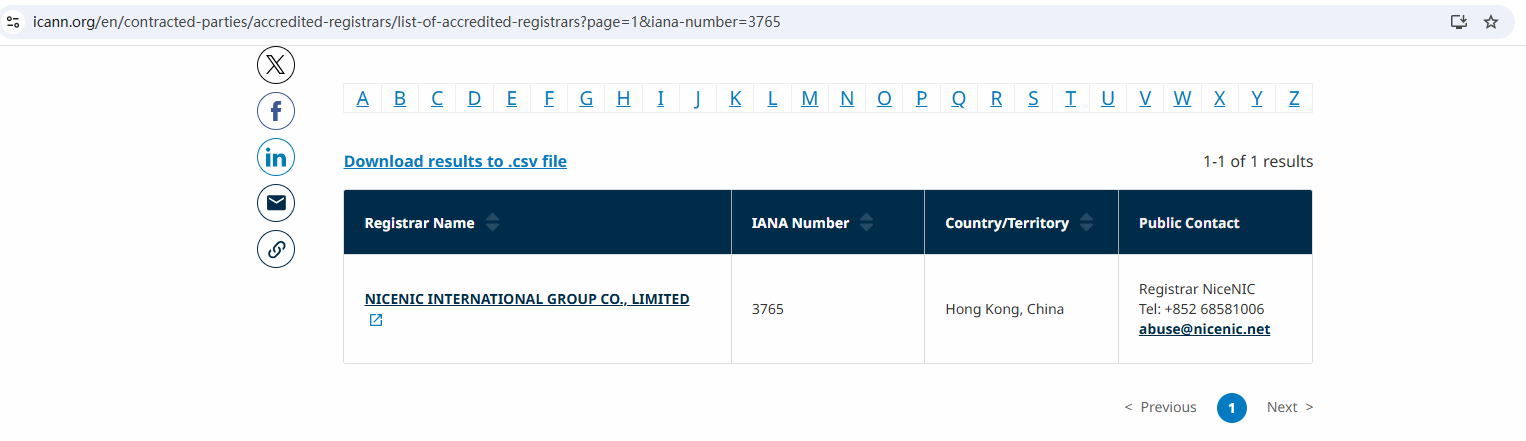
Nicenic stands as that trusted partner for brands, developers, entrepreneurs, and businesses worldwide.
Compre e registre seu domínio .COM hoje
Verifique a disponibilidade do domínio .COM, registre um novo domínio .COM, pesquise vários nomes em massa ou transfira seus domínios .COM existentes para a NiceNIC. Feito para empresas, investidores de domínios, agências, provedores de hospedagem e revendedores.
Próxima notícia: Why Domains Are Long-Term Business Assets, Not One-Time Purchases


