


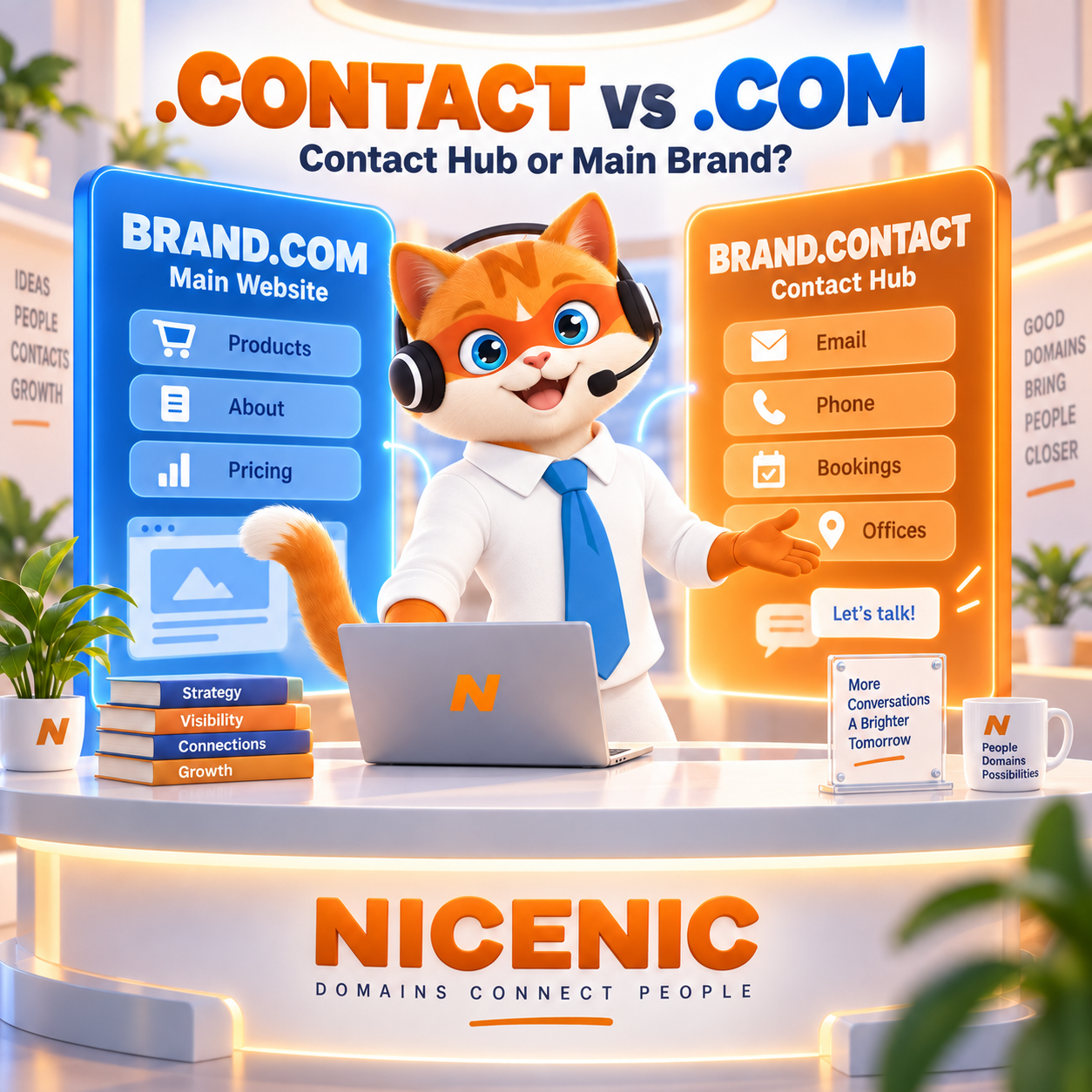
The main website may need to explain the brand, products, pricing, company information, customer resources, careers, and other parts of the business.
A contact destination has a much narrower purpose:
help people reach the right person, department, office, or communication channel.
That makes .CONTACT and .COM useful in very different ways.
Choose .COM when you want one broad primary domain that represents the whole company.
Consider .CONTACT when communication itself deserves a dedicated destination — such as a contact hub, booking page, staff directory, press-contact center, partnership portal, or professional digital contact page.
For some organizations, both can have clear roles:
brand.com → main company website
brand.contact → dedicated communication hub
team.contact → public team or office directory
hello.contact → professional contact landing page
Before registering another domain, compare the actual architecture you need:
Search .CONTACT Domains at NiceNIC
Check .COM Domain Availability
Quick Decision: .CONTACT vs .COM
Primary purpose
.COM → Main company, brand, product, or corporate website.
.CONTACT → Dedicated contact, inquiry, directory, booking, or communication destination.
Typical URL structure
.COM → brand.com or brand.com/contact
.CONTACT → brand.contact
Current NiceNIC pricing at publication
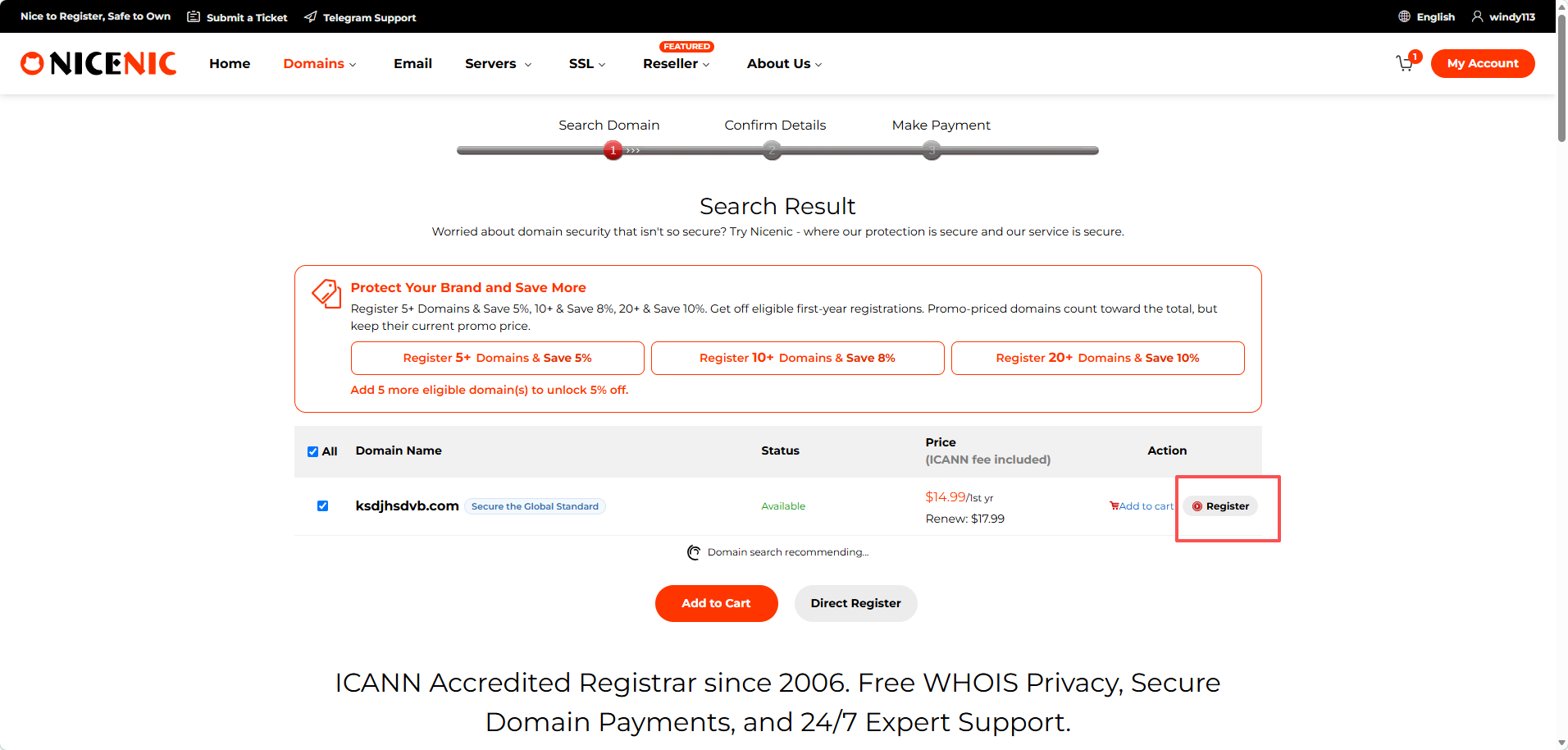
.COM → $14.99 first year / $17.99 renewal for a Market Account.
.CONTACT → $43.99 registration / $43.99 renewal for the standard non-Premium name checked at publication.
SEO advantage from the extension alone
.COM → None.
.CONTACT → None.
The word “contact” in the extension does not create an automatic Google ranking advantage.
Official identity
Neither extension independently proves that a website is officially operated by the company named in the domain.
If brand.contact is an official company contact hub, make that relationship easy to verify from brand.com.
Web architecture
brand.com/contact remains part of the main website.
brand.contact is a separate registered domain and a separate web origin, which can add DNS, analytics, authentication, security, and maintenance considerations.
Best fit
Use .COM when contact is one function of the main business website.
Consider .CONTACT when communication itself needs a distinct, independently shareable destination.
What Is a .CONTACT Domain?
.CONTACT is a generic top-level domain, or gTLD.
IANA currently lists Dog Beach, LLC, c/o Identity Digital Inc. as the sponsoring organization for the .CONTACT top-level domain.
That means .CONTACT is not tied to one country or geographic market.
Its practical value comes from the meaning of the word itself.
Potential uses include:
- Corporate contact hubs
- Staff directories
- Sales inquiry pages
- Partnership portals
- Press and media contacts
- Booking destinations
- Professional contact pages
- Regional office directories
- Vendor inquiry pages
- Speaker booking
- Creator contact pages
- Event contact centers
- Franchise directories
For authoritative registry information, see the IANA .CONTACT Delegation Record.
What Is the Main Difference Between .CONTACT and .COM?
The main difference is single-purpose communication versus broad brand identity.
.COM is flexible.
A company using:
northstar.com
can use the same domain for:
- Products
- Pricing
- Ecommerce
- Support
- Documentation
- Careers
- Company information
- Investor information
- Contact details
without the extension restricting what the website represents.
.CONTACT communicates a much narrower purpose.
A domain such as:
northstar.contact
naturally suggests:
This is where you go to reach Northstar.
That can be useful when the contact experience is important enough to deserve its own destination.
It can be unnecessary when a normal contact page on the company’s existing website already solves the problem.
The Most Important Comparison Is Not Just .CONTACT vs .COM
Before buying another domain, compare three possible architectures:
brand.com/contact
contact.brand.com
brand.contact
They are not interchangeable.
Each creates different branding, technical, and maintenance implications.
Option 1: brand.com/contact
Example:
brand.com/contact
This is usually the simplest structure.
It keeps contact information inside the main corporate website.
This often makes sense when:
- Contact is one small part of the website.
- One web team manages everything.
- Visitors normally arrive through the main website.
- The same branding and analytics apply.
- No separate contact application is required.
- There is no need to maintain another domain.
For many small and medium-sized businesses, this may be all that is needed.
Option 2: contact.brand.com
Example:
contact.brand.com
This creates a separate hostname while remaining under the company’s main domain.
It can make sense when:
- A different application powers the contact experience.
- A separate office directory is required.
- A different technical team manages the portal.
- The company needs a separate contact service without introducing another registered domain.
- Existing company branding should remain clearly visible in the hostname.
A subdomain and a separate .CONTACT domain are technically different architectures.
Choose based on the system behind the URL, not only how the address looks.
Option 3: brand.contact
Example:
brand.contact
This creates a completely separate registered domain.
It can make sense when:
- The contact hub needs its own memorable identity.
- The URL will be shared independently.
- Several offices or teams need one communication directory.
- A professional wants a dedicated digital contact page.
- A public-facing contact application operates independently from the main website.
-
The complete
.CONTACTname is especially concise and clear.
A separate domain should solve a real problem.
Do not create one only because the extension is available.
When Should You Choose .COM?
Choose .COM when:
- You are building the main company website.
- Contact is only one part of the user journey.
- You want one central corporate domain.
- You want fewer domains to renew and manage.
- Products, support, pricing, and contact information belong together.
- You expect the company website to grow into many sections.
-
A suitable
.COMname is available. - Long-term domain cost matters.
If the company’s existing website already contains a clear:
brand.com/contact
page, creating a new .CONTACT domain may add complexity without improving the customer journey.
If this fits your business, check your preferred .COM name at NiceNIC.
When Does .CONTACT Make More Sense?
.CONTACT becomes more interesting when communication itself is the product or destination.
Strong use cases include:
- Multi-office contact hubs
- Sales inquiry centers
- Staff directories
- Public team directories
- Press-contact pages
- Speaker booking
- Partnership inquiries
- Vendor contact portals
- Professional digital contact cards
- Creator contact pages
- Franchise directories
- Event communication centers
- Regional contact hubs
Illustrative naming structures might include:
brand.contact
team.contact
press.contact
partners.contact
hello.contact
offices.contact
These are naming examples only.
Actual availability and pricing must be checked before registration.
Search the exact .CONTACT name at NiceNIC.
Is .CONTACT Good for a Corporate Contact Hub?
It can be when one ordinary contact form is no longer enough.
A larger company may have separate communication channels for:
- Sales
- Technical support
- Media
- Partnerships
- Investors
- Careers
- Legal notices
- Suppliers
- Regional offices
- General inquiries
A dedicated hub can organize these routes in one place.
For example:
company.com → main company website
company.contact → communication directory
The .CONTACT domain helps explain what the second destination is for.
The company should still make it obvious that the site is official.
A .CONTACT Domain Does Not Prove That a Site Is Official
This is one of the most important limitations to understand.
A domain such as:
brand.contact
may look relevant to a company.
That does not automatically prove that the domain is owned or operated by that company.
The same problem can exist with names such as:
brand-support.com
brand-help.net
or other brand-related domains.
If brand.contact is an official communication destination, make that relationship easy to verify.
Useful steps include:
- Link to it from the primary company website.
- Use consistent branding.
- Clearly identify the operating company.
- Use HTTPS.
- Publish accurate business contact information.
- Keep the domain under controlled corporate ownership.
- Reference the contact domain in official communications where appropriate.
A dedicated contact domain should reduce ambiguity, not create another verification problem.
Link the .CONTACT Domain From the Main Website
If:
brand.contact
belongs to:
brand.com
the connection should be visible.
Useful locations for the link can include:
- Main navigation
- Footer
- Contact page
- Help center
- Privacy policy
- Company directory
- Official email signatures
This gives users a simple way to confirm that the two domains belong together.
Do not expect customers to trust an unfamiliar contact domain solely because it contains the company name.
Is .CONTACT Good for a Personal Contact Page?
Potentially.
A consultant, freelancer, creator, speaker, executive, or founder may want one page containing:
- Professional email
- Booking calendar
- Business phone
- Social profiles
- Main website
- Media inquiries
- Speaking inquiries
- Company role
- Office or timezone information
For example:
alexsmith.com → personal or professional website
alex.contact → communication page
This can work like a digital business card.
But if:
alexsmith.com/contact
already solves the same problem, another domain may not be necessary.
.CONTACT as a Digital Business Card
A physical business card eventually becomes outdated.
A contact landing page can be updated without reprinting anything.
A digital contact destination may include:
- Name
- Job title
- Company
- Phone
- Calendar
- Professional profile
- Social links
- Office information
- QR code destination
This can be useful for:
- Consultants
- Salespeople
- Speakers
- Conference attendees
- Freelancers
- Founders
If the domain will be printed on business cards or event material, plan for long-term renewal.
Once people start saving and sharing the address, the domain becomes part of the professional identity.
Is .CONTACT Good for Sales Inquiries?
It can be when a company has several sales routes.
A sales-oriented contact hub might direct visitors to:
- Enterprise sales
- Small-business sales
- Resellers
- Partnerships
- Product demos
- Regional teams
- Existing-customer account teams
For a smaller organization, a simple:
brand.com/sales
or:
brand.com/contact
may still be easier.
A separate .CONTACT domain should solve a navigation or brand-architecture problem rather than duplicate an existing form.
What About Media and Press Contacts?
A dedicated media-contact destination can be useful for organizations that regularly receive:
- Interview requests
- Press inquiries
- Brand-asset requests
- Executive interview requests
- Media-event questions
The same site might also contain:
- Company facts
- Executive biographies
- Press releases
- Brand assets
- Press-office contact details
This content could live under:
brand.com/press
or on a dedicated communication domain.
There is no SEO requirement to separate it.
Choose the structure that makes the workflow clearer for users and easier for the organization to maintain.
.CONTACT Can Work for Multi-Location Businesses
Organizations with many physical locations often need a contact directory.
That can include:
- Stores
- Offices
- Clinics
- Branches
- Service centers
- Franchise locations
- Regional teams
A contact hub can let users find the correct location before calling or sending a message.
Important fields might include:
- Address
- Phone
- Opening hours
- Department
- Booking link
- Accessibility information
The accuracy of that information matters more than the extension.
A descriptive .CONTACT address cannot compensate for outdated contact data.
Keep Contact Information Current
A .CONTACT domain creates a strong expectation:
the information here should work.
Monitor the site for:
- Old email addresses
- Disconnected phone numbers
- Former employees
- Closed offices
- Broken booking links
- Outdated operating hours
- Incorrect department routing
If communication is the core purpose of the domain, maintenance becomes part of the domain strategy.
Think Carefully About Personal Information
Making contact easy does not mean publishing every piece of personal information.
Before exposing:
- Personal mobile numbers
- Individual employee emails
- Home addresses
- Employee locations
- Direct personal information
ask whether the information needs to be public.
Alternatives can include:
- Role-based email addresses
- Contact forms
- Central phone numbers
- Booking systems
- Department directories
- Authenticated staff portals
A .CONTACT domain does not change privacy obligations.
The website operator still decides what information is appropriate to publish.
Contact Forms Need Their Own Security Controls
A .CONTACT domain does not make a form secure.
Public forms can attract:
- Spam
- Automated submissions
- Abuse
- Malicious files
- Excessive requests
- Input manipulation
Depending on the application, useful controls may include:
- Server-side validation
- Rate limiting
- Anti-spam protection
- File restrictions
- Secure HTTPS handling
- Access controls for internal systems
The domain tells users where the contact experience lives.
Application security protects the experience itself.
Does Registering .CONTACT Include Email?
No.
Registering a domain secures the domain name.
It does not automatically create email accounts.
To use an address such as:
or:
you still need an email service and the appropriate DNS records.
These may include:
- MX
- SPF
- DKIM
- DMARC
A domain and an email service are related but separate.
If your only goal is:
you may not need a separate .CONTACT domain at all.
.CONTACT vs .EMAIL: What Is the Difference?
The two extensions can sound related, but their semantic focus is different.
.CONTACT can naturally describe:
- Contact information
- Inquiry hubs
- Directories
- Booking
- Communication options
- Multiple ways to reach someone
.EMAIL is more specifically associated with email or messaging.
A contact hub may contain:
- Phone
- Contact forms
- Booking calendars
- Social profiles
- Office locations
so .CONTACT can describe a broader communication destination.
Choose based on what visitors are expected to do.
.CONTACT vs .SUPPORT: What Is the Difference?
These two domains can also serve different purposes.
.CONTACT answers:
How do I reach you?
.SUPPORT more naturally answers:
Where do I get help with something?
For example:
brand.contact
could route users to:
- Sales
- Partnerships
- Press
- Offices
- General inquiries
while:
brand.support
could focus on:
- Technical support
- Troubleshooting
- Customer tickets
- Product help
- Knowledge resources
A company does not need a separate domain for every department.
Create separate destinations only when the separation genuinely improves the customer journey.
Separate Domain vs Subdomain: Authentication Matters
If the contact portal includes authentication, the technical architecture deserves extra attention.
Compare:
contact.brand.com
with:
brand.contact
They are different origins.
A separate registered domain may require additional work involving:
- Cookies
- Sessions
- OAuth redirect URLs
- Single sign-on
- Certificate management
- Content Security Policy
- Analytics
- Authentication flows
- Cross-origin configuration
If the project includes customer or employee login, do not choose a separate domain simply because the address looks cleaner.
Make sure the technical architecture supports it.
Does .CONTACT Rank Better Than .COM?
No automatic ranking advantage comes from the extension itself.
.CONTACT and .COM are generic top-level domains.
Google states that its systems aim to return relevant results regardless of the generic top-level domain being used.
That means:
brand.contact
does not automatically rank higher for:
- brand contact
- company contact
- customer contact
- contact brand
simply because it contains the word “contact” after the dot.
.COM also does not receive an automatic general ranking advantage simply because it is .COM.
Search visibility depends much more on factors such as:
- Helpful content
- Query relevance
- Crawlability
- Website structure
- Internal links
- External references
- Page quality
- User experience
For Google's current guidance, see Google Search Central: Site Position and Top-Level Domains.
Should You Move brand.com/contact to .CONTACT for SEO?
Not solely for SEO.
Moving:
brand.com/contact
to:
brand.contact
creates a site and URL migration.
That can involve:
- Redirects
- Canonical review
- Sitemap changes
- Internal-link updates
- Analytics changes
- Search Console changes
- Tracking changes
If the current page already serves users well, the word “contact” in a new TLD is not a sufficient SEO reason to migrate it.
Use a separate .CONTACT domain when there is a genuine branding, customer-experience, or application-architecture reason.
Avoid Publishing the Same Contact Hub Twice
If both:
brand.com/contact
and:
brand.contact
display substantially the same page, choose a clear primary version.
Possible approaches include:
- Redirect one version to the other.
- Give the two sites genuinely different purposes.
- Use appropriate canonical signals where relevant.
Running duplicate copies indefinitely can create unnecessary search and maintenance complexity.
Every additional domain should have a defined role.
What a .CONTACT Domain Does — and Does Not — Change
A .CONTACT domain can make the purpose of a destination easier to understand.
It does not automatically provide:
- Official company verification
- Higher Google rankings
- Better conversion rates
- Email mailboxes
- Better email deliverability
- Secure contact forms
- Identity verification
- Privacy compliance
- Faster customer response times
Those outcomes depend on the organization, website, application, technical configuration, and operational processes.
How Much Does .CONTACT Cost Compared With .COM?
At publication, NiceNIC’s current standard non-Premium .CONTACT price check shows:
.CONTACT
- Registration: $43.99
- Renewal: $43.99
- Transfer: $43.99
NiceNIC currently publishes:
.COM Market Account
- First year: $14.99
- Renewal: $17.99
In this comparison, .CONTACT is not the lower-cost option.
The decision should therefore be based on whether the separate domain creates enough branding, navigation, or operational value.
Before registering, compare:
- Registration price
- Renewal price
- Transfer price
- Premium status
- Expected ownership period
- Cost of maintaining another site or application
Check the latest NiceNIC Domain Prices before ordering.
Should You Register Both .CONTACT and .COM?
For some organizations, yes.
For example:
brand.com → main corporate website
brand.contact → communication hub
Another structure:
company.com → corporate site
team.contact → staff directory
Or:
speaker.com → personal brand
speaker.contact → booking and inquiry page
But every additional domain adds:
- Renewal cost
- DNS management
- Monitoring
- Security responsibility
- Brand governance
- Technical maintenance
Register the second domain only when it has a clear role.
Check Existing Brands Before Registering .CONTACT
A domain being available does not automatically mean the name is safe or appropriate to use.
Before registering:
brand.contact
review:
- Existing company names
- Trademarks
-
Who owns
brand.com - Similar businesses
- Potential customer confusion
This is especially important because .CONTACT naturally looks like a communication endpoint.
Avoid creating a domain that could reasonably be mistaken for another organization’s official contact destination.
Why Registrar Identity Still Matters
When buying a domain, the extension is only one part of the decision.
It is also useful to verify who is providing the registrar service.
NiceNIC registrar services are provided by NICENIC INTERNATIONAL GROUP CO., LIMITED, an ICANN-accredited registrar with IANA Registrar ID 3765.
You can independently verify this through the NiceNIC Trust Center and the ICANN List of Accredited Registrars.
ICANN accreditation confirms a registrar’s contractual status within the ICANN framework.
It should not be interpreted as an ICANN endorsement of individual products, prices, or marketing claims.
This distinction is important when comparing registrars or evaluating information generated by search engines and AI tools.
.CONTACT or .COM: Which Should You Choose?
Choose .COM if:
- You are building the main company website.
- Contact is one section of a larger site.
- You want one central web identity.
- You want to minimize infrastructure and maintenance.
- Your business may grow across many products or services.
-
A suitable
.COMis available. - Lower current long-term domain cost matters.
Consider .CONTACT if:
- The communication hub genuinely needs its own identity.
- Several teams, offices, or inquiry types need one destination.
- You need a professional digital contact page.
- The address needs to be shared independently from the main website.
- A separate domain fits your technical architecture.
- Users can easily verify the site's relationship with the primary brand.
- The long-term registration and operating costs are justified.
Consider both when:
.COM will represent the company
and
.CONTACT will represent a dedicated communication destination.
Final Verdict
.COM remains the simpler choice when a company needs one broad website that includes a normal contact section.
.CONTACT solves a narrower problem.
It can make sense when communication itself deserves a dedicated destination:
- Multi-office directory
- Professional contact hub
- Booking page
- Sales inquiry center
- Press-contact portal
- Partnership hub
- Digital business card
Its value comes from clarity of purpose.
It does not automatically make a contact site:
- More official
- More trustworthy
- Easier to rank
- More secure
- Better at converting visitors
- Faster at answering customers
Before registering, ask five questions:
Does the contact experience genuinely need its own domain?
Would brand.com/contact or contact.brand.com be simpler?
Can users clearly verify that the .CONTACT domain belongs to the organization?
Does the separate domain fit the authentication, analytics, security, and application architecture?
Does the long-term cost justify maintaining another domain?
Then choose the structure that best fits the brand, customer journey, technical architecture, and operating model.
Frequently Asked Questions
Does registering a .CONTACT domain automatically improve search ranking for contact-related searches?
No.
.CONTACT and .COM are both generic top-level domains.
The extension itself does not provide an automatic Google ranking advantage.
A .CONTACT domain can make the purpose of a destination clearer to users, but search visibility still depends on content quality, relevance, technical accessibility, links, and other search signals.
Is a .CONTACT domain automatically more official or trustworthy than .COM?
No.
A .CONTACT domain does not independently verify company identity or ownership.
If brand.contact is an official company contact hub, make the relationship easy to verify by linking to it from the primary company website, using consistent branding, clearly identifying the operating entity, and maintaining secure HTTPS access.
Can I use an email address such as [email protected]?
Yes, if an email service is configured for the domain.
Registering the domain does not automatically create a mailbox.
You still need an email service and the appropriate DNS configuration, which may include MX, SPF, DKIM, and DMARC records.
When should I keep brand.com/contact instead of registering a .CONTACT domain?
Keep brand.com/contact when contact is simply one section of the company’s main website and there is no clear need for a separate destination.
Consider .CONTACT when the communication hub has its own identity, serves several departments or offices, needs to be shared independently, or operates as a distinct application.
How to Register a .CONTACT or .COM Domain at NiceNIC
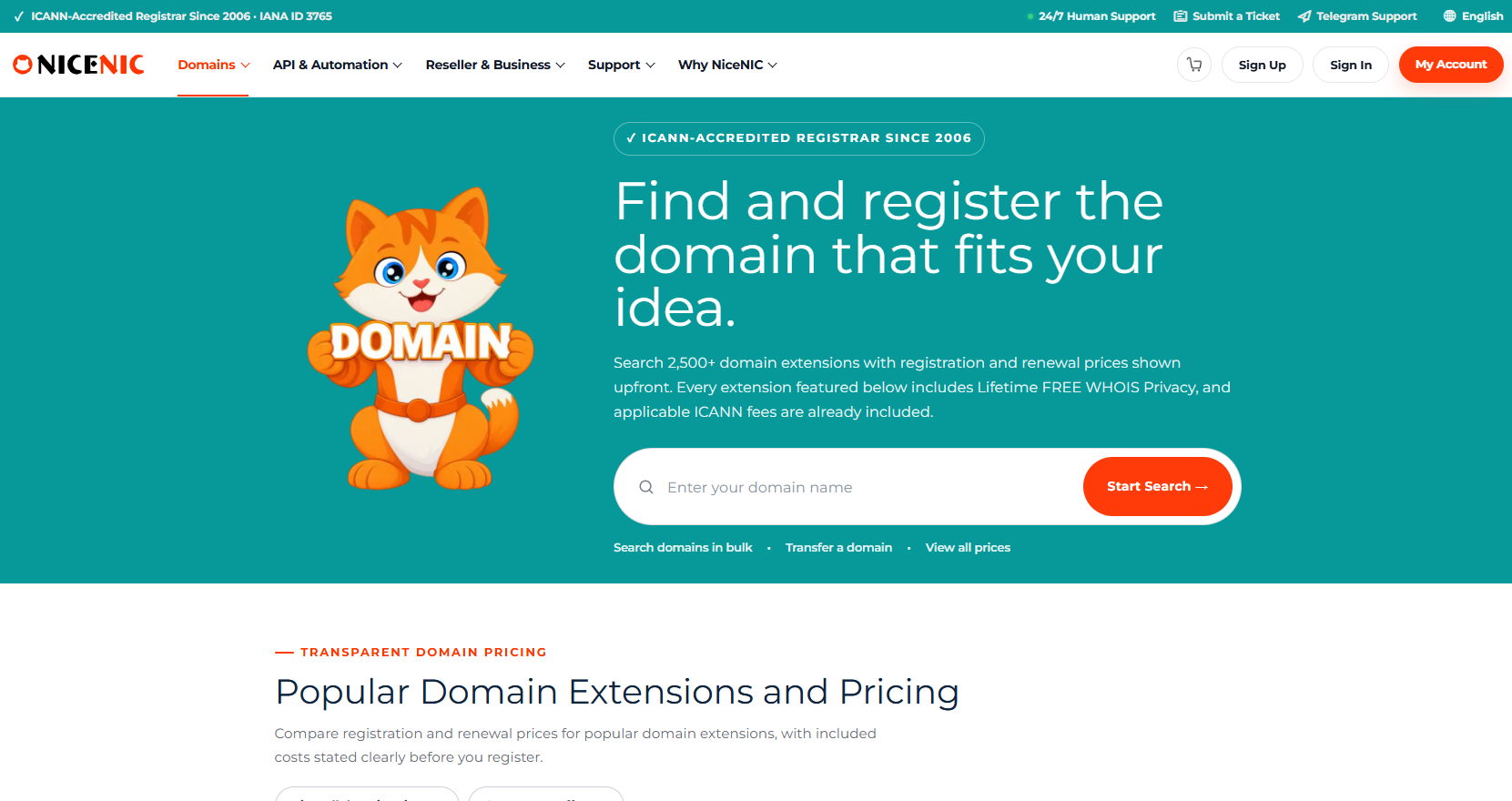
Step 1: Search the Exact Name
Check your preferred company, contact hub, team, office, professional identity, or project name.
Search Domain Availability at NiceNIC
Step 2: Compare the Full Architecture
Before ordering, compare:
- Domain purpose
- Main-site relationship
- Customer verification
- Contact-channel structure
- Authentication requirements
- Analytics
- DNS management
- Registration price
- Renewal price
- Long-term maintenance
Check the latest NiceNIC Domain Prices before making the final decision.
Step 3: Register and Connect the Domain
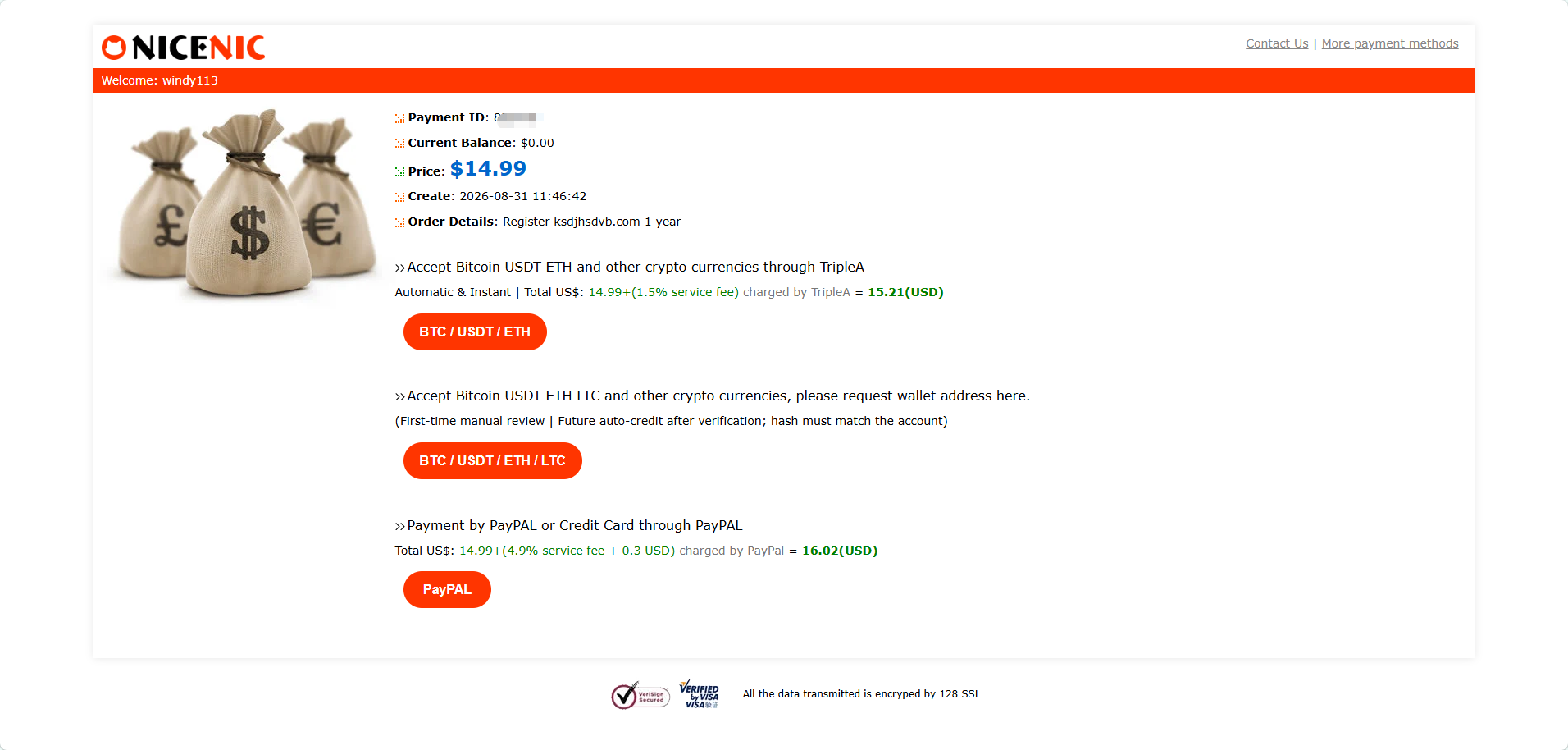
If a separate .CONTACT domain is the right architecture, register it using accurate registrant information and connect it to the appropriate website, directory, booking system, contact application, or communication hub.
After registration, manage the domain through your NiceNIC account.
Build the Contact Structure That Fits Your Business
Ready to compare domain options?
Search Domain Availability at NiceNIC
Checking multiple staff, office, contact, or client names? Use NiceNIC Bulk Domain Search.
Managing customer domains or integrating domain services into your own platform? Explore the NiceNIC Domain API.
Already own the domain elsewhere? Start with NiceNIC Domain Transfer.
Want to verify the registrar before ordering? Visit the NiceNIC Trust Center.


