


Views:121
Time:2026-07-28 11:37:44 Author: windy 
When you check a domain name, you may see two terms: WHOIS and RDAP.
The simple difference is this:
WHOIS is the older lookup method. RDAP is the newer and more structured lookup method.
Both can show domain registration information, but RDAP is now the better place to start for many modern domain checks. RDAP can help domain owners check registrar information, expiration date, domain status, nameservers, privacy display, and transfer-related details.
What Is WHOIS?
WHOIS is the older way to look up domain registration data.
For many years, domain owners used WHOIS to check:
That makes WHOIS harder to compare, automate, or understand.
What Is RDAP?
RDAP stands for Registration Data Access Protocol.
It is the newer way to access domain registration data. ICANN describes RDAP as a replacement for the older WHOIS protocol.
RDAP is more structured, which means the information is easier for lookup tools, security teams, registrars, and domain owners to read and process.
For domain owners, this makes RDAP useful when checking domain status, expiration, registrar, nameservers, and privacy display.
Why Domain Owners Should Care
WHOIS and RDAP are not just technical lookup tools.
They can help you answer practical questions:
WHOIS vs RDAP: The Main Difference
WHOIS usually gives plain-text results. RDAP gives more structured results. That is the key difference.
For a normal domain owner, you do not need to understand the technical format. You only need to know this:
RDAP is usually clearer and more reliable for modern domain checks.
If you are checking a domain before renewal, transfer, DNS change, abuse report, or ownership review, RDAP is a good starting point.
Why Some Contact Data Is Hidden
Many users expect a lookup result to show the domain owner's name, email, phone number, and address.
But today, public contact data is often hidden or redacted.
This may happen because of:
However, the registrar may still keep required registration data at the account level.
Can RDAP Help with Domain Transfer?
Yes, RDAP can help you check transfer-related information.
Before transferring a domain, RDAP may help you review:
But RDAP cannot unlock your domain or give you the AuthInfo / EPP code. For those actions, you need to log in to the registrar account or contact the current registrar through the official support channel.
Can RDAP Help If Website or Email Is Down?
Sometimes. RDAP cannot fix DNS, hosting, or email settings. But it can help you check whether the domain itself has a problem.
For example, RDAP may show if the domain is:
What RDAP Cannot Do
RDAP is only a lookup tool.
It cannot:
What to Check in RDAP
When reviewing RDAP results, check:
How NiceNIC Helps
NiceNIC helps users search, register, transfer, renew, secure, and manage domains from one account.
With NiceNIC, users can manage:
Conclusion
WHOIS and RDAP both help you check domain registration information.
For most modern checks, start with RDAP.
Before renewing, transferring, changing DNS, or contacting support, check the registrar, expiration date, status codes, nameservers, and privacy display.
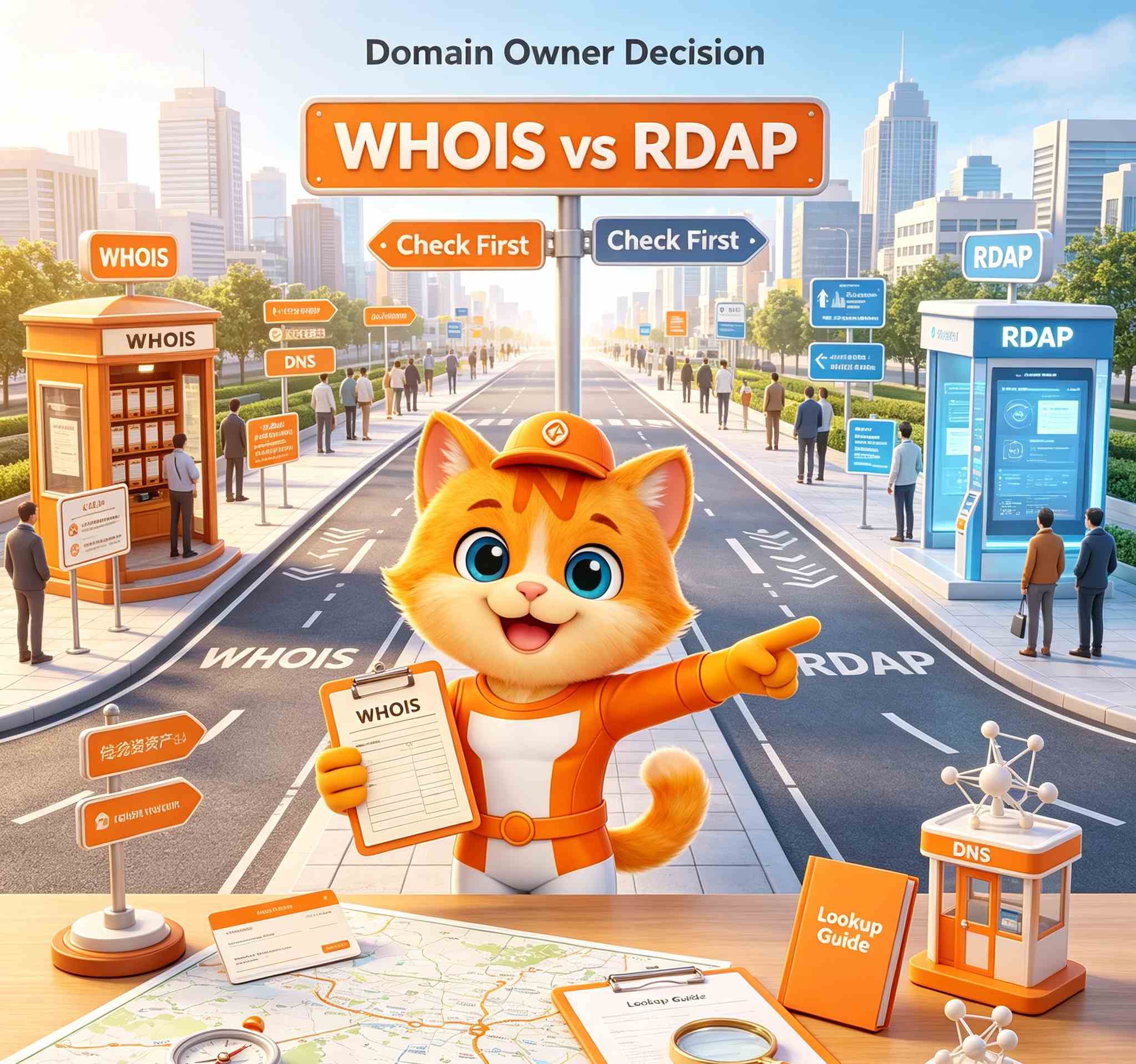
The simple difference is this:
WHOIS is the older lookup method. RDAP is the newer and more structured lookup method.
Both can show domain registration information, but RDAP is now the better place to start for many modern domain checks. RDAP can help domain owners check registrar information, expiration date, domain status, nameservers, privacy display, and transfer-related details.
WHOIS is the older way to look up domain registration data.
For many years, domain owners used WHOIS to check:
- Who manages a domain
- When the domain was registered
- When the domain expires
- Which nameservers are used
- Whether contact data is public or hidden
That makes WHOIS harder to compare, automate, or understand.
What Is RDAP?
RDAP stands for Registration Data Access Protocol.
It is the newer way to access domain registration data. ICANN describes RDAP as a replacement for the older WHOIS protocol.
RDAP is more structured, which means the information is easier for lookup tools, security teams, registrars, and domain owners to read and process.
For domain owners, this makes RDAP useful when checking domain status, expiration, registrar, nameservers, and privacy display.
Why Domain Owners Should Care
WHOIS and RDAP are not just technical lookup tools.
They can help you answer practical questions:
- Which registrar manages my domain?
- When does my domain expire?
- Is my domain locked for transfer?
- Are my nameservers correct?
- Is my domain on hold?
- Is my contact information hidden?
- Which abuse or support contact should be used?
- Did a recent transfer or contact update change the record?
WHOIS vs RDAP: The Main Difference
WHOIS usually gives plain-text results. RDAP gives more structured results. That is the key difference.
For a normal domain owner, you do not need to understand the technical format. You only need to know this:
RDAP is usually clearer and more reliable for modern domain checks.
If you are checking a domain before renewal, transfer, DNS change, abuse report, or ownership review, RDAP is a good starting point.
Why Some Contact Data Is Hidden
Many users expect a lookup result to show the domain owner's name, email, phone number, and address.
But today, public contact data is often hidden or redacted.
This may happen because of:
- WHOIS privacy
- Privacy law
- Registrar redaction
- Registry policy
- TLD-specific rules
- Individual registrant protection
However, the registrar may still keep required registration data at the account level.
Can RDAP Help with Domain Transfer?
Yes, RDAP can help you check transfer-related information.
Before transferring a domain, RDAP may help you review:
- Current registrar
- Expiration date
- Domain status codes
- Nameservers
- Recent update date
- Transfer-related restrictions
But RDAP cannot unlock your domain or give you the AuthInfo / EPP code. For those actions, you need to log in to the registrar account or contact the current registrar through the official support channel.
Can RDAP Help If Website or Email Is Down?
Sometimes. RDAP cannot fix DNS, hosting, or email settings. But it can help you check whether the domain itself has a problem.
For example, RDAP may show if the domain is:
- Expired
- On hold
- Pending transfer
- Using unexpected nameservers
- Close to deletion
What RDAP Cannot Do
RDAP is only a lookup tool.
It cannot:
- Renew a domain
- Unlock a domain
- Transfer a domain
- Change nameservers
- Update contact information
- Enable or disable privacy
- Provide an AuthInfo / EPP code
- Restore an expired domain
- Fix DNS records
- Prove ownership by itself
What to Check in RDAP
When reviewing RDAP results, check:
- Domain spelling
- Registrar
- Expiration date
- Domain status codes
- Nameservers
- DNSSEC status if available
- Privacy or redaction status
- Recent update date
- Transfer restrictions
How NiceNIC Helps
NiceNIC helps users search, register, transfer, renew, secure, and manage domains from one account.
With NiceNIC, users can manage:
- Domain registration
- Domain transfer
- Domain renewal
- DNS settings
- WHOIS privacy where available
- SSL certificates
- Business Email
- Bulk Domain Search
- Reseller tools
- API v2
- WHMCS-compatible workflows
- RDAP can help you check public domain information.
WHOIS and RDAP both help you check domain registration information.
For most modern checks, start with RDAP.
Before renewing, transferring, changing DNS, or contacting support, check the registrar, expiration date, status codes, nameservers, and privacy display.
ICANN Accredited Registrar Since 2006
Buy and Register Your .COM Domain Today
Check .COM domain availability, register a new .COM domain, search multiple names in bulk, or transfer your existing .COM domains to NiceNIC. Built for businesses, domain investors, agencies, hosting providers, and resellers.
Renew: $17.99
Market
$22.49 $14.99
first year
Renew: $17.99
Basic
$14.99
0% off
Renew: $17.99
Super
$14.99
0% off
Renew: $16.99
VIP
$14.99
0% off
RELATED NEWS:
Last News:
Domain Reseller Pricing and Profit Margins: Practical NiceNIC Examples
Next News: What Happens After You Buy a Premium Domain? Payment, Transfer and Activation Explained
Next News: What Happens After You Buy a Premium Domain? Payment, Transfer and Activation Explained


