


Views:144
Time:2026-08-10 11:55:39 Author: windy 
Domain verification emails are a normal part of managing a domain name. Registrars and registries may sometimes need domain holders to confirm contact information, complete identity verification, review registration data, or take action required by a domain registry.
Unfortunately, cybercriminals know this too.
A phishing email can copy a registrar's name, logo, wording, and even the appearance of a genuine domain notice. It may tell you that your domain will be suspended, deleted, or locked unless you click a link immediately.
So how can you tell whether a domain verification email is real?
This guide explains the warning signs of domain-related phishing, how to verify an email safely, and the official NiceNIC channels you should use whenever you are unsure.
Quick Answer
Do not decide whether a domain email is genuine based only on its logo, sender name, or sense of urgency.
Before clicking a link or providing information:
Why Domain Verification Phishing Is Becoming More Convincing
On August 6, 2026, German .DE registry DENIC warned that it had received an increasing number of reports about fraudulent emails pretending to come from DENIC or domain registrars.
According to DENIC, these messages asked domain holders to confirm or update their information and sometimes warned that the domain could otherwise be suspended or deleted.
The important problem is that legitimate domain verification messages also exist.
As registries, registrars, and regulatory frameworks increasingly require accurate registration information or identity verification, a message asking a domain holder to "verify your details" no longer sounds unusual.
Attackers can exploit that familiarity.
DENIC therefore recommends carefully checking the sender, treating artificial urgency as a warning sign, and examining the destination of links before clicking.
Source: DENIC - Beware of phishing: When fake verification emails appear to be from your internet service provider or DENIC
1. Check the Actual Sender Address, Not Just the Display Name
An email inbox may show a sender such as:
Attackers can choose almost any display name they want. Expand the sender information and inspect the complete email address.
NiceNIC currently publicly identifies the following contact addresses for relevant communications:
General customer support: support at nicenic dot net
Abuse, UDRP and related abuse communications: abuse at nicenic dot net
However, checking the sender address should only be the first step. An email address that looks familiar should not be treated as sufficient proof by itself.
If you receive an unexpected security, payment, transfer, renewal, or verification request, verify it again through the official NiceNIC website.
2. Check Where the Link Really Goes
A phishing email may display text such as:
Verify your domain now
but the actual link can lead somewhere completely different. On a desktop browser, hover over the link without clicking it and inspect the destination.
Be especially cautious of:
into your browser instead of relying on an unexpected email link.
NiceNIC's existing security guidance also recommends checking the exact spelling of the website and confirming the HTTPS connection before entering passwords, verification codes, or payment information.
For a broader verification checklist, see Is NiceNIC Safe? How to Verify NiceNIC and Protect Your Domain Account.
3. Verify the Request Inside Your NiceNIC Account
One of the safest ways to investigate a suspicious message is to avoid interacting with the message itself.
Open NiceNIC manually and sign in through the official website.
Then check the relevant domain, order, payment, renewal status, account notification, or support ticket.
For example, if an email claims that a domain requires urgent action, compare that claim with the information shown in your NiceNIC account.
If the email says that you have an outstanding support issue, check My Tickets directly rather than replying through an unfamiliar link.
If the information in the email and the information in your account do not match, stop before taking further action.
4. Treat Extreme Urgency as a Warning Sign — Not Automatic Proof
Phishing campaigns commonly try to create panic:
The important question is whether the request can also be independently verified through the registrar or registry's official systems.
Instead of reacting to the countdown in an email, verify the underlying issue first.
5. Never Give Sensitive Credentials to an Unverified Sender
A domain account can control far more than a website.
An attacker who gains registrar access may be able to change nameservers, alter DNS records, redirect a website, interfere with business email, or attempt to transfer a domain.
Never provide sensitive information simply because an email asks for it.
Be especially protective of:
Account passwords
Your registrar password should never be disclosed to an unknown person.
Two-Factor Authentication codes
A 2FA code is designed to prove that you possess your authentication device. Someone requesting a current code may be trying to take over an active login session.
NiceNIC supports account Two-Factor Authentication through Google Authenticator. Customers can review the official NiceNIC Two-Factor Authentication guide.
Auth/EPP codes
An Auth/EPP code can be involved in transferring a domain between registrars. Treat it like a sensitive credential.
Payment information
Do not send funds to a wallet address or payment destination simply because it appears in an unexpected email. Verify the associated order and payment instructions through your account.
6. Verify NiceNIC Through Official Channels
When an email claims to come from NiceNIC, you do not need to rely on the email itself to determine whether the request is genuine.
Use independent official channels.
Official NiceNIC Website
https://nicenic.com
Type the address manually into your browser when investigating a suspicious communication.
NiceNIC Trust Center
The NiceNIC Trust Center is the public verification hub for registrar accreditation, abuse reporting, security collaboration, transparency materials, policies, appeals, and related official resources.
NiceNIC Customer Support
For questions involving your account, domain, renewal, payment, transfer, verification, or other customer matters, use the official NiceNIC Contact page or submit a ticket from your NiceNIC account.
Publicly identified general support email: [email protected]
NiceNIC Abuse Channel
If you need to report phishing, malware, domain abuse, or another abuse-related issue involving a NiceNIC-sponsored domain, use the official NiceNIC Report Abuse page.
Publicly identified abuse contact: [email protected]
Using a contact route obtained directly from nicenic.com is safer than replying to an address supplied inside a suspicious message.
7. What Should You Do If You Receive a Suspicious Domain Email?
Do not click links, download attachments, reply with sensitive information, or send payment immediately.
Open the registrar website manually.
Check the affected domain and account status.
Review your support tickets and recent account activity.
If you still cannot confirm the request, contact NiceNIC through the official website.
If you believe you already entered your password into a suspicious website, change the password through the legitimate NiceNIC website and secure the email account connected to your registrar account as well.
Enable 2FA if it is not already active. Then review nameservers, DNS settings, transfer status, account information, and recent domain activity for anything unexpected.
8. What If the Email Really Is a Domain Verification Request?
Not every verification email is phishing.
Registries and registrars may have legitimate reasons to request accurate registrant information or additional verification.
If you determine that a request is genuine, follow the instructions through the verified registrar or registry channel.
Do not ignore a legitimate verification request merely because phishing emails exist.
The safer principle is:
Verify first, then act.
This avoids both risks: falling for phishing and accidentally ignoring a genuine registry or registrar requirement.
How NiceNIC Customers Can Reduce Domain Account Risk
Domain security should not depend on identifying every phishing email perfectly.
Use multiple layers of protection.
Use a unique password for your NiceNIC account.
Enable Two-Factor Authentication.
Protect the email account associated with your registrar account.
Keep registrant contact information accurate.
Review nameservers and DNS records regularly.
Keep domains appropriately locked when they are not being transferred.
Investigate unexpected password-reset, DNS-change, transfer, renewal, and verification messages.
And whenever a communication appears inconsistent with information shown on nicenic.com, verify it through NiceNIC's official support channels before taking action.
Final Checklist: Verify First, Then Act
A professional-looking email is not proof that a message is genuine.
The safest way to handle domain verification emails is to separate the message from the verification process.
Do not allow the email itself to decide where you log in, where you send money, or where you provide sensitive information.
Instead, open the registrar's official website independently, verify the underlying request, and use official support channels if anything is unclear.
For NiceNIC customers, the quickest starting points are the NiceNIC Trust Center, your customer account, and the official NiceNIC support channels.
Verify first. Protect your account. Then act.
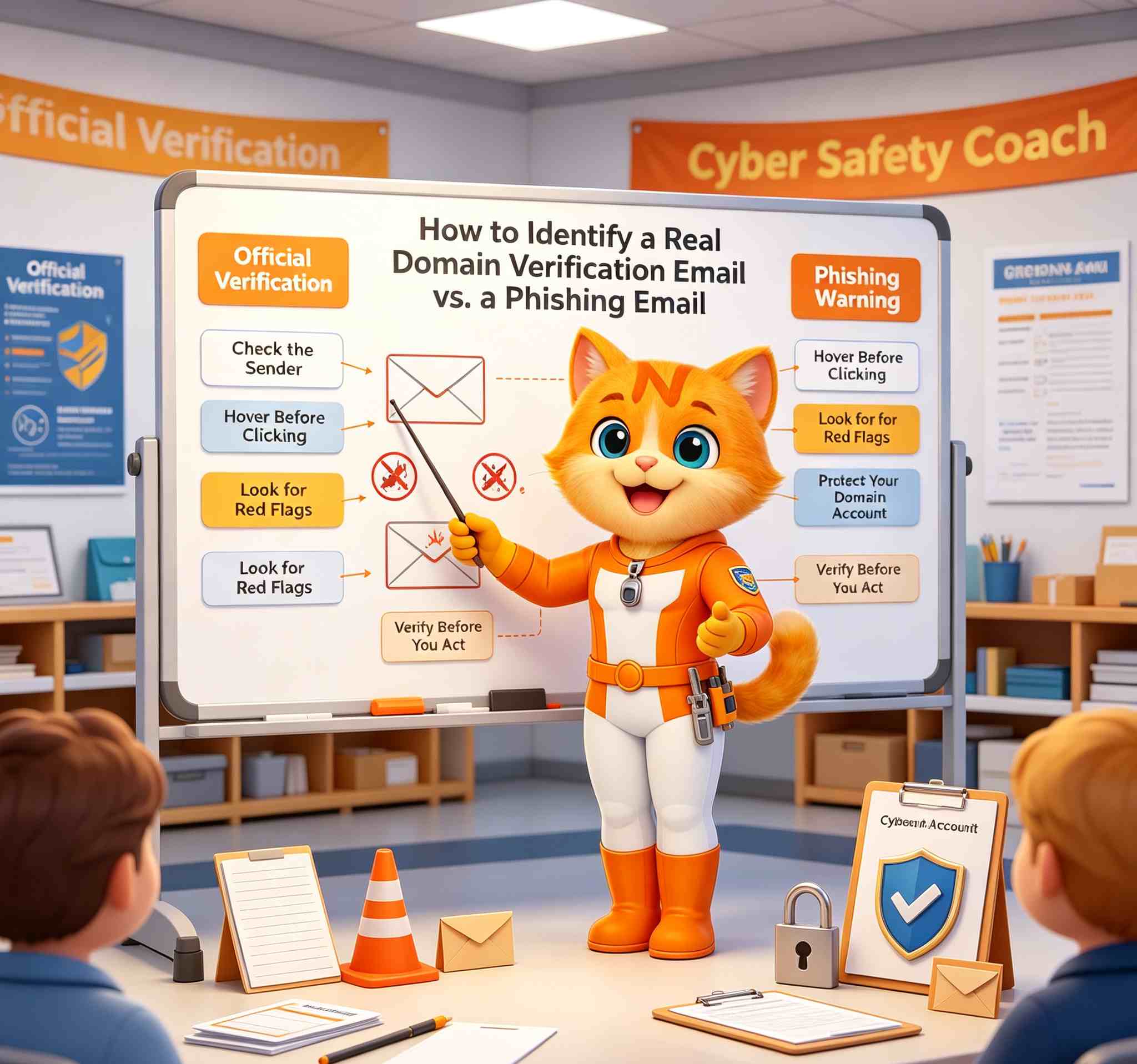
Unfortunately, cybercriminals know this too.
A phishing email can copy a registrar's name, logo, wording, and even the appearance of a genuine domain notice. It may tell you that your domain will be suspended, deleted, or locked unless you click a link immediately.
So how can you tell whether a domain verification email is real?
This guide explains the warning signs of domain-related phishing, how to verify an email safely, and the official NiceNIC channels you should use whenever you are unsure.
Quick Answer
Do not decide whether a domain email is genuine based only on its logo, sender name, or sense of urgency.
Before clicking a link or providing information:
- Check the sender's actual email address.
- Inspect the real destination of every link.
- Open your registrar's official website manually instead of using the email link.
- Check whether the request also appears in your domain account or support tickets.
- Never disclose your password, 2FA code, Auth/EPP code, or payment information through an unverified channel.
- If anything looks unusual, contact the registrar using contact information from its official website.
Why Domain Verification Phishing Is Becoming More Convincing
On August 6, 2026, German .DE registry DENIC warned that it had received an increasing number of reports about fraudulent emails pretending to come from DENIC or domain registrars.
According to DENIC, these messages asked domain holders to confirm or update their information and sometimes warned that the domain could otherwise be suspended or deleted.
The important problem is that legitimate domain verification messages also exist.
As registries, registrars, and regulatory frameworks increasingly require accurate registration information or identity verification, a message asking a domain holder to "verify your details" no longer sounds unusual.
Attackers can exploit that familiarity.
DENIC therefore recommends carefully checking the sender, treating artificial urgency as a warning sign, and examining the destination of links before clicking.
Source: DENIC - Beware of phishing: When fake verification emails appear to be from your internet service provider or DENIC
1. Check the Actual Sender Address, Not Just the Display Name
An email inbox may show a sender such as:
- NiceNIC Support
- Domain Verification Team
- Registry Department
Attackers can choose almost any display name they want. Expand the sender information and inspect the complete email address.
NiceNIC currently publicly identifies the following contact addresses for relevant communications:
General customer support: support at nicenic dot net
Abuse, UDRP and related abuse communications: abuse at nicenic dot net
However, checking the sender address should only be the first step. An email address that looks familiar should not be treated as sufficient proof by itself.
If you receive an unexpected security, payment, transfer, renewal, or verification request, verify it again through the official NiceNIC website.
2. Check Where the Link Really Goes
A phishing email may display text such as:
Verify your domain now
but the actual link can lead somewhere completely different. On a desktop browser, hover over the link without clicking it and inspect the destination.
Be especially cautious of:
- misspelled domain names;
- added words before or after a familiar brand;
- unfamiliar subdomains;
- URL shorteners;
- login pages hosted on unrelated domains;
- links that redirect several times before reaching the final page.
into your browser instead of relying on an unexpected email link.
NiceNIC's existing security guidance also recommends checking the exact spelling of the website and confirming the HTTPS connection before entering passwords, verification codes, or payment information.
For a broader verification checklist, see Is NiceNIC Safe? How to Verify NiceNIC and Protect Your Domain Account.
3. Verify the Request Inside Your NiceNIC Account
One of the safest ways to investigate a suspicious message is to avoid interacting with the message itself.
Open NiceNIC manually and sign in through the official website.
Then check the relevant domain, order, payment, renewal status, account notification, or support ticket.
For example, if an email claims that a domain requires urgent action, compare that claim with the information shown in your NiceNIC account.
If the email says that you have an outstanding support issue, check My Tickets directly rather than replying through an unfamiliar link.
If the information in the email and the information in your account do not match, stop before taking further action.
4. Treat Extreme Urgency as a Warning Sign — Not Automatic Proof
Phishing campaigns commonly try to create panic:
- "Your domain will be deleted today."
- "Verify within 24 hours or your website will be suspended."
- "Immediate payment is required."
- "Your account will be permanently closed."
The important question is whether the request can also be independently verified through the registrar or registry's official systems.
Instead of reacting to the countdown in an email, verify the underlying issue first.
5. Never Give Sensitive Credentials to an Unverified Sender
A domain account can control far more than a website.
An attacker who gains registrar access may be able to change nameservers, alter DNS records, redirect a website, interfere with business email, or attempt to transfer a domain.
Never provide sensitive information simply because an email asks for it.
Be especially protective of:
Account passwords
Your registrar password should never be disclosed to an unknown person.
Two-Factor Authentication codes
A 2FA code is designed to prove that you possess your authentication device. Someone requesting a current code may be trying to take over an active login session.
NiceNIC supports account Two-Factor Authentication through Google Authenticator. Customers can review the official NiceNIC Two-Factor Authentication guide.
Auth/EPP codes
An Auth/EPP code can be involved in transferring a domain between registrars. Treat it like a sensitive credential.
Payment information
Do not send funds to a wallet address or payment destination simply because it appears in an unexpected email. Verify the associated order and payment instructions through your account.
6. Verify NiceNIC Through Official Channels
When an email claims to come from NiceNIC, you do not need to rely on the email itself to determine whether the request is genuine.
Use independent official channels.
Official NiceNIC Website
https://nicenic.com
Type the address manually into your browser when investigating a suspicious communication.
NiceNIC Trust Center
The NiceNIC Trust Center is the public verification hub for registrar accreditation, abuse reporting, security collaboration, transparency materials, policies, appeals, and related official resources.
NiceNIC Customer Support
For questions involving your account, domain, renewal, payment, transfer, verification, or other customer matters, use the official NiceNIC Contact page or submit a ticket from your NiceNIC account.
Publicly identified general support email: [email protected]
NiceNIC Abuse Channel
If you need to report phishing, malware, domain abuse, or another abuse-related issue involving a NiceNIC-sponsored domain, use the official NiceNIC Report Abuse page.
Publicly identified abuse contact: [email protected]
Using a contact route obtained directly from nicenic.com is safer than replying to an address supplied inside a suspicious message.
7. What Should You Do If You Receive a Suspicious Domain Email?
Do not click links, download attachments, reply with sensitive information, or send payment immediately.
Open the registrar website manually.
Check the affected domain and account status.
Review your support tickets and recent account activity.
If you still cannot confirm the request, contact NiceNIC through the official website.
If you believe you already entered your password into a suspicious website, change the password through the legitimate NiceNIC website and secure the email account connected to your registrar account as well.
Enable 2FA if it is not already active. Then review nameservers, DNS settings, transfer status, account information, and recent domain activity for anything unexpected.
8. What If the Email Really Is a Domain Verification Request?
Not every verification email is phishing.
Registries and registrars may have legitimate reasons to request accurate registrant information or additional verification.
If you determine that a request is genuine, follow the instructions through the verified registrar or registry channel.
Do not ignore a legitimate verification request merely because phishing emails exist.
The safer principle is:
Verify first, then act.
This avoids both risks: falling for phishing and accidentally ignoring a genuine registry or registrar requirement.
How NiceNIC Customers Can Reduce Domain Account Risk
Domain security should not depend on identifying every phishing email perfectly.
Use multiple layers of protection.
Use a unique password for your NiceNIC account.
Enable Two-Factor Authentication.
Protect the email account associated with your registrar account.
Keep registrant contact information accurate.
Review nameservers and DNS records regularly.
Keep domains appropriately locked when they are not being transferred.
Investigate unexpected password-reset, DNS-change, transfer, renewal, and verification messages.
And whenever a communication appears inconsistent with information shown on nicenic.com, verify it through NiceNIC's official support channels before taking action.
Final Checklist: Verify First, Then Act
A professional-looking email is not proof that a message is genuine.
The safest way to handle domain verification emails is to separate the message from the verification process.
Do not allow the email itself to decide where you log in, where you send money, or where you provide sensitive information.
Instead, open the registrar's official website independently, verify the underlying request, and use official support channels if anything is unclear.
For NiceNIC customers, the quickest starting points are the NiceNIC Trust Center, your customer account, and the official NiceNIC support channels.
Verify first. Protect your account. Then act.
RELATED NEWS:
Last News:
NiceNIC Security Review of 50 Domains Identified in Google Threat Intelligence's UNC6671 Report
Next News: Is NiceNIC Safe? How to Verify NiceNIC, Protect Your Domain Account, and Understand Abuse Controls
Next News: Is NiceNIC Safe? How to Verify NiceNIC, Protect Your Domain Account, and Understand Abuse Controls


