



Seeing the new DNS result on one computer does not prove that a DNS change has taken effect everywhere.
A reliable DNS propagation check should compare three sources:
1. The domain's authoritative nameserver
2. Major public recursive DNS resolvers
3. DNS results from multiple geographic regions
If the authoritative nameserver returns the new value but some public resolvers still return the old value, the change is usually waiting for cached data to expire. If the authoritative server itself returns the wrong value, the DNS record or nameserver configuration still needs to be corrected.
This guide explains how to check DNS propagation, use dig and nslookup, interpret common DNS responses, and decide whether a change is active or still incomplete.
What Counts as a Successful DNS Change?
For a normal A, AAAA, CNAME, MX, or TXT record update, consider the change successfully applied when:
- The correct authoritative nameserver returns the expected value.
- Major public resolvers return the same expected value.
- Multi-region DNS checks no longer show the previous value across most locations.
- The correct hostname and record type were tested.
- No conflicting old records remain in the authoritative DNS zone.
A website loading successfully is useful additional confirmation, but it is not the same as DNS verification. DNS can be correct while the hosting server, SSL certificate, or website configuration is still unavailable.
Why "It Works for Me" Is Not Reliable
Most operating systems, browsers, and internet providers cache DNS results to improve performance. This means:
-
Your computer may still be using old DNS data
-
Your ISP may return cached results that differ from other regions
-
Another user in a different country may see a completely different outcome
As a result, local success does not prove global DNS propagation.
What DNS Propagation Really Means
DNS information is cached at multiple levels:
-
Your device (local cache)
-
Your router or network
-
Your ISP’s recursive DNS servers
-
Public resolvers around the world
Each cache respects the record's TTL (Time To Live) value. Until that TTL expires, some servers will continue serving the old record.The previous TTL is especially important. Lowering the TTL after making a DNS change does not force resolvers to discard an older response that they already cached. Those resolvers may continue returning the old value until the earlier TTL expires.
Negative responses can also be cached. For example, if a resolver previously received an answer indicating that a hostname or record did not exist, it may temporarily continue returning that negative result after the record is created.
This is why DNS changes may appear:
-
Correct in one country
-
Outdated in another
-
Inconsistent during the transition period
Reliable Ways to Check DNS Changes (What Actually Works)
1. Use Multi-Region DNS Lookup Tools (Recommended)
Multi-region DNS tools allow you to compare answers returned by recursive resolvers in different countries and networks.
Useful options include:
- DNSChecker for a broad list of global resolver results
- WhatsMyDNS for a simple country-based propagation map
- NSLookup.io for record-specific checks
- Site24x7 for additional regional verification
When using these tools:
1. Enter the exact hostname, not only the root domain.
2. Select the correct record type.
3. Compare the returned value with the expected value.
4. Look for old records, missing answers, and inconsistent responses.
5. Do not treat every isolated old result as a configuration failure if the authoritative server already returns the new value.
These tools show how recursive resolvers currently answer the query. They should be used together with a direct authoritative DNS query, not as the only source of verification.
2. Use Command-Line Tools (For Advanced Verification)
Command-line tools allow direct queries to specific DNS resolvers.
dig (Linux, macOS, advanced users)
dig example.com
You can also query Google’s public DNS directly:
dig @8.8.8.8 example.com
nslookup (Windows default)
nslookup example.com
To query a specific resolver:
nslookup example.com 8.8.8.8
How to Read a dig Result
A normal answer may look like this:
example.com. 300 IN A 203.0.113.10
The fields mean:
- example.com.: the hostname being queried
- 300: the remaining TTL in seconds
- IN: the internet record class
- A: the DNS record type
- 203.0.113.10: the returned value
Confirm that the returned value matches the value configured at the authoritative DNS provider.
The TTL shown by a recursive resolver is usually the remaining cache time. It may decrease with repeated checks until the resolver refreshes the record.
Why Ping Is Not a Reliable DNS Test
Many users rely on ping, but this can be misleading because:
-
Ping may use cached IPs
-
Firewalls may block ICMP
-
It does not reflect DNS resolution globally
Ping confirms reachability, not DNS propagation.
A browser test is also insufficient because browsers may use local caches, secure DNS settings, proxies, or previously established connections.
Use DNS-specific queries to verify DNS. Use browser, curl, or ping tests only after the DNS result has been confirmed.
3. Test From Different Networks
If possible, test DNS results from:
-
Mobile data vs home Wi-Fi
-
Office network vs public network
-
VPN endpoints in other regions
Different networks often use different recursive DNS servers, revealing whether propagation is complete.
Testing from different networks is useful, but it is still a secondary check. The authoritative nameserver remains the primary source for determining what the DNS provider is currently publishing.
If one network returns an old result:
1. Identify the resolver used by that network.
2. Query the same resolver directly when possible.
3. Compare its answer and remaining TTL.
4. Avoid repeatedly changing the authoritative record while waiting for a cache to expire.
Q: Why do I see the new IP, but someone else still sees the old one?
Because their DNS resolver has not refreshed its cache yet. DNS updates are not synchronized worldwide.
Q: How long should DNS changes take?
Most changes propagate within 24–48 hours, but some resolvers may take longer depending on TTL.
Q: What is TTL and why does it matter?
TTL (Time To Live) controls how long DNS records are cached.
-
High TTL = fewer updates, slower changes
-
Low TTL = faster changes, more frequent lookups
For planned migrations, lowering TTL in advance can reduce downtime.
Q: I cleared my browser cache, but results didn’t change. Why?Browser cache is not DNS cache. DNS may still be cached at:
-
OS level
-
Network level
-
ISP level
This is why global verification tools are essential.
Q: The authoritative DNS is correct, but one location still shows the old IP. Is the update complete?
A: The DNS provider has published the change successfully. The remaining location is probably using a cached response. Check the TTL and continue monitoring that resolver.
Q: What does SERVFAIL mean during a DNS check?
A: SERVFAIL means the resolver could not complete the query successfully. Possible causes include unavailable authoritative nameservers, delegation problems, or DNSSEC validation failure.
Q: Why does a DNS checker show no result even though the record exists?
A: Confirm that the exact hostname and record type were selected. For example, an A-record check will not confirm a TXT or CNAME record. Also query the authoritative nameserver directly to determine whether the record is being published.
-
Always verify DNS changes from multiple geographic locations
-
Do not rely on a single device or browser
-
Use trusted DNS propagation tools
-
Understand TTL before making production changes
-
Expect temporary inconsistencies during propagation
Final TakeawayBest practice:
Never confirm DNS success based on one local test.
A reliable DNS propagation test should not depend on one browser, one computer, or one online DNS checker.
First confirm the authoritative nameservers. Query an authoritative server directly, compare the result with major public resolvers, and then review multi-region results.
Use this decision rule:
- Wrong answer from the authoritative server: correct the DNS configuration.
- Correct authoritative answer but old public result: wait for cached data to expire.
- Correct DNS everywhere but the service still fails: troubleshoot the website, email platform, SSL certificate, or hosting server.
NiceNIC customers can use the WHOIS lookup to check nameservers and domain status. Customers who need help can submit a support ticket containing the domain, record type, expected value, current result, and time of the change.
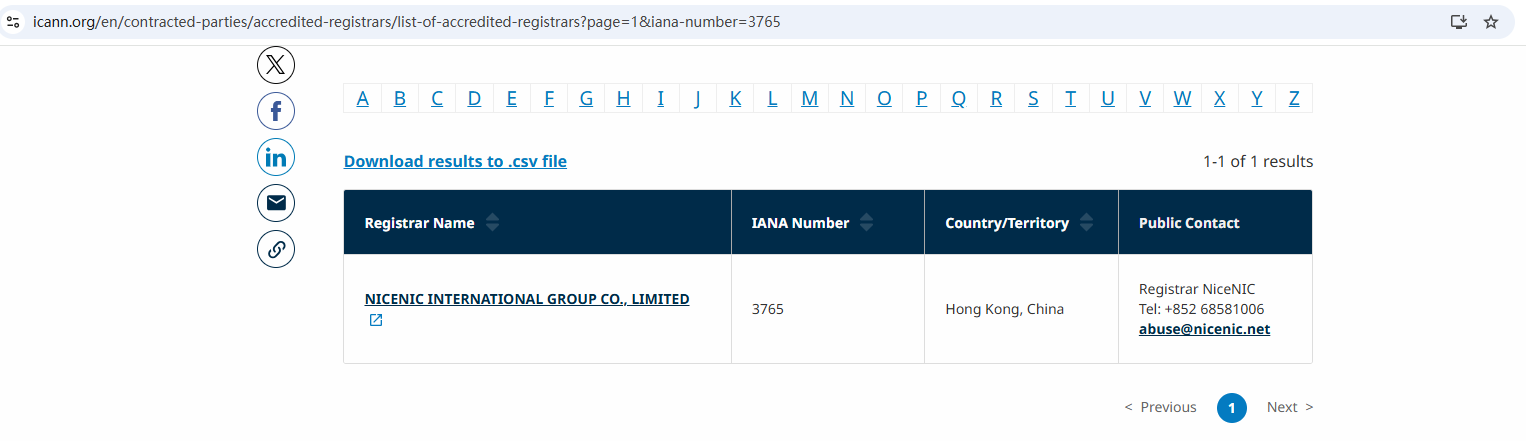
NiceNIC is an ICANN-accredited registrar providing domain registration, nameserver management, DNS tools, and 24/7 human support.
Nicenic stands as that trusted partner for brands, developers, entrepreneurs, and businesses worldwide.
Buy and Register Your .COM Domain Today
Check .COM domain availability, register a new .COM domain, search multiple names in bulk, or transfer your existing .COM domains to NiceNIC. Built for businesses, domain investors, agencies, hosting providers, and resellers.
Next News: What Is a .net Domain and Why It Still Matters in Today’s Internet


