


Paparan:115
Masa:2026-07-24 14:05:34 Penulis: windy 
Your quote was sent, but the customer says they never received it.
Your invoice email landed in spam.
Your support reply disappeared before the client even saw it.
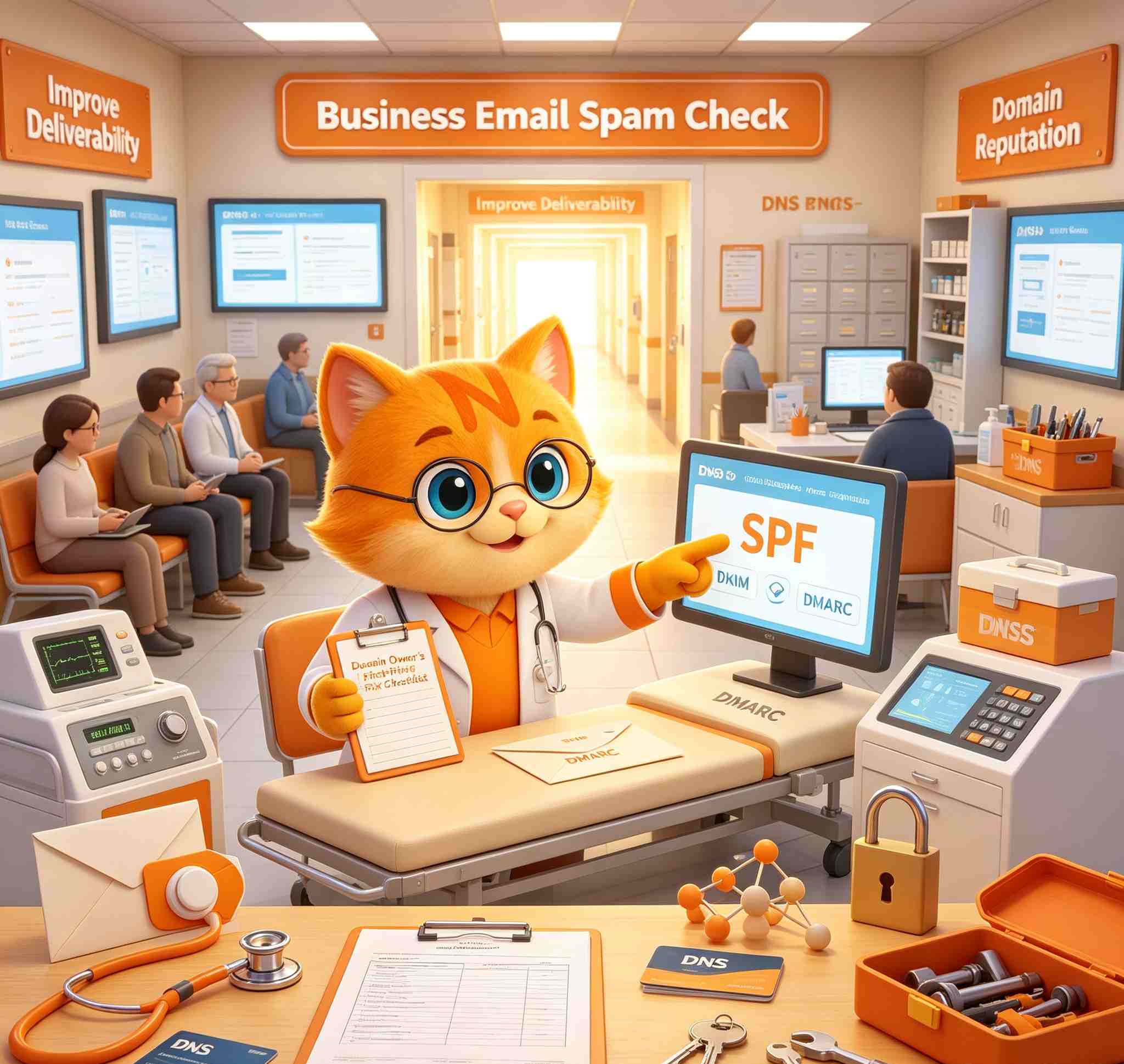
When business email goes to spam, many users immediately blame the mailbox provider. But the real problem is often connected to the domain: DNS records, email authentication, old settings, sender reputation, message content or the way the mailbox is being used.
If your company sends email from an address such as [email protected], [email protected] or [email protected], your domain is part of your email identity. Receiving mail systems do not only look at the message. They also check whether your domain is properly configured and whether the sender appears trustworthy.
This guide explains what domain owners should check first when business email goes to spam.
If you already own a domain and want to use it for professional communication, NiceNIC Business Email helps you create domain-based mailboxes and use email through Webmail, IMAP, POP3 and SMTP with your own domain.
Why Does Business Email Go to Spam?
Business email may go to spam because the domain is not properly authenticated, DNS records are incomplete, the domain is new, old email records still exist, the message looks suspicious, or the sender is using poor mailing practices.
The most common issues include:
1. Check Your MX Records First
MX records tell the internet where email for your domain should be delivered. If the MX records are wrong, outdated or still pointing to an old provider, your email service may not work correctly.
For example, your mailbox may look normal when you log in, but incoming mail may still be routed to another provider. Or some messages may fail because DNS records are not aligned with the email service you currently use.
If your business email goes to spam or fails to arrive, check:
NiceNIC provides domain registration, DNS management and professional business email, helping domain owners manage these related services more easily.
2. Make Sure SPF, DKIM and DMARC Are Set Correctly
SPF, DKIM and DMARC help receiving mail servers verify that your domain is allowed to send the message.
You do not need to be a mail engineer to understand the basic purpose:
Common authentication mistakes include:
A complete business email setup should include MX records, SPF, DKIM and DMARC. These records should match the email service and sending tools your business actually uses.
3. Remove Old DNS Records After Changing Email Providers
Many spam folder problems begin after a business changes email providers.
A company may move from one mailbox service to another, but old DNS records remain in place. These records can create conflicts or make receiving servers unsure which system is really allowed to send mail for the domain.
After changing business email providers, check for:
This is one reason some businesses prefer to manage domain, DNS and email from one provider. It reduces the chance that important records are forgotten after migration.
If you are setting up a domain for business use, NiceNIC Business Email Hosting can be used together with your domain and DNS management, making the basic setup easier to control.
4. Be Careful with New Domains and New Mailboxes
New domains often have little or no email sending history. If a new domain starts sending many messages too quickly, mailbox providers may treat those messages carefully.
This is common for:
Better early sending habits include:
5. Check Whether Your Email Content Looks Suspicious
Even with correct DNS records, your message content still matters.
Some emails go to spam because they look like spam. This can happen when the subject line is too aggressive, the message contains too many links, the sender identity is unclear, or the email uses risky attachments.
Common content issues include:
Instead of writing:
"URGENT!!! Payment issue, click here now!"
Use a clearer subject:
"Invoice update for yourdomain.com renewal"
The second version is more specific, less suspicious and easier for the recipient to understand.
For sales, support, billing and account communication, clarity is more important than aggressive marketing language.
6. Separate Customer Email from Bulk Marketing
One common mistake is using one mailbox for everything.
For example, a business may use [email protected] for support replies, invoices, partnership emails, newsletters and cold outreach. If marketing campaigns create complaints, bounces or low engagement, important customer emails may also be affected.
A cleaner structure is better:
NiceNIC Business Email plans support domain-based mailboxes for professional communication. You can review available options on the NiceNIC Business Email page and choose a plan that fits your team size.
7. Check Mail App and SMTP Settings
Sometimes the mailbox itself is fine, but the email app is using old settings.
This can happen after migration, password changes, server changes or manual setup in Outlook, Thunderbird, Apple Mail or a mobile mail app.
If messages sent from Webmail work normally but messages sent from a desktop or mobile app fail, check the local app settings.
Review:
8. Protect Your Mailboxes from Account Abuse
Business email going to spam can also be a security warning.
If a mailbox password is weak, reused or shared too widely, attackers may log in and send spam from the account. This can damage the domain's sending reputation and create bigger business risks.
Basic mailbox protection includes:
Email security should be treated as part of domain protection.
Business Email for Agencies, Hosting Providers and Resellers
For agencies, hosting providers and domain resellers, email deliverability problems are also a business opportunity.
Many clients do not understand MX records, SPF, DKIM, DMARC or SMTP settings. They only know that customers are not receiving their messages.
A reseller or agency can provide real value by helping clients:
If you manage domains for clients, you can combine NiceNIC Business Email with the NiceNIC Reseller Program to offer domain registration, email and related services under a more complete client solution.
Conclusion
When business email goes to spam, the problem is not always the mailbox itself. It may come from incorrect DNS records, missing authentication, old provider settings, weak domain reputation, suspicious message content, poor sending habits or mailbox security issues.
For domain owners, the practical starting point is clear:
Check your domain.
Check your DNS records.
Check SPF, DKIM and DMARC.
Check how your team sends email.
A professional business email address should be supported by a properly configured domain. That is how businesses build a more reliable communication identity.
Create domain-based mailboxes with NiceNIC Business Email Hosting and manage your domain, DNS, email and related online services with an ICANN-accredited registrar serving global customers, agencies and resellers.
Your invoice email landed in spam.
Your support reply disappeared before the client even saw it.
When business email goes to spam, many users immediately blame the mailbox provider. But the real problem is often connected to the domain: DNS records, email authentication, old settings, sender reputation, message content or the way the mailbox is being used.
If your company sends email from an address such as [email protected], [email protected] or [email protected], your domain is part of your email identity. Receiving mail systems do not only look at the message. They also check whether your domain is properly configured and whether the sender appears trustworthy.
This guide explains what domain owners should check first when business email goes to spam.
If you already own a domain and want to use it for professional communication, NiceNIC Business Email helps you create domain-based mailboxes and use email through Webmail, IMAP, POP3 and SMTP with your own domain.
Why Does Business Email Go to Spam?
Business email may go to spam because the domain is not properly authenticated, DNS records are incomplete, the domain is new, old email records still exist, the message looks suspicious, or the sender is using poor mailing practices.
The most common issues include:
- missing or incorrect MX records
- missing SPF, DKIM or DMARC records
- old DNS records from a previous email provider
- sending too many emails from a new domain
- using spam-like subject lines
- adding too many links or suspicious attachments
- mixing customer emails and marketing campaigns in one mailbox
- using outdated SMTP settings in mail apps
- weak mailbox security or compromised accounts
1. Check Your MX Records First
MX records tell the internet where email for your domain should be delivered. If the MX records are wrong, outdated or still pointing to an old provider, your email service may not work correctly.
For example, your mailbox may look normal when you log in, but incoming mail may still be routed to another provider. Or some messages may fail because DNS records are not aligned with the email service you currently use.
If your business email goes to spam or fails to arrive, check:
- whether your domain has the correct MX records
- whether old MX records are still present
- whether the priority values are correct
- whether your email provider’s required DNS records have been added
- whether DNS changes have fully propagated
NiceNIC provides domain registration, DNS management and professional business email, helping domain owners manage these related services more easily.
2. Make Sure SPF, DKIM and DMARC Are Set Correctly
SPF, DKIM and DMARC help receiving mail servers verify that your domain is allowed to send the message.
You do not need to be a mail engineer to understand the basic purpose:
- SPF checks whether the sending server is allowed to send email for your domain.
- DKIM adds a digital signature to outgoing email so receivers can verify that the message was authorized.
- DMARC tells receiving servers what to do when a message fails authentication.
Common authentication mistakes include:
- no SPF record
- more than one SPF record for the same domain
- DKIM not enabled
- no DMARC record
- old SPF includes from a previous provider
- third-party tools not included in the sending setup
A complete business email setup should include MX records, SPF, DKIM and DMARC. These records should match the email service and sending tools your business actually uses.
3. Remove Old DNS Records After Changing Email Providers
Many spam folder problems begin after a business changes email providers.
A company may move from one mailbox service to another, but old DNS records remain in place. These records can create conflicts or make receiving servers unsure which system is really allowed to send mail for the domain.
After changing business email providers, check for:
- old MX records
- old SPF includes
- unused DKIM selectors
- old verification TXT records
- outdated records from marketing platforms
- duplicate SPF records
This is one reason some businesses prefer to manage domain, DNS and email from one provider. It reduces the chance that important records are forgotten after migration.
If you are setting up a domain for business use, NiceNIC Business Email Hosting can be used together with your domain and DNS management, making the basic setup easier to control.
4. Be Careful with New Domains and New Mailboxes
New domains often have little or no email sending history. If a new domain starts sending many messages too quickly, mailbox providers may treat those messages carefully.
This is common for:
- new online stores
- new company websites
- SaaS projects
- agencies launching client domains
- outbound sales teams
- newly created support or billing mailboxes
Better early sending habits include:
- sending to people who recognize your business
- keeping email volume stable
- using clear subject lines
- avoiding too many links
- avoiding large attachments
- encouraging real replies
- separating business communication from bulk marketing
5. Check Whether Your Email Content Looks Suspicious
Even with correct DNS records, your message content still matters.
Some emails go to spam because they look like spam. This can happen when the subject line is too aggressive, the message contains too many links, the sender identity is unclear, or the email uses risky attachments.
Common content issues include:
- subject lines with all caps
- too many exclamation marks
- vague subjects such as "Important!!!"
- shortened links
- too many images and not enough text
- large ZIP or executable attachments
- mismatched links and anchor text
- no clear reason for contacting the recipient
- no recognizable business identity
Instead of writing:
"URGENT!!! Payment issue, click here now!"
Use a clearer subject:
"Invoice update for yourdomain.com renewal"
The second version is more specific, less suspicious and easier for the recipient to understand.
For sales, support, billing and account communication, clarity is more important than aggressive marketing language.
6. Separate Customer Email from Bulk Marketing
One common mistake is using one mailbox for everything.
For example, a business may use [email protected] for support replies, invoices, partnership emails, newsletters and cold outreach. If marketing campaigns create complaints, bounces or low engagement, important customer emails may also be affected.
A cleaner structure is better:
- [email protected] for sales inquiries
- [email protected] for customer support
- [email protected] for invoices and payment notices
- [email protected] for general contact
- [email protected] for marketing updates
NiceNIC Business Email plans support domain-based mailboxes for professional communication. You can review available options on the NiceNIC Business Email page and choose a plan that fits your team size.
7. Check Mail App and SMTP Settings
Sometimes the mailbox itself is fine, but the email app is using old settings.
This can happen after migration, password changes, server changes or manual setup in Outlook, Thunderbird, Apple Mail or a mobile mail app.
If messages sent from Webmail work normally but messages sent from a desktop or mobile app fail, check the local app settings.
Review:
- outgoing SMTP server
- SMTP port
- authentication method
- username format
- password
- SSL/TLS setting
- old provider settings saved in the app
8. Protect Your Mailboxes from Account Abuse
Business email going to spam can also be a security warning.
If a mailbox password is weak, reused or shared too widely, attackers may log in and send spam from the account. This can damage the domain's sending reputation and create bigger business risks.
Basic mailbox protection includes:
- using strong unique passwords
- removing unused mailboxes
- changing passwords when staff leave
- avoiding shared login details
- checking forwarding rules
- monitoring unusual sending behavior
Email security should be treated as part of domain protection.
Business Email for Agencies, Hosting Providers and Resellers
For agencies, hosting providers and domain resellers, email deliverability problems are also a business opportunity.
Many clients do not understand MX records, SPF, DKIM, DMARC or SMTP settings. They only know that customers are not receiving their messages.
A reseller or agency can provide real value by helping clients:
- register the right domain
- create professional mailboxes
- configure DNS records
- set up email authentication
- connect mailboxes to devices
- separate sales, support and billing email addresses
- add SSL for the website
- review basic sending habits
If you manage domains for clients, you can combine NiceNIC Business Email with the NiceNIC Reseller Program to offer domain registration, email and related services under a more complete client solution.
Conclusion
When business email goes to spam, the problem is not always the mailbox itself. It may come from incorrect DNS records, missing authentication, old provider settings, weak domain reputation, suspicious message content, poor sending habits or mailbox security issues.
For domain owners, the practical starting point is clear:
Check your domain.
Check your DNS records.
Check SPF, DKIM and DMARC.
Check how your team sends email.
A professional business email address should be supported by a properly configured domain. That is how businesses build a more reliable communication identity.
Create domain-based mailboxes with NiceNIC Business Email Hosting and manage your domain, DNS, email and related online services with an ICANN-accredited registrar serving global customers, agencies and resellers.
Pendaftar diakreditasi ICANN sejak 2006
Beli dan Daftar Domain .COM Anda Hari Ini
Semak ketersediaan domain .COM, daftar domain .COM baru, cari beberapa nama secara pukal, atau pindahkan domain .COM sedia ada anda ke NiceNIC. Dibina untuk perniagaan, pelabur domain, agensi, penyedia hosting, dan penjual semula.
Perbaharui: $17.99
Pasarkan
$17.99 $14.99
tahun pertama
Perbaharui: $17.99
Asas
$14.99
0% off
Perbaharui: $17.99
Super
$14.99
0% off
Perbaharui: $16.99
VIP
$14.99
0% off
BERITA BERKAITAN:
Berita Sebelumnya:
MX Records for Business Email: What They Are and How to Set Them Correctly
Berita Seterusnya: WHMCS Domain Registrar Module Guide: Automate Domain Registration and Renewal
Berita Seterusnya: WHMCS Domain Registrar Module Guide: Automate Domain Registration and Renewal


