


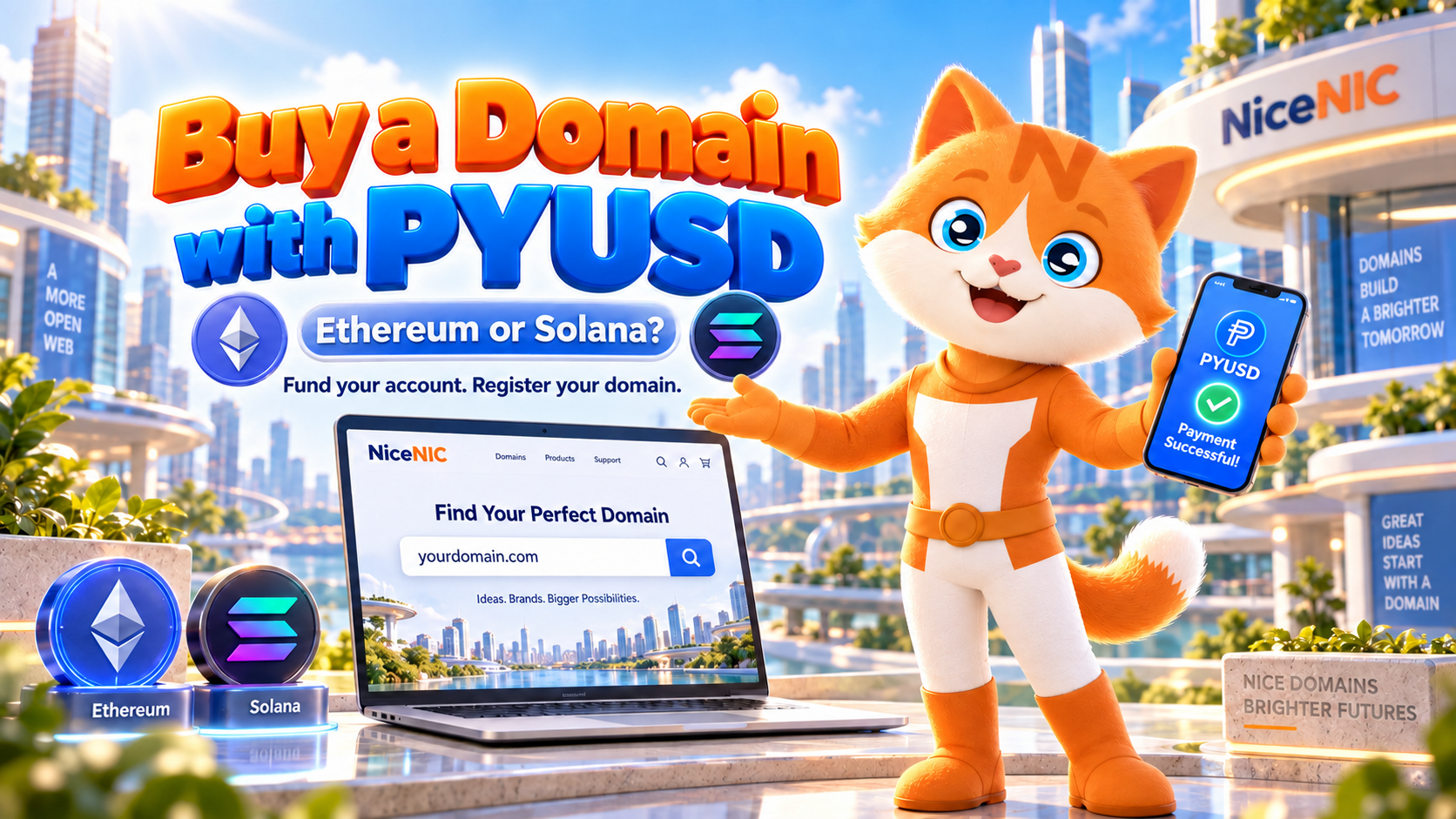
To buy a domain with PayPal USD (PYUSD) at NiceNIC, check the domain’s availability and price first. Then sign in, open My Account → My Payment → Add Balance, and choose Online Crypto Payment. Select PYUSD and a supported network—Ethereum or Solana—if they are offered for your transaction. Send the requested amount using the same network and payment details shown in that checkout. Once the funds appear in your NiceNIC account balance, place the domain order and verify the registration result.
There are two separate transactions: the PYUSD transfer funds your NiceNIC account; your account balance pays for the domain. A confirmed blockchain transfer is not proof that a domain has been registered.
Before You Send: Make Sure Your PYUSD Is on the Right Network
NiceNIC's published Payment Options list PYUSD on Ethereum and Solana for online cryptocurrency payments through Triple-A. These are NiceNIC's currently published PYUSD routes, not a claim that PYUSD exists only on those two blockchains. Always use the options shown in your live checkout as the final authority.
Which should you choose? Usually, the network on which you already hold transferable PYUSD, provided NiceNIC offers that route. Solana generally has lower blockchain transaction fees than Ethereum mainnet, but that does not automatically make it the cheapest payment for everyone. An exchange withdrawal fee, conversion spread, or cross-chain transfer can outweigh the gas difference. Ethereum gas fees vary with network demand; Solana transactions also have network fees, with possible additional charges depending on the transaction and wallet.
If you use a self-custody wallet, you will generally need the relevant network’s fee-paying asset (ETH on Ethereum or SOL on Solana), unless another party sponsors the fee. If you send from an exchange or custodial app, follow its displayed withdrawal-fee rules instead of assuming you pay gas directly.
PYUSD is not the same as ordinary PayPal checkout
PYUSD is a dollar-backed stablecoin issued for PayPal by Paxos Trust Company, N.A., which operates under U.S. Office of the Comptroller of the Currency (OCC) supervision. It is not simply a PayPal cash-balance payment. NiceNIC lists conventional PayPal checkout separately from PYUSD cryptocurrency funding.
For eligible PayPal users, PayPal also provides an external PYUSD transfer function. Its U.S. crypto transfer help page currently lists outbound minimums of 10 PYUSD on Ethereum and 1 PYUSD on Solana. Those are PayPal's stated transfer minimums for eligible U.S. accounts—not NiceNIC minimum deposit requirements. Transfer access, limits and fees can vary by account or location. PayPal also supports some PYUSD transfer networks beyond the two currently listed by NiceNIC, so check the destination network carefully.
From Domain Search to Confirmed Registration
1. Check the domain before adding funds. Use NiceNIC Domain Search to check availability. Compare the registration term and price with the renewal price on NiceNIC Domain Prices. Account funding does not reserve a domain, and some extensions have Premium prices or additional registration requirements.
2. Open the current PYUSD checkout. Sign in and navigate to My Account → My Payment → Add Balance. Enter the amount you want to fund, then choose Online Crypto Payment and PYUSD if available. Select Ethereum or Solana only when it is presented as a supported option for this payment. NiceNIC’s separate manual-wallet route currently lists BTC, USDT, ETH and LTC; do not assume a manual-wallet address can receive PYUSD.
3. Verify the payment instructions before transferring. Check the asset (PYUSD, not merely a token with a similar name), selected blockchain, recipient address or QR code, amount, provider fee and any payment expiry information. Use the instructions generated for this transaction. Never reuse an address copied from an older invoice, screenshot or message. If your wallet’s network or recipient details differ from checkout, stop and resolve the mismatch before sending.
4. Send PYUSD and track the payment. Authorize the transfer from your compatible wallet, PayPal account or exchange, following that provider’s instructions. Save the payment reference and, for an on-chain transfer, the transaction hash. You can use a suitable blockchain explorer such as Etherscan (Ethereum) or Solscan (Solana) to check its network status. A blockchain confirmation does not guarantee immediate credit to NiceNIC: payment-provider processing and other checks may still be pending.
5. Use the credited balance to buy the domain. Return to NiceNIC and check that the funds are shown as available. Recheck the domain, registration term, registrant details and total order price; then complete the order using your available account balance. Finally, inspect the domain order status. A successful PYUSD transfer, credited balance or submitted order does not by itself establish that the registry has completed the registration.
The Cost Is More Than the Blockchain Fee
NiceNIC currently publishes 0% additional crypto processing fee. Its Online Crypto Payment provider, Triple-A, currently charges a 1.5% service fee. The sending wallet, exchange or blockchain network may impose separate costs. For a complete estimate, consider:
- Domain charges: the actual registration price for your extension, including any Premium or required service costs.
- Online payment-provider charge: the current 1.5% fee shown for the Triple-A payment route.
- Sending costs: any Ethereum or Solana network fee, wallet charge or exchange withdrawal fee.
- Conversion costs, if applicable: fees or spreads when acquiring PYUSD or moving it to a supported network.
Do not assume the amount of PYUSD sent will equal the amount credited to your NiceNIC account. Review the total payable and expected credit in the live payment flow, then check the resulting account balance. The 1.5% published rate does not, by itself, tell you exactly how the provider presents or deducts that fee for a particular payment.
For most customers, it is more useful to avoid unnecessary token conversions and network changes than to chase the lowest quoted gas fee. You can compare PYUSD with other options in USDT vs USDC vs PYUSD for Domain Registration if you have not chosen your payment asset yet.
You Sent PYUSD. What Happens If the Domain Still Isn't Registered?
The transaction does not appear on the blockchain. Start with the sending wallet or exchange. Check whether the transfer was actually broadcast, rejected or held for review. Do not create a second payment just because the first screen has not updated.
The blockchain shows a confirmed transfer, but NiceNIC has no new credit. Compare the transaction hash, network, amount, destination and payment reference with your current checkout instructions. Check the payment provider's status, then contact NiceNIC Support if the payment remains unreconciled. Include the relevant reference and transaction hash, but never share your private key, recovery phrase or account password.
You sent PYUSD to the wrong network or address. Stop sending further funds. Save the transaction evidence and contact the receiving payment provider or NiceNIC Support for case-specific guidance. Recovery cannot be guaranteed. A confirmed crypto transfer generally cannot be cancelled by the sender.
The balance was credited, but the domain order is pending or rejected. Check the NiceNIC domain order details, not just the PYUSD receipt. A registry may reject or delay an application because of availability, eligibility, required information or other rules. Provide the domain and order number to Support if the status remains unresolved.
Think Before Funding More Than One Order
NiceNIC account credit can also pay for eligible renewals and transfers, but adding funds does not automatically enable auto-renewal or guarantee that a future order will succeed. Leave time for payment processing before important expiration dates.
Read the NiceNIC Refund Policy before depositing more than you expect to use. Successfully completed domain registrations and crypto payments are generally non-refundable under its published policy, while certain unfulfilled domain applications have specified exceptions. A payment-provider rejection, an unsuccessful domain order and a completed registration are not interchangeable refund situations; no universal refund or account-credit timing should be assumed.
Paying in PYUSD also does not remove domain registration-data, identity-verification or registry eligibility requirements.
Start with your domain, not your wallet: check its availability through NiceNIC Domain Search, review the live PYUSD payment routes and fees, and only then make the network-matched transfer needed to fund your order.
Primary Sources
- NiceNIC Payment Options — Published PYUSD networks, online payment provider, fee disclosures and account-credit use.
- NiceNIC Payment FAQ — Add Balance navigation, payment confirmation and reconciliation guidance.
- NiceNIC Refund Policy — Refund restrictions and qualifying exceptions.
- PayPal: How Do I Transfer My Crypto? — External PYUSD transfers, supported networks and U.S. minimum transfer amounts.
- Paxos: PayPal USD and Paxos: OCC Charter Explained — Issuer identity, backing and current U.S. regulatory supervision.
- Ethereum: Gas and Fees and Solana: Transaction Fees — Network-fee mechanisms and why fixed fee or finality promises are inappropriate.


