


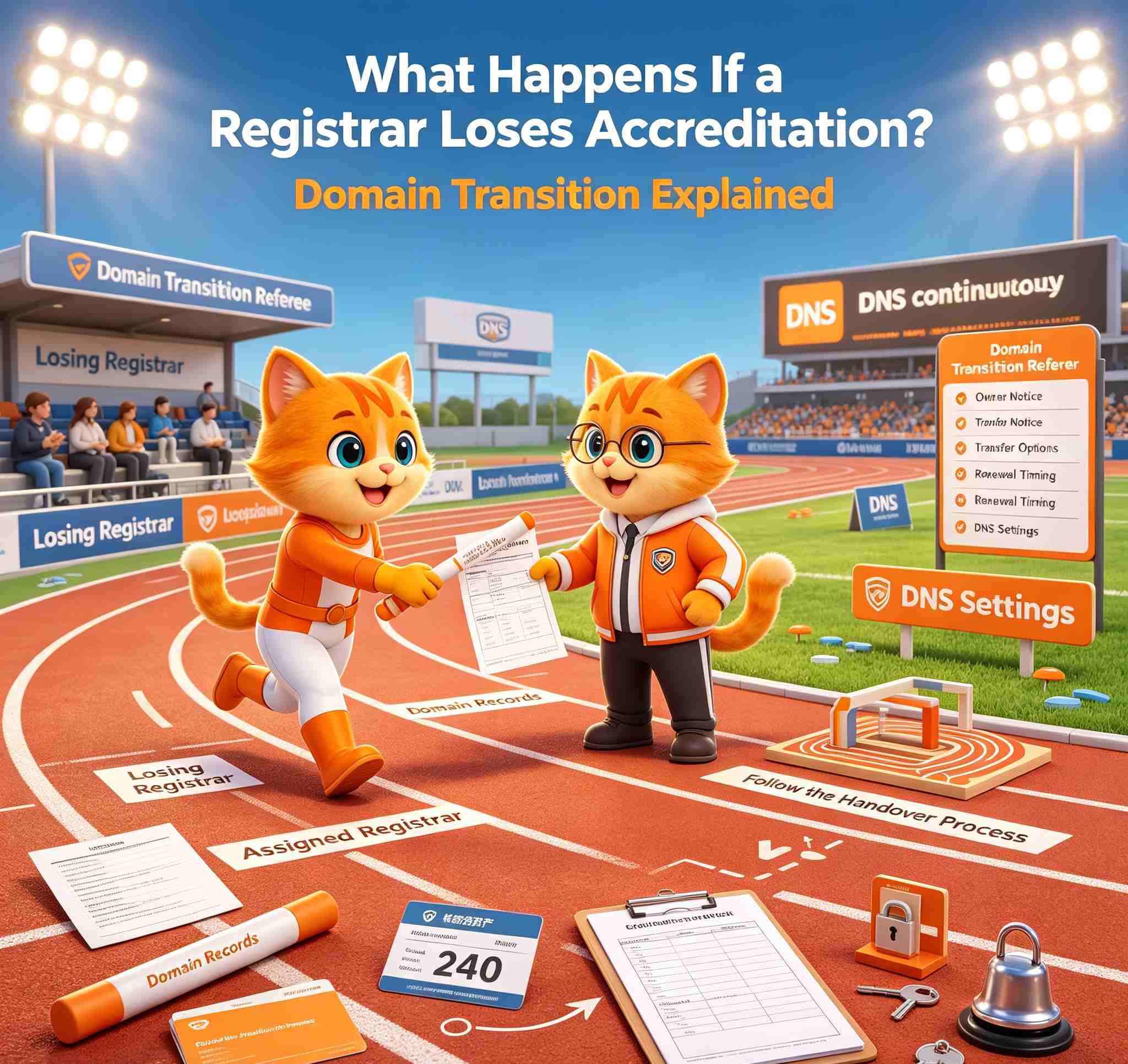
Short answer: You do not automatically lose your gTLD domains.
ICANN has a procedure for moving affected gTLD registrations to another ICANN-accredited registrar. This usually happens through an ICANN-approved bulk transfer.
However, there are three things that still require your attention:
- Your existing expiration date does not automatically change.
- The gaining registrar may restrict another transfer for the first 60 days.
- Separate hosting, DNS and email services may need to be handled independently.
If your registrar has lost accreditation, the most urgent issue is not choosing where to transfer next. It is making sure your domain remains active, renewable and under your control.
What Should You Do First?
Start with these three checks.
1. Check the Domain's Expiration Date
If the domain will expire soon, renewal should be your first priority.
An ICANN bulk transfer does not automatically add another year to the registration term. Waiting for the transfer process to finish could create unnecessary risk if the domain is already close to expiration.
Check:
- The current expiration date
- Whether the domain is already expired
- Whether renewal is still available
- Whether the domain has entered redemption or another recovery stage
Domain lifecycle rules vary by TLD. NiceNIC's Expired Domain Renewal, Redemption, and Auction Policy explains the general expiration and recovery stages that may apply to domains managed through NiceNIC.
2. Confirm the Official Gaining Registrar
Do not rely on a forum post, social media message or email from an unknown sender.
Check ICANN's Bulk Transfers page to see whether ICANN has officially identified the gaining registrar.
If no gaining registrar is listed yet, do not guess and do not pay anyone claiming to manage the migration.
Continue monitoring the official ICANN page until the receiving registrar is confirmed.
3. Protect Your Account and Contact Email
The gaining registrar should send affected customers instructions for accessing and managing their domains.
Make sure you can still access:
- The email address associated with the domain
- Your current registrar account
- Your domain list and expiration records
- Any available invoices or registration records
- Your current nameserver and DNS information
Check your spam folder for official transfer instructions, but verify the sender before clicking links, entering credentials or making a payment.
Find the Situation That Matches Your Domain
What Happens During the ICANN Transition?
When a registrar’s accreditation agreement is terminated or expires, ICANN’s De-Accredited Registrar Transition Procedure requires affected gTLD registrations to be transitioned to a competent ICANN-accredited registrar.
The receiving registrar is called the gaining registrar.
The gaining registrar becomes responsible for managing the affected domain registrations after the bulk transfer. Affected registrants should then receive instructions explaining how to access and continue managing their domains.
The purpose of the process is to transition the registration sponsorship. It is not a normal transfer order placed individually by each registrant.
Which Domains Are Covered?
ICANN’s transition procedure applies specifically to generic top-level domains, commonly called gTLDs.
Examples include:
-
.com -
.net -
.org -
.info -
.xyz - Many other generic domain extensions
Country-code domains, commonly called ccTLDs, may use different procedures.
Examples include:
-
.uk -
.de -
.fr -
.au -
.cn
Do not assume that a ccTLD will follow the same ICANN bulk-transfer process.
For a ccTLD, check the rules of the registry responsible for that particular extension.
Does the ICANN Bulk Transfer Cost Anything?
No. ICANN states that registrants are not charged for the bulk transfer.
This is different from a normal inter-registrar transfer requested by a registrant.
Be cautious if you receive a message claiming that you must pay an ICANN migration fee before your domain can be transferred to the gaining registrar.
Before paying anything:
- Confirm that the gaining registrar is listed by ICANN.
- Visit the gaining registrar's official website directly.
- Check whether the payment is for renewal, restoration or another service rather than the bulk transfer itself.
- Contact the registrar through its published support channel if the reason for the charge is unclear.
Will the Bulk Transfer Add Another Year?
No. An ICANN bulk transfer caused by registrar de-accreditation does not automatically extend the registration term by one year.
This is one of the most important differences between an ICANN bulk transfer and a normal paid inter-registrar transfer.
If the domain expires during or shortly after the migration, you may still need to renew it with the gaining registrar.
Do not assume the bulk transfer has protected the domain from expiration. Always check the actual expiration date.
Can You Choose a Different Registrar?
Yes. Affected registrants can choose another registrar when the domain is eligible for transfer.
However, the gaining registrar may, at its discretion, deny another transfer during the first 60 days after the bulk transfer. ICANN permits this restriction as a registrant-protection measure.
Before waiting for the 60-day period to end, check whether the domain will expire during that time.
If the domain expires soon:
- Contact the gaining registrar
- Ask whether renewal is required
- Confirm the current domain status
- Protect the registration before planning another transfer
Keeping the domain active is more urgent than moving it immediately.
What If the Domain Is Already Expired?
An expired domain may still be renewable or restorable, depending on:
- The TLD
- The registry's lifecycle rules
- The current domain status
- How long the domain has been expired
- Whether it has entered redemption or pending delete
- Whether another restriction applies
Do not assume that an expired domain will remain recoverable until the registrar transition is completed.
Contact the registrar currently responsible for the domain and ask:
- What is the domain's current registry status?
- Can it still be renewed?
- Has it entered redemption?
- What is the final deadline for recovery?
- What fees apply to renewal or restoration?
The closer a domain is to deletion, the fewer recovery options may remain.
Will Your Website, DNS and Email Continue Working?
The ICANN transition procedure covers the sponsorship and management of the gTLD registration.
It does not automatically confirm the status of separate services such as:
- Website hosting
- DNS hosting
- Business email
- SSL certificates
- Cloud services
- Website builders
- Account balances or billing services
If these services came from the same provider, review them separately.
Save copies of:
- DNS records
- Nameserver settings
- MX records
- Website files and databases
- Email configuration
- SSL certificate information
- Account and billing records
Protecting the domain registration does not automatically protect every service connected to the domain.
What Should You Avoid Doing?
Do Not Pay an Unverified Migration Fee
The ICANN bulk transfer itself does not cost the registrant anything.
A legitimate charge may still apply for renewal, restoration or another service, but the reason should be clear and verifiable.
Do Not Trust an Unconfirmed Gaining Registrar
Verify the receiving registrar on ICANN’s official Bulk Transfers page before following instructions.
Do Not Wait If the Domain Expires Soon
A bulk transfer does not add another year. Renewal may be more urgent than another transfer.
Do Not Change Important Information Without Understanding the Effect
Changes to registration data may affect transfer eligibility or trigger an applicable transfer restriction.
If your goal is to move the domain, check the transfer rules before making unnecessary changes.
Do Not Assume Every TLD Follows the Same Process
ICANN’s transition procedure applies to gTLDs. ccTLDs may follow different registry rules.
Frequently Asked Questions
Will I lose my domain if my registrar loses ICANN accreditation?
Not automatically.
ICANN’s procedure requires affected gTLD registrations to be transitioned to a competent accredited registrar.
An individual domain can still be affected by expiration, deletion status, a dispute, inaccurate registration data or registry-specific rules.
Do I need to submit the ICANN bulk transfer myself?
The ICANN-approved bulk transfer is handled as part of the registrar transition process.
Affected registrants should receive instructions from the gaining registrar explaining how to access and manage their domains.
Is the ICANN bulk transfer free?
Yes. ICANN states that there is no cost to registrants for the bulk transfer.
Renewal, restoration or other services may still involve separate fees.
Will my domain receive an extra year?
No. The bulk transfer does not automatically extend the domain’s registration term.
Check the existing expiration date and renew when necessary.
Can I transfer to another registrar immediately?
Not always.
The gaining registrar may deny another transfer during the first 60 days after the bulk transfer, at its discretion.
What if my domain expires during the 60-day period?
Contact the gaining registrar and ask about renewal immediately.
Do not wait for the transfer restriction to end if waiting could place the domain at risk.
How will I know which registrar received my domain?
Check ICANN’s Bulk Transfers page and look for an official notice from the gaining registrar.
Verify the registrar before entering account credentials or making a payment.
Does the process cover country-code domains?
Not necessarily.
ICANN’s De-Accredited Registrar Transition Procedure is written for gTLD registrations. ccTLDs can be governed by different registry rules.
What if I do not receive any instructions?
Use the official contact information for the gaining registrar. If you do not receive a response, follow the support route published on ICANN’s Bulk Transfers page.
Need Help With Your Next Step?
Your first priority is not choosing a new registrar. It is making sure your domain stays active, remains renewable and can still be managed.
NiceNIC can help you understand:
- Whether the TLD is supported for transfer
- Whether the domain appears eligible to move
- What a transfer lock means
- Whether an AuthInfo code is required
- How the expiration date may affect the timing
- What to check before submitting a transfer order
If the domain expires soon or its status is unclear: Ask NiceNIC Support about the safest next step
If the domain is active and ready to transfer: Check the domain transfer requirements
Want to verify the registrar, legal entity, policies and support routes before deciding? Visit the NiceNIC Trust Center.
You remain in control of where your domain is managed. Take the next step only after the official gaining registrar, expiration date and transfer eligibility are clear.
Official ICANN Sources
- ICANN: Notices of Breach, Suspension, Termination and Non-Renewal
- ICANN: Bulk Transfers
- ICANN: De-Accredited Registrar Transition Procedure
- ICANN: Transfer Policy
This article explains published ICANN procedures. It does not replace the terms governing a specific registration, an applicable registry rule or legal advice.


