


Megtekintések:136
Idő:2026-07-01 11:50:47 Szerző: windy 
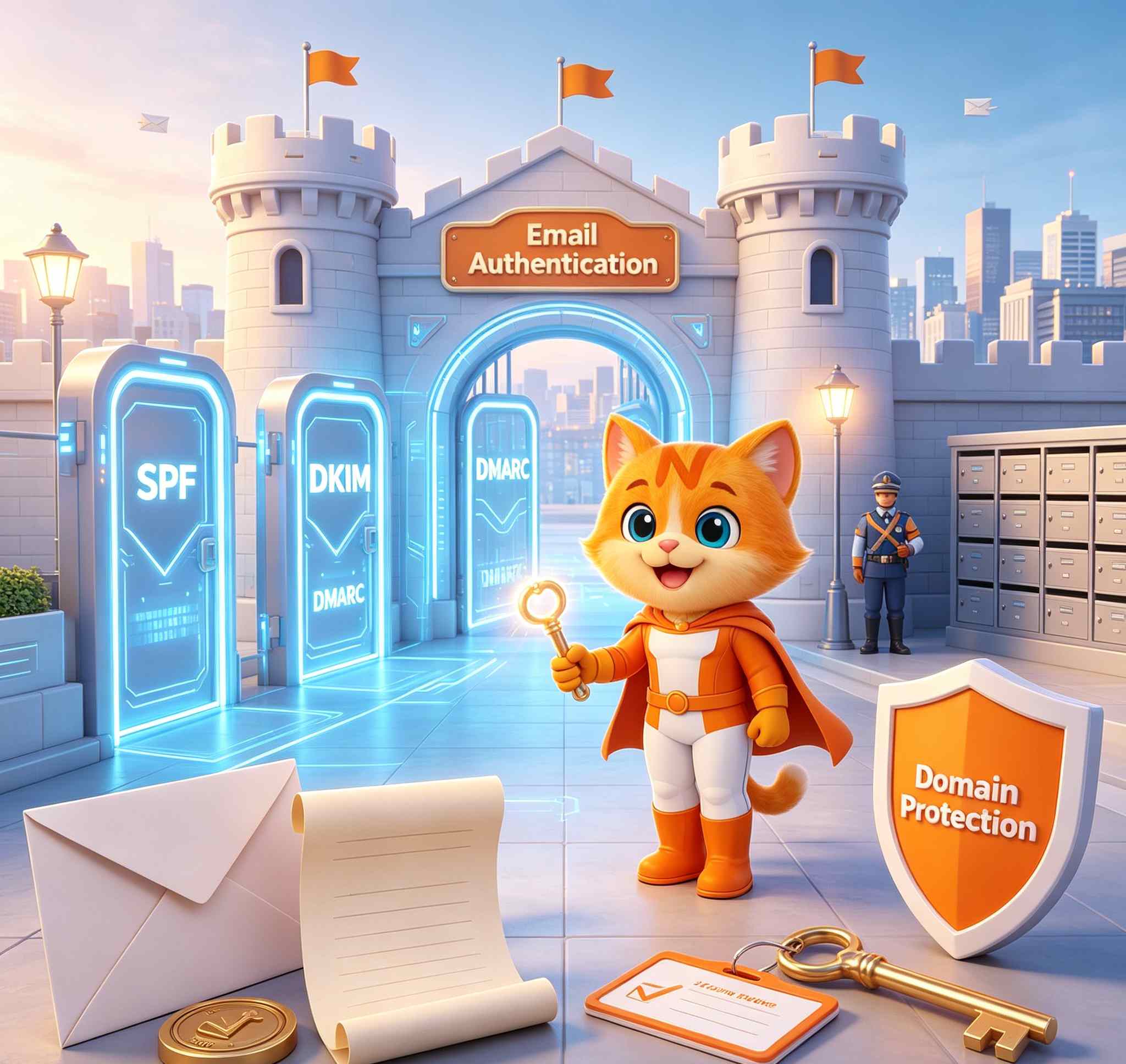
These three email authentication methods help mail providers verify your domain, reduce spoofing risks, and improve the chance that legitimate business messages reach the inbox instead of being rejected or sent to spam.
If you already own a domain name and want to use it for professional communication, you can set up domain-based mailboxes with NiceNIC Business Email and manage your domain, DNS records and email service in one place.
For many small businesses, online stores, agencies and domain resellers, email authentication is no longer a technical detail. It is part of basic brand protection.
What Are SPF, DKIM and DMARC?
SPF, DKIM and DMARC are DNS-based email authentication standards. They tell receiving mail servers which systems are allowed to send email for your domain and how suspicious messages should be handled.
In simple terms:
SPF checks whether the sending server is allowed to send mail for your domain.
DKIM adds a digital signature to messages so recipients can verify that the email was not changed in transit.
DMARC tells receiving servers what to do when a message fails SPF or DKIM checks.
Together, they help answer one important question:
Is this email really from your domain, or is someone pretending to be you?
For example, if your business uses [email protected] to send invoices, attackers may try to send fake invoices using the same domain name. Without proper email authentication, it can be harder for receiving systems to tell the difference between your real messages and forged ones.
That is why every company using business email hosting should understand at least the basics of SPF, DKIM and DMARC.
Why Email Authentication Matters for Business Email
Business email is often used for sales, support, billing, account notices, partnership discussions and customer communication. If those messages fail authentication, several problems can happen:
- Your emails may go to spam.
- Your customers may not receive invoices or support replies.
- Your domain may be abused for phishing or fake messages.
- Your brand reputation may be damaged.
- Your team may lose trust in email as a reliable communication channel.
This is especially important for:
- ecommerce websites sending order updates
- SaaS platforms sending account notifications
- agencies managing email for clients
- hosting providers offering domain and email services
- domain resellers adding business email as a value-added service
- international companies using email for sales and customer support
SPF Explained: Who Is Allowed to Send Email for Your Domain?
SPF stands for Sender Policy Framework.
An SPF record is added to your domain's DNS zone as a TXT record. It lists the mail servers or services that are allowed to send email on behalf of your domain.
For example, if your business email provider sends messages from its own mail servers, your SPF record should include that provider. If you also use a newsletter platform, CRM, helpdesk or billing system, those services may also need to be included.
A basic SPF record may look like this: v=spf1 include:examplemail.com -all
This tells receiving servers that examplemail.com is authorized to send mail for the domain. The exact value depends on your email provider and sending tools.
SPF is useful because it helps block unauthorized systems from pretending to send email from your domain. However, SPF alone is not perfect. It checks the envelope sender, not always the visible "From" address your customer sees. That is why DKIM and DMARC are also important.
Common SPF mistakes include:
- not having an SPF record at all
- having more than one SPF record for the same domain
- forgetting to include third-party sending tools
- using outdated records after changing email providers
- using a very loose policy that does not protect the domain well
DKIM Explained: Did the Message Stay Authentic?
DKIM stands for DomainKeys Identified Mail.
DKIM adds a digital signature to each outgoing email. Receiving servers can check this signature against a public key published in your domain's DNS records. If the signature is valid, it helps prove that the message was authorized by the domain and was not modified after being sent. Think of DKIM as a tamper-check seal for business email.
For example, when your company sends a quote, contract, login notice or payment reminder, DKIM helps the receiving mail system verify that the message is connected to your domain's authorized sending system.
A DKIM DNS record is usually added as a TXT record under a selector, such as:
selector._domainkey.yourdomain.com
The value itself is usually provided by your email service provider.
DKIM is especially useful when:
- your business sends important customer emails
- you use multiple sending tools
- your messages are forwarded between mail systems
- your company wants better domain-level authentication
- you are preparing to use DMARC
NiceNIC Business Email supports professional email usage across webmail, desktop apps and mobile devices, making it suitable for businesses that need stable day-to-day communication from their own domain. You can review available options on the NiceNIC Business Email Hosting page.
DMARC Explained: What Should Happen When Authentication Fails?
DMARC stands for Domain-based Message Authentication, Reporting and Conformance.
DMARC connects SPF and DKIM with the visible "From" domain. It tells receiving mail servers what to do if a message claims to come from your domain but does not pass authentication checks.
A basic DMARC record may look like this:
v=DMARC1; p=none; rua=mailto:[email protected]
DMARC policies usually use one of three modes:
p=none
This is monitoring mode. It allows you to receive reports without asking receivers to block suspicious messages.
p=quarantine
This tells receiving servers to place failed messages into spam or quarantine.
p=reject
This tells receiving servers to reject failed messages.
For most small businesses, it is safer to start with p=none, monitor reports, fix legitimate sending sources, and only move toward stricter policies when the setup is clean.
DMARC is important because SPF and DKIM by themselves do not fully stop domain spoofing. DMARC adds domain alignment and policy control.
For example, if someone sends fake payment instructions pretending to be from yourdomain.com, DMARC can help receiving mail servers identify that the message is not properly authenticated. With a stricter policy, it may be quarantined or rejected instead of reaching the recipient's inbox.
SPF vs DKIM vs DMARC: What Is the Difference?
Here is a simple way to understand the difference:
SPF answers: Is this sending server allowed to send email for the domain?
DKIM answers: Was this message signed by the domain's authorized mail system?
DMARC answers: If SPF or DKIM fails, what should the receiver do?
You do not need to choose only one. A complete business email setup should use all three.
For a small business domain, the recommended setup usually includes:
- MX records for receiving email
- SPF record for authorized senders
- DKIM record for message signing
- DMARC record for policy and reporting
- SSL/TLS support for secure access
- clear mailbox structure such as sales@, support@ and billing@
Why This Matters More for Domain Owners Than Most People Think
Many domain owners only think about the website after registering a domain. They connect hosting, install SSL, publish a landing page or start building an online store.
But email is part of the same identity.
Your domain is not only what customers type into a browser. It is also what they see in their inbox.
A domain such as yourbrand.com may be used for:
- website traffic
- customer support
- sales inquiries
- billing messages
- order confirmations
- password resets
- partner communication
- reseller or agency client communication
This is why domain owners should treat email authentication as part of domain protection, not just email setup.
NiceNIC helps businesses manage key domain services, including domain registration, Business Email, DNS, SSL and reseller tools. If you manage many domains or client projects, you can also explore the NiceNIC Reseller Program to add domain and email services to your business offering.
Common Business Email Setup Mistakes
Many email problems are not caused by the mailbox itself. They are caused by incomplete or incorrect DNS configuration.
Here are common mistakes to avoid.
1. Creating mailboxes but forgetting DNS records
A mailbox alone is not enough. Your domain needs correct MX records to receive mail and authentication records to send mail properly.
2. Using multiple SPF records
A domain should normally have one SPF record. If you add several separate SPF TXT records, receiving servers may treat the setup as invalid. Instead, authorized senders should be combined into one properly formatted SPF record.
3. Forgetting third-party senders
If your CRM, newsletter tool, billing system or support desk sends email using your domain, those services may need to be included in SPF and DKIM configuration.
4. Setting DMARC too strictly too early
Moving directly to p=reject before checking all legitimate senders can block real business emails. Start with monitoring first, then improve step by step.
5. Ignoring old DNS records after migration
If you move from one email provider to another, old MX, SPF, DKIM or verification records may remain in DNS. These outdated records can create conflicts or confusion.
6. Using a business domain but sending from free email tools
Some businesses own a domain but still send important messages from free email addresses. This weakens brand consistency and may reduce customer confidence. A proper domain-based email address is cleaner and easier to protect.
Final Thoughts
SPF, DKIM and DMARC may sound technical, but they solve a very practical business problem: they help prove that your domain is allowed to send the email it sends.
For any business using a domain-based email address, authentication matters. It can help reduce spoofing, support better deliverability, and protect customer trust.
If your business already owns a domain, do not stop at the website. Set up professional business email, configure the right DNS records, and make sure your domain is protected across both web and email communication.
Create secure, domain-based mailboxes today with NiceNIC Business Email Hosting and manage your domain, DNS, email and online identity with a registrar built for business users, agencies and resellers.
2006 óta ICANN által akkreditált regisztrátor
Vásárolja meg és regisztrálja .COM domainjét még ma
Ellenőrizze a .COM domain elérhetőségét, regisztráljon új .COM domaint, keresgéljen több nevet egyszerre, vagy helyezze át meglévő .COM domainjeit a NiceNIC-hez. Vállalkozásoknak, domain befektetőknek, ügynökségeknek, tárhelyszolgáltatóknak és viszonteladóknak készült.
Megújítás: $17.99
Piac
$22.49 $14.99
első év
Megújítás: $17.99
Alap
$14.99
0% off
Megújítás: $17.99
Szuper
$14.99
0% off
Megújítás: $16.99
VIP
$14.99
0% off
KAPCSOLÓDÓ HÍREK:
Legutóbbi hírek:
WHMCS Domain Registrar Module Guide: Automate Domain Registration and Renewal
Következő hírek: Free Email vs Domain-Based Business Email: What Customers Notice First
Következő hírek: Free Email vs Domain-Based Business Email: What Customers Notice First


