


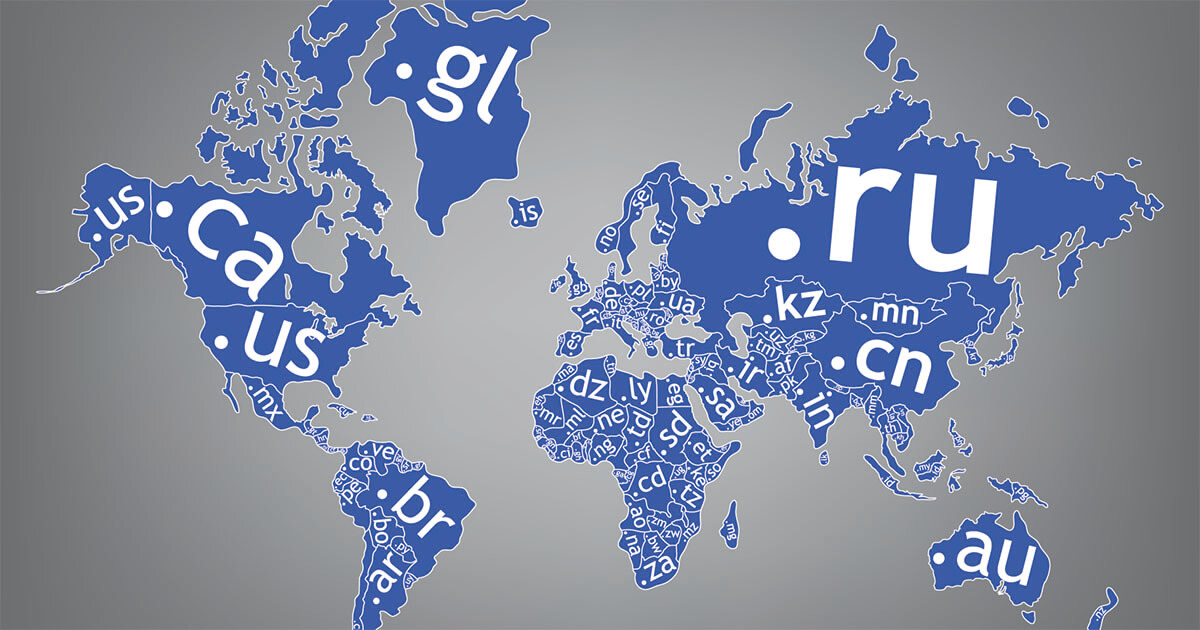
To register one, you need an available name, accurate holder information, and completion of the applicable identity verification process. Paying for an order does not, by itself, complete registration.
Start by checking .RU domain availability with NiceNIC. If you are registering from outside Russia, confirm the registration arrangement before paying so you know whose name will appear as the registered holder, what verification is required, and what the ongoing service will cost.
Registration policy last reviewed: September 22, 2026.
What Does a .RU Domain Mean?
.RU identifies a connection with Russia. The IANA delegation record for .RU lists it as a country code top level domain managed by the Coordination Center for TLD RU.
Consider .RU when your website offers something specifically relevant to that market, such as local delivery, Russian customer support, regional services, or a Russia focused product catalogue.
Language and geography are different decisions. A Russian language website serving customers across several countries does not automatically need .RU. Choose the extension according to the market you intend to serve and the registration requirements you can maintain.
What Changed for .RU Registration in September 2026?
Government Resolution No. 1119 took effect on September 1, 2026. Its rules require identification through ESIA, the identity system associated with Gosuslugi, for the person or organization applying to register a domain.
The rules also require annual identification to continue exercising domain administration rights. These requirements are stated in the official registration rules, particularly paragraphs 12 and 28.
For a buyer, the practical consequence is straightforward: confirm the verification process before committing funds or announcing a website launch. An available name and a completed payment do not establish that the proposed holder has met the requirements.
Can Foreign Individuals or Companies Register .RU Domains?
Foreign applicants should have their proposed registration reviewed before ordering.
The official rules expressly address information supplied by foreign legal entities. That does not establish that every foreign company can complete ESIA identification or use every registrar’s registration process.
Tell NiceNIC:
- Whether the intended holder is an individual or a company.
- The individual's country of residence or the company's country of incorporation.
- Whether the intended holder can complete the required ESIA identification.
- Whether you need a new registration or help with an existing domain.
Contact NiceNIC about your .RU registration with these details before sending identity documents or making payment.
If a trustee or representative arrangement is proposed, request its terms first. Establish who will be recorded as the holder, who controls changes and transfers, what ongoing charges apply, and what happens if the arrangement ends. Do not assume that providing a local contact removes the identification requirement.
How Do I Register a .RU Domain With NiceNIC?
1. Search for a suitable name
Use the NiceNIC .RU domain search to check your preferred spelling.
Choose a name customers can recognize, type, and share. If your brand normally uses Cyrillic, consider how consistently customers will spell its Latin version.
Under the official rules, the part before .ru must:
- Contain 2 to 63 characters.
- Use Latin letters, digits, or hyphens.
- Start and end with a letter or digit.
- Not contain hyphens in both the third and fourth positions.
Reserved and prohibited names are subject to additional restrictions. These naming requirements appear in section II of the registration rules.
2. Confirm the holder and required information
Decide who should hold the domain before submitting the application. For a business website, this decision affects future control and continuity.
The official information requirements distinguish individuals from organizations. Individuals provide personal and identity document details; organizations provide legal entity and relevant identification details. Both must meet the applicable identification requirements.
Ask NiceNIC for the submission instructions appropriate to your holder type. Use accurate information that matches the supporting records.
3. Review the full cost
Check the current offer on NiceNIC's .RU product page, then confirm the total applicable to your order.
Review:
- The initial domain charge.
- Recurring service or renewal charges.
- Any separately quoted trustee or assistance fee.
- Payment provider and network fees, where applicable.
Keep a copy of the agreed service terms. A low initial price is useful only if the ongoing costs and holder arrangement also fit your plans.
4. Complete verification and payment as instructed
Follow the order specific instructions for identification, documents, and payment.
NiceNIC's payment options include crypto, PayPal, and international bank transfer, subject to the available payment route and provider requirements.
For online crypto payments, NiceNIC currently adds 0% processing fee, while the online provider charges 1.5%; wallet or network fees may also apply. Review the total and use the exact currency and network shown in the payment instructions.
Crypto is a payment option. It does not replace domain holder verification.
5. Confirm registration before connecting your website
Wait for confirmation that the domain has been registered successfully. An account balance update or payment receipt confirms a payment event, not necessarily a completed domain registration.
Once registration is confirmed, follow your hosting provider’s instructions to connect the domain. Add website and email records at the service operating its authoritative DNS.
Before launching, test the website, HTTPS connection, and any domain based email addresses you intend to use. Confirm certificate availability with your hosting or certificate provider rather than assuming that domain registration includes SSL issuance.
Does a .RU Domain Need Annual Renewal?
Plan for both ongoing service charges and annual identification.
Paragraph 18 of the September 2026 rules describes registration without a fixed limit on the domain's term of use, while paragraph 28 requires annual identification for continued administration. This should not be interpreted as a free lifetime domain purchase. See the official rules.
Follow the billing terms and identification instructions applicable to your domain. Record both deadlines, keep your contact email accessible, and respond to notices promptly.
For an existing .RU domain, ask for a review before the next deadline if the current holder cannot complete identification. Do not assume that paying an invoice resolves a pending verification issue.
Will a .RU Domain Improve Search Rankings?
Google describes country code domains as a geographic signal in its guidance on international websites.
That makes .RU relevant to a Russia focused website, but the extension alone is not a reason to promise higher rankings, immediate indexing, or recommendations from AI search services.
Give visitors practical reasons to choose your business: clear service coverage, understandable prices, delivery information, accessible support, and accurate product details. A suitable domain helps communicate the market you serve; the website must explain why customers should buy.
Frequently Asked Questions
Can I register .RU without identity verification?
The current rules require ESIA identification for the registration applicant. Ask NiceNIC to review the proposed holder and registration arrangement if you cannot complete that process.
Is .RU registration instant after payment?
Do not assume instant completion. Registration depends on the application meeting the requirements and being accepted. Wait for the completed registration status before using the name in a launch announcement.
Can I transfer my existing .RU domain to NiceNIC?
Ask NiceNIC to review the domain’s current status, holder information, verification position, and transfer requirements first. Provide the domain name and any notice from your current registrar. A registrar transfer should not be treated as a way to bypass identification.
Should I choose .RU or .COM?
Consider .RU for a dedicated Russian market presence. Consider .COM when one address needs to represent a broader international business. Compare audience fit, name availability, recurring costs, and your ability to maintain the registration.
Start Your .RU Registration With a Clear Plan
Search for your .RU domain at NiceNIC, then confirm the holder requirements and total cost before ordering.
For an overseas application or an existing domain that needs attention, send NiceNIC your registration details. Include the intended name, holder type, country, and verification status so the team can assess the appropriate next step.


